Read music notes faster, two minutes a day.
A note appears on the staff, you tap the matching piano key. Miss it and Clefpop shows the right name on the spot. Step-by-step lessons for beginners, your weakest notes come up more often, and it all works offline.
Get it on Google Play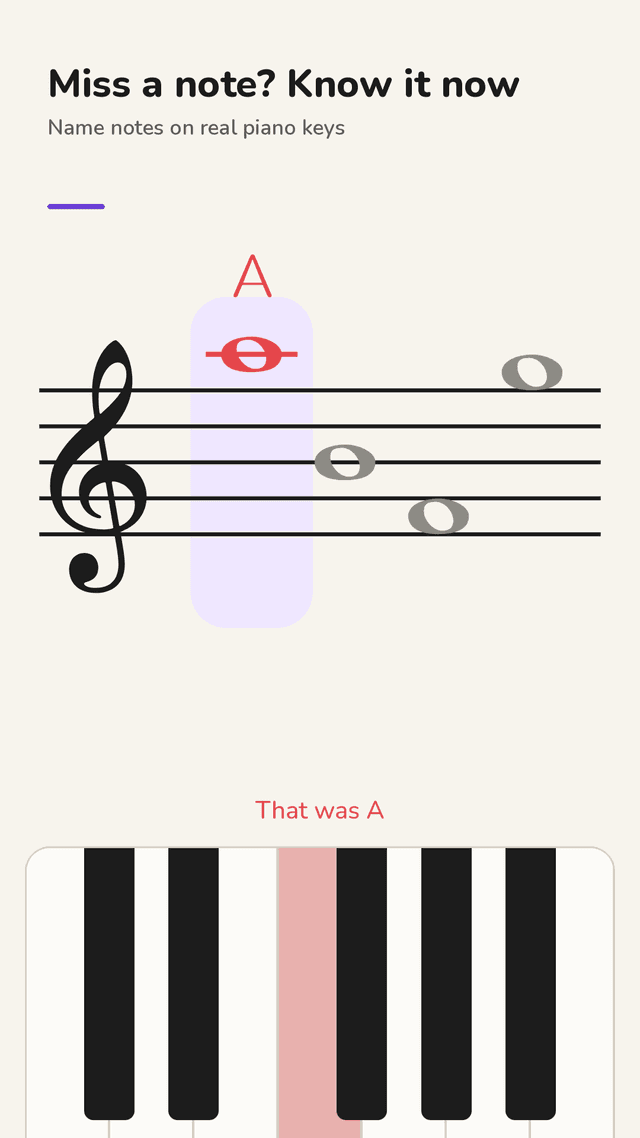
Answer on piano keys
Name each note on a one-octave piano keyboard, or switch to note-name buttons. Black keys unlock when you add sharps and flats.
Know the answer the moment you miss
A wrong note turns red with the right name above it and plays its sound. Turn on “wait for the right answer” to stay on it until you find it.
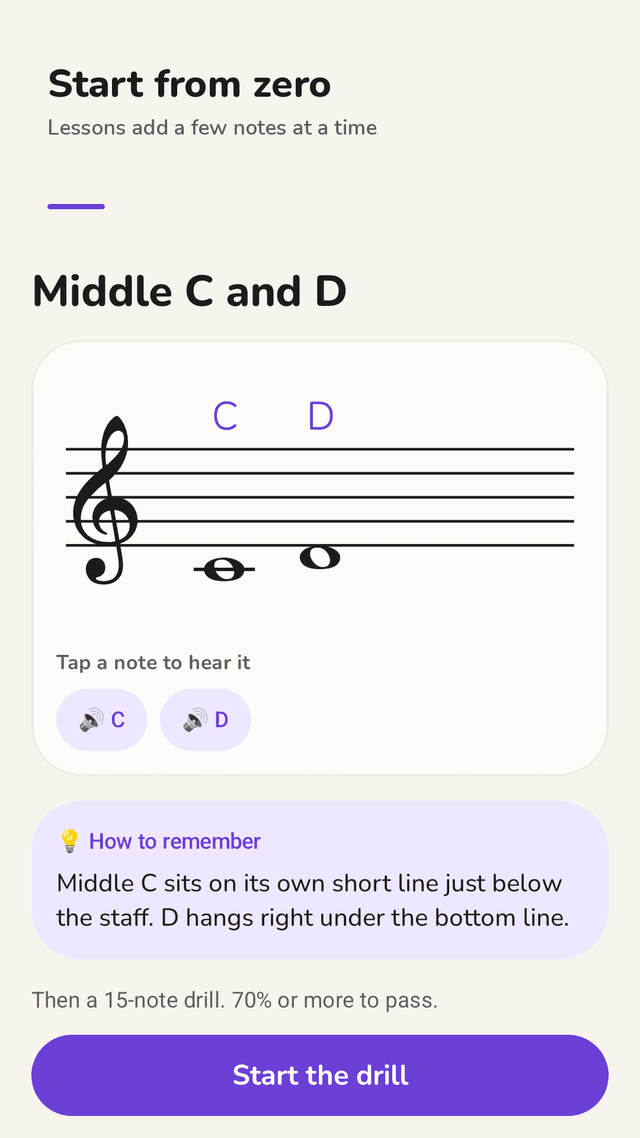
Lessons that start from zero
17 short lessons introduce a few notes at a time: treble lines and spaces, bass clef, ledger lines, alto clef, sharps and flats.
Your trickiest notes come up more
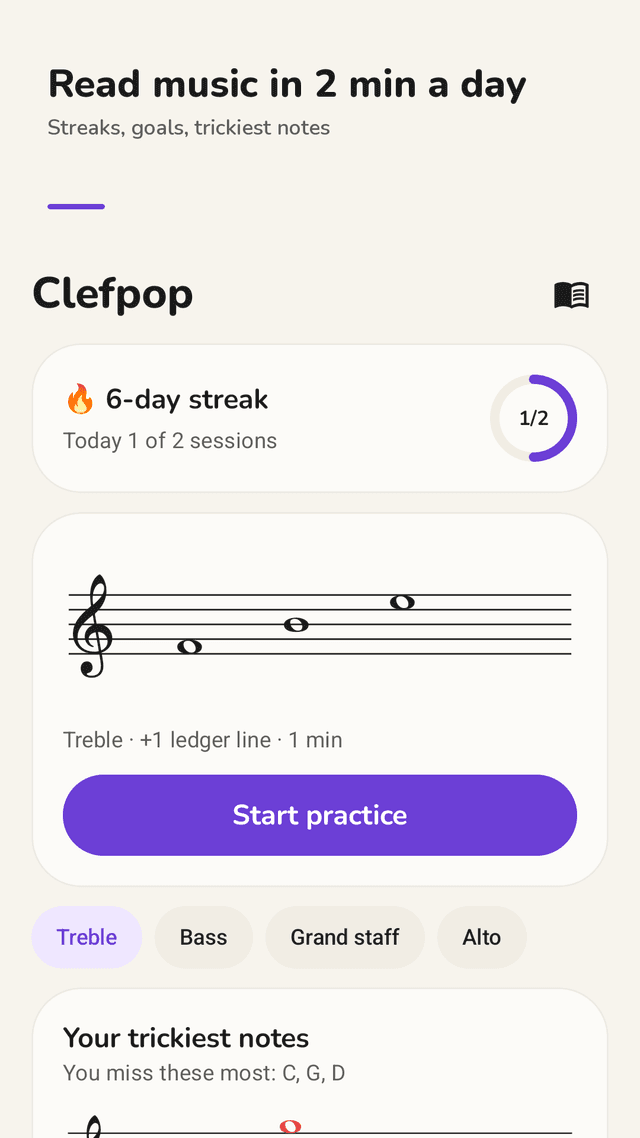
Clefpop tracks accuracy and speed for every note and asks the slow or missed ones more often. One tap practices just the notes you missed.
Ranges you pick, not sliders
On the staff, one ledger line, three ledger lines, or a custom range with simple + and − buttons.
Four clefs and three naming styles
Treble, bass, grand staff and alto. Names as C D E, Do Re Mi or German H.
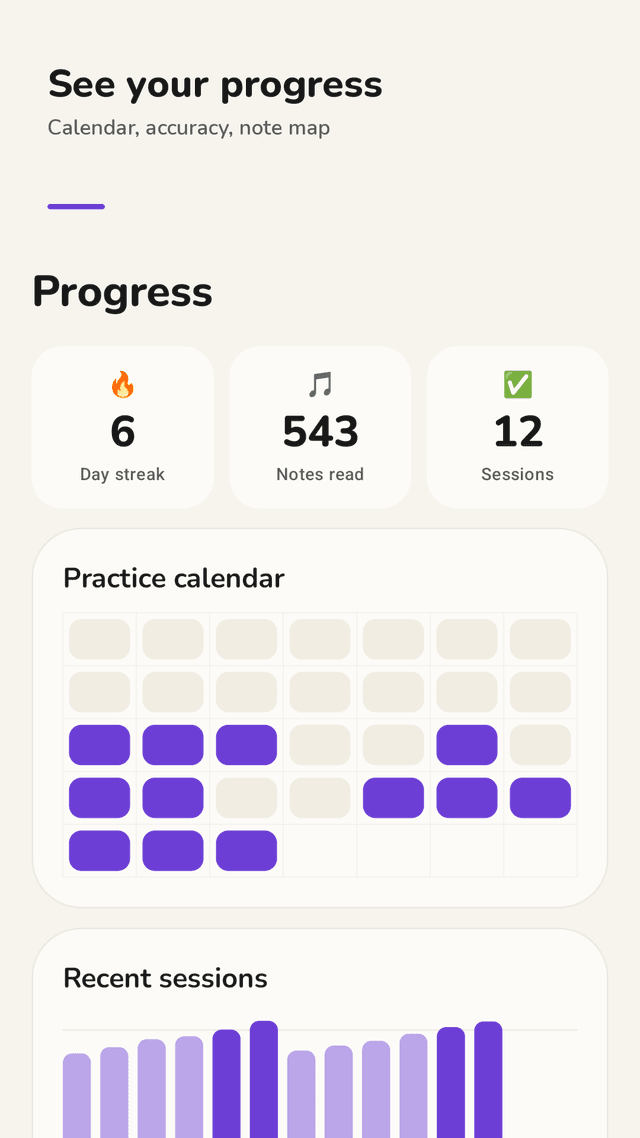
Progress you can read
Day streak, practice calendar, accuracy of recent sessions and a note-accuracy map drawn on the staff.
Note chart and widget
A reference chart for every clef where you tap a note to hear it, plus a home screen widget that starts a 1-minute drill.
FAQ
- Is this good for complete beginners?
- Yes. Start with the lessons: each one introduces two to five notes with a tip on how to remember them, then a 15-note drill. You pass with 70% or more.
- Can I answer with piano keys instead of letters?
- Yes. Piano keys are the default; you can switch to note-name buttons in Settings.
- Does it show me when I get a note wrong?
- Right away: the note turns red, its name appears above it and the note sounds. You can also choose to stay on a note until you get it right.
- Can I practice only the notes I keep missing?
- Yes. After each session, “Practice the missed notes” starts a drill with just those notes, and the home screen shows your trickiest notes.
- Which clefs are included?
- Treble, bass, grand staff (both together) and alto clef, with optional sharps and flats.
- Can I set the note range?
- Pick on the staff, one ledger line, three ledger lines, or set the lowest and highest notes yourself.
- Does it work offline?
- Yes. Practice, lessons and stats all work without internet. The app is free and supported by ads, which never appear on the practice screen.
- Do I need an account?
- No. Your practice history stays on your phone.