Count anything. Tap +1 from your home screen.
Countlet is a click counter with as many counters as you need. Count reps, rows, visitors, stock or scores, tap + right from the widget, and see every tap with its time. No 12-counter limit, no paywall on the volume buttons, and full-screen ads never appear while you count.
Get it on Google Play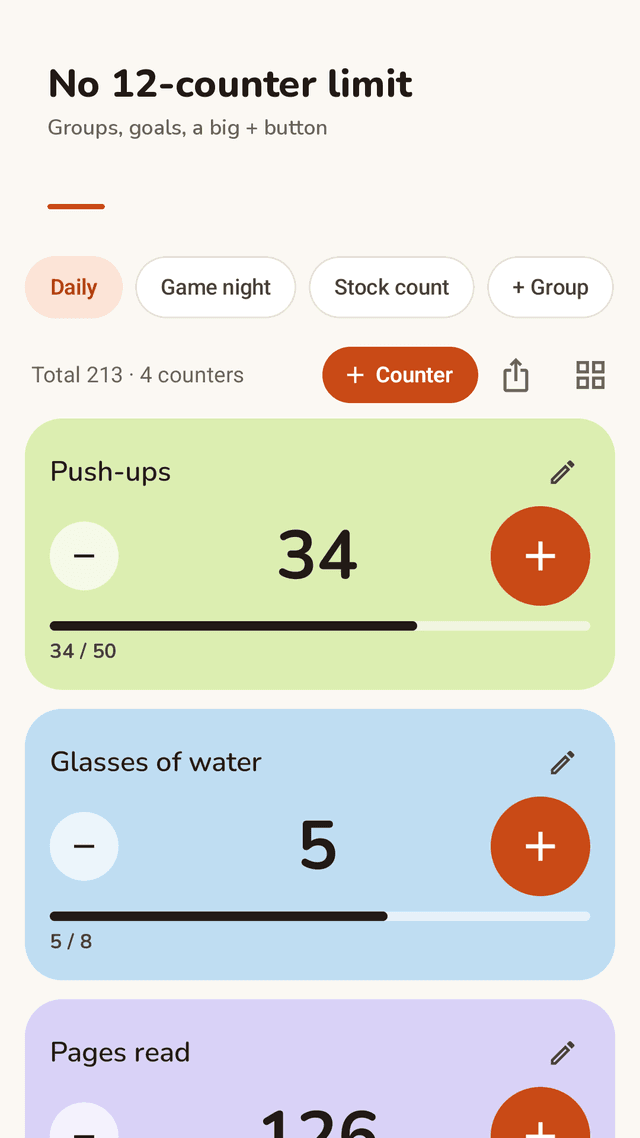
Unlimited counters and groups
Make a group for Workout, Shop or Game night and add as many counters as you like. See the group total at a glance.
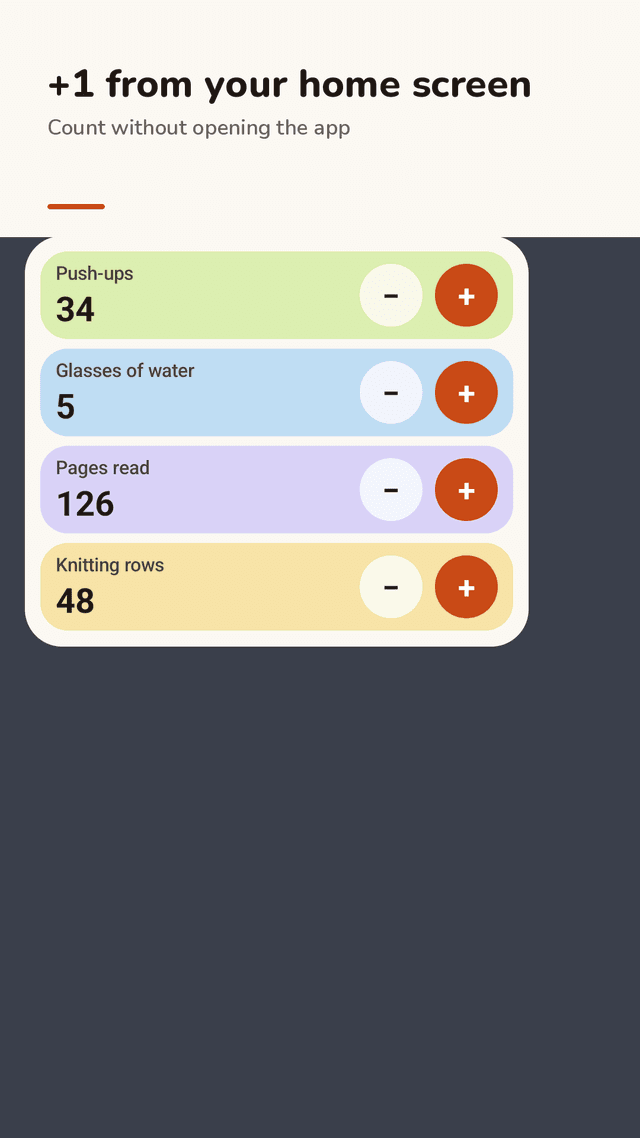
+1 from the home screen widget
Put your counters on the home screen and tap + or − without opening the app. Choose which counters the widget shows.
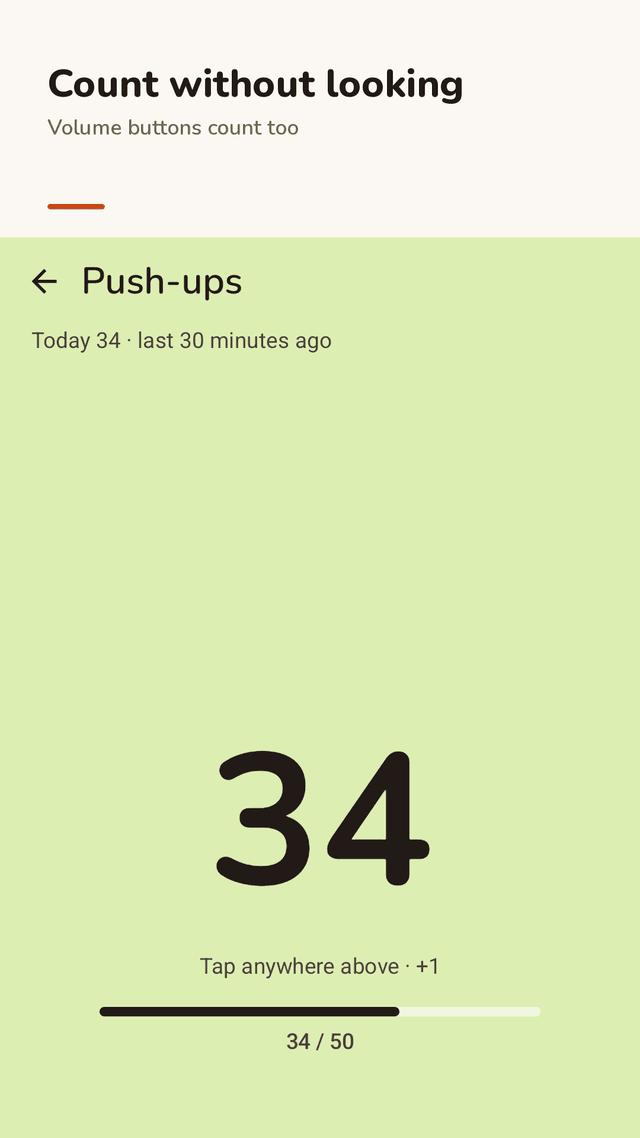
Full screen counting
The whole top of the screen becomes a + button. The volume buttons count too, and the screen stays on while you count.
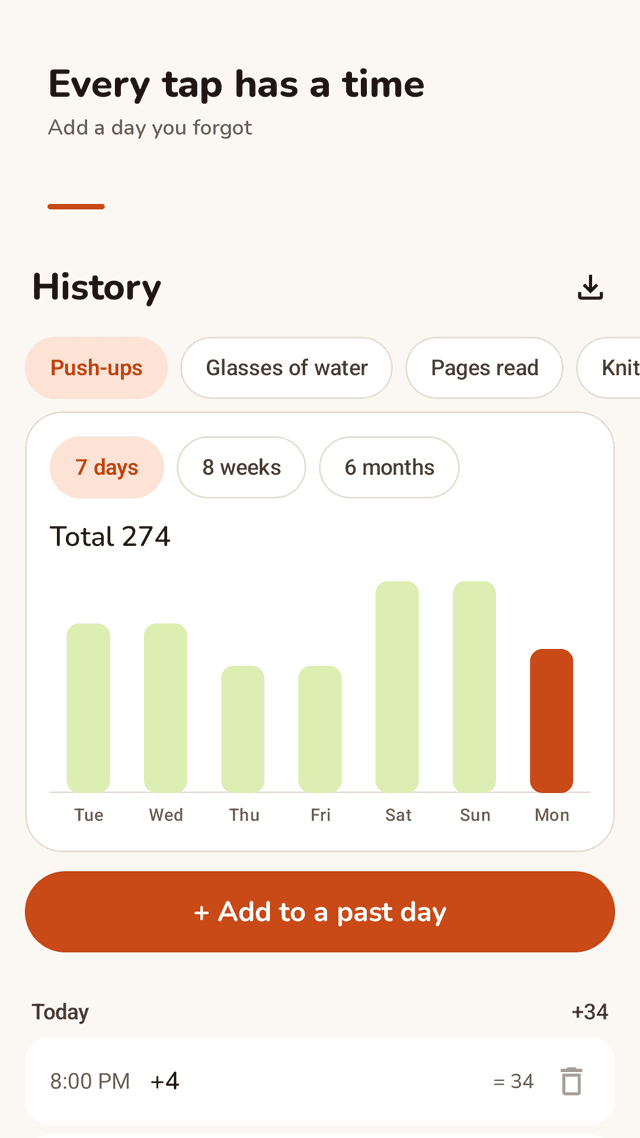
Every tap has a time
History lists each tap with the time and shows totals for 7 days, 8 weeks or 6 months.
Add a day you forgot
Missed a count yesterday? Add it to that day. Tapped by mistake? Delete that one entry.
Your step, your goal
Count by 1, 2, 5, 10 or any number. Set a goal and watch the bar fill up.
Daily or weekly reset
A counter can start over every day or every week on its own. Your history stays.
CSV export, no account
Export every change with its date and time to a spreadsheet. No sign-up; your data stays on your phone.
FAQ
- How many counters can I make?
- As many as you need. There is no limit on counters or groups.
- Can I count from the home screen?
- Yes. Add the Countlet widget and tap + or − on it. The app does not need to open, and the tap is saved to your history.
- Can I use the volume buttons to count?
- Yes. Open a counter in full screen: volume up adds, volume down subtracts. You can turn this off in Settings.
- Can I see when I counted?
- Yes. Every tap is saved with the time. History shows the log by day and totals for days, weeks and months.
- I forgot to count yesterday. Can I fix it?
- Yes. In History, use Add to a past day, pick the date and enter the amount.
- Can a counter reset by itself every day?
- Yes. Set Start over to Every day or Every week. The counter goes back to its start value and the history stays.
- Can I export my counts?
- Yes. Export CSV writes every change with its date, time, amount and running total, ready for a spreadsheet.
- Is Countlet free?
- Countlet is free to download with every feature included. It is supported by ads, and full-screen ads never appear while you are counting.