
Simple calendar. One-tap to-dos.
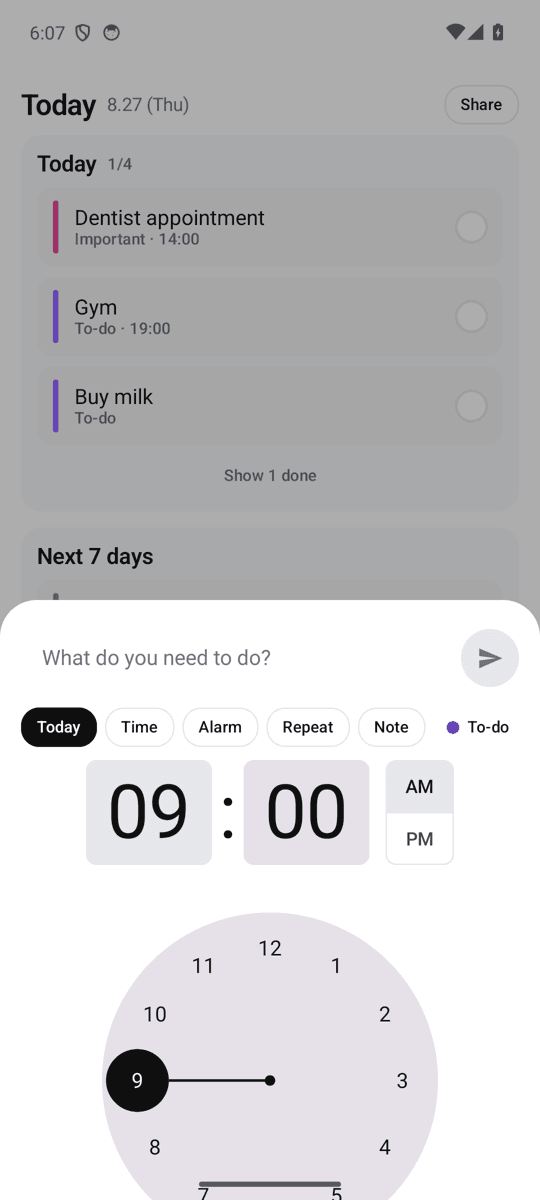
Add a task in 3 seconds, see your day at a glance, and check it off from the home screen widget without opening the app. No account, no login, works offline. Time, alarms and repeats are all free.
Get it on Google Play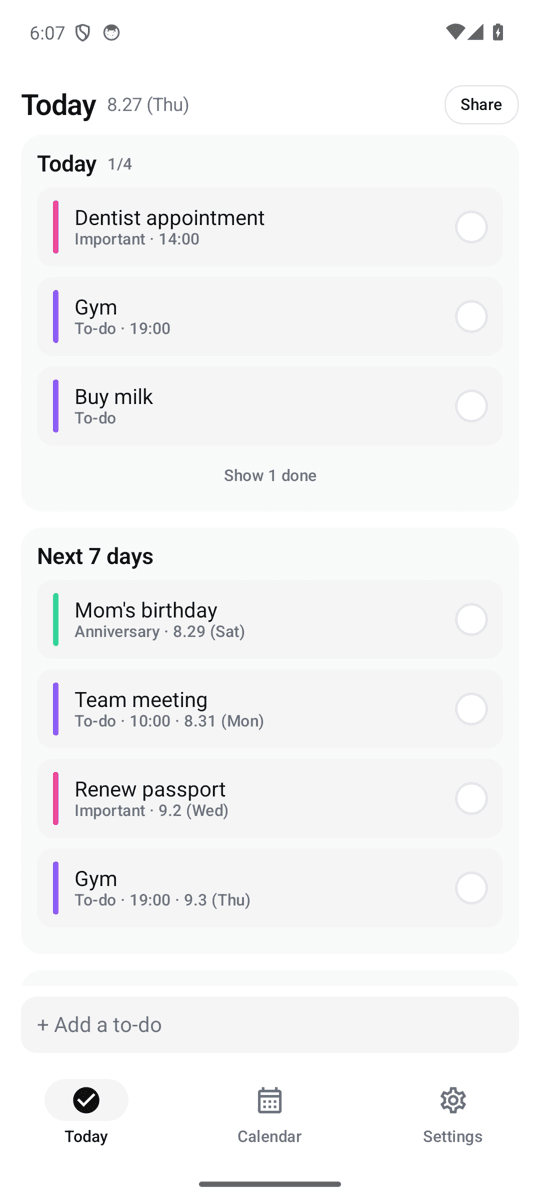
Calendar + to-do in one
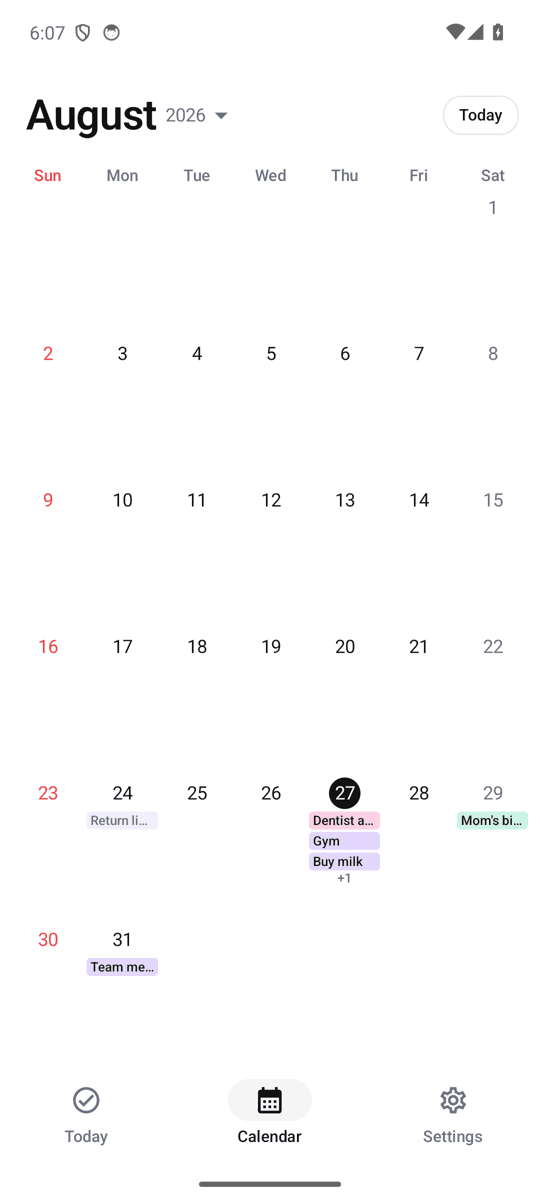
A monthly calendar with colored category chips and a Today view grouped into Overdue, Today, Next 7 days and Someday. One app instead of two.
Check it off from the widget
The 4×2 Today widget shows today's list with a check circle for each item. Tap to complete — the app never has to open. Three text sizes, dark mode, and a 4×4 month widget with dots on busy days.
Reminders that actually arrive
Morning summary ("3 things today · first: Dentist"), evening nudge, and per-task alarms. Scheduled locally with AlarmManager so they don't pile up after battery optimization. Quiet days get a kind message instead.
No login, no cloud, no subscription
Everything stays on your phone. Export a backup file when you switch phones. Every feature — time, alarm, repeat, categories, holidays — is free with ads.
FAQ
- Is there a calendar app that also works as a to-do list?
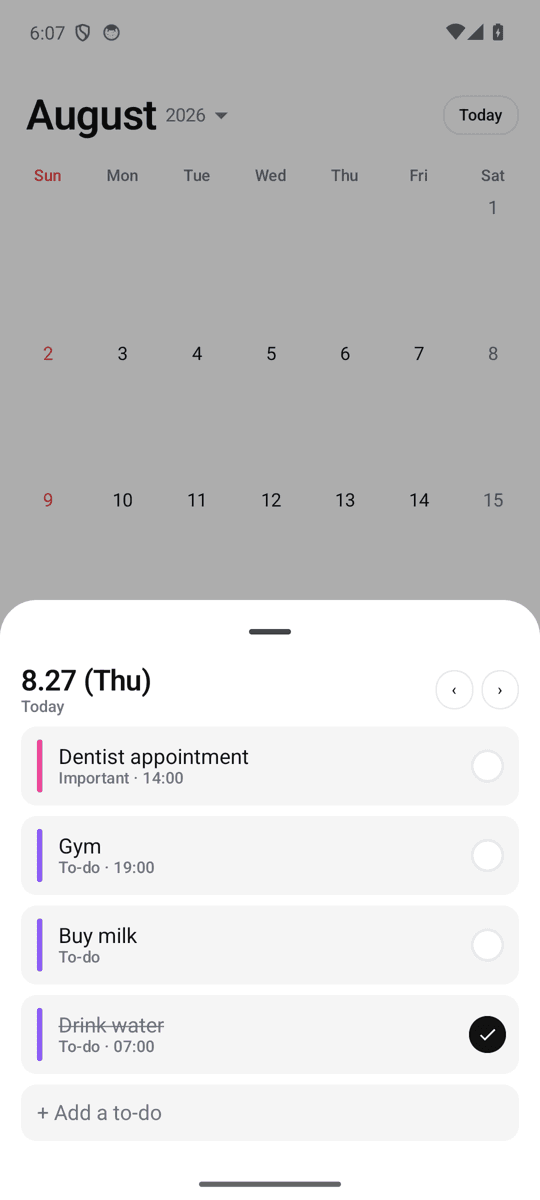
- Yes — Dayo shows to-dos on a monthly calendar and in a Today list at the same time. Tap a day to see and add tasks for that date; the Today tab groups what's overdue, due today, due in the next 7 days, and someday.
- Can I check off tasks from the widget without opening the app?
- Yes. The Today widget has a check circle next to each task. Tapping it completes the task immediately and the app and month widget update. The + button in the widget opens the input bar directly.
- Do I need an account?
- No. Dayo has no login, no sign-up and no server. Your data is stored only on your device. Use Settings → Export backup to move to a new phone.
- Does it support repeating tasks like every 3 days or the last day of the month?
- Yes: every day, weekdays, weekly, every N days (every 2, 3, 7, 14 days), monthly on a given day, and last day of month. A task set to the 31st lands on the last day in shorter months instead of disappearing.
- Which countries' holidays are shown?
- Korea, US, Japan, UK, Germany, France, Italy, Spain, Netherlands, Poland, Turkey, Brazil, Mexico, Argentina, Portugal, Indonesia, Vietnam, Thailand, India and Taiwan — offline, no download.
- Is it free?
- Yes. Dayo is free with ads. There is no premium tier; time, alarms, repeats and widgets are all included.