Draw a line. Hear a song.
Left to right is time, higher is a higher note. Scribble anything and press play: every stroke snaps to a scale, so it always sounds good. Six instruments, nothing locked.
Get it on Google Play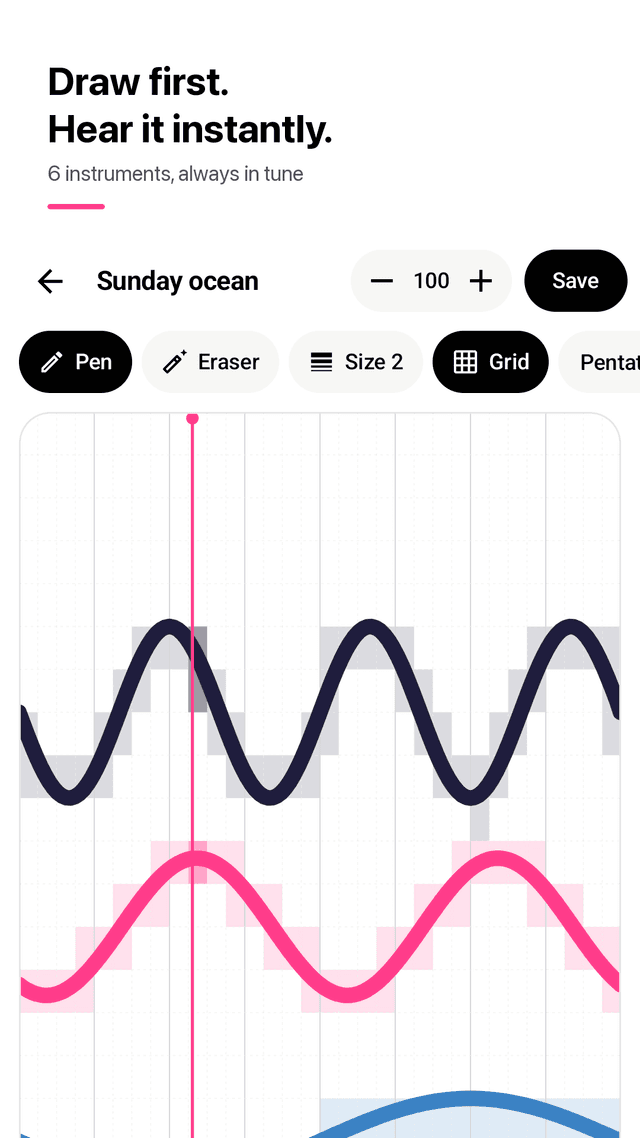
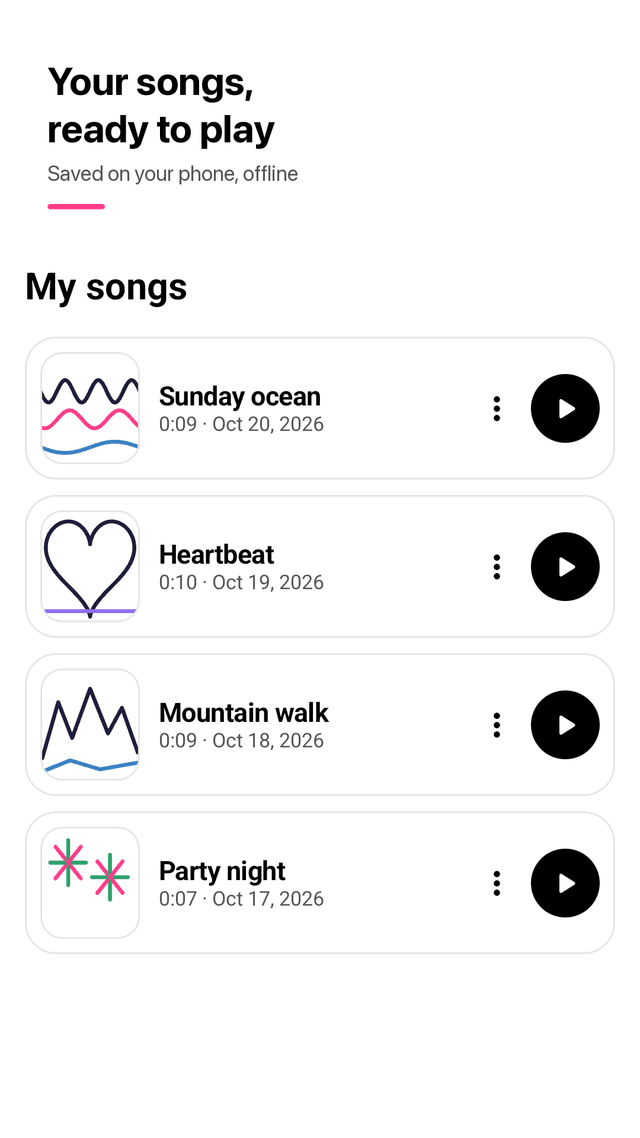
Every line becomes a melody
Waves, stairs, hearts or pure chaos. Strokes snap to the scale you pick, so no note ever clashes.
Six instruments, all included
Keys, Woodtap, Chime, Glow pad, Pluck and Bass. Each color is a sound. Nothing hides behind a subscription.
See why it sounds that way
Turn on the grid and every note your drawing makes lights up, so you can fix a single step.
Zoom, brush sizes, undo
Pinch to zoom for detail, three brush sizes, undo and redo stroke by stroke, loop while you draw.
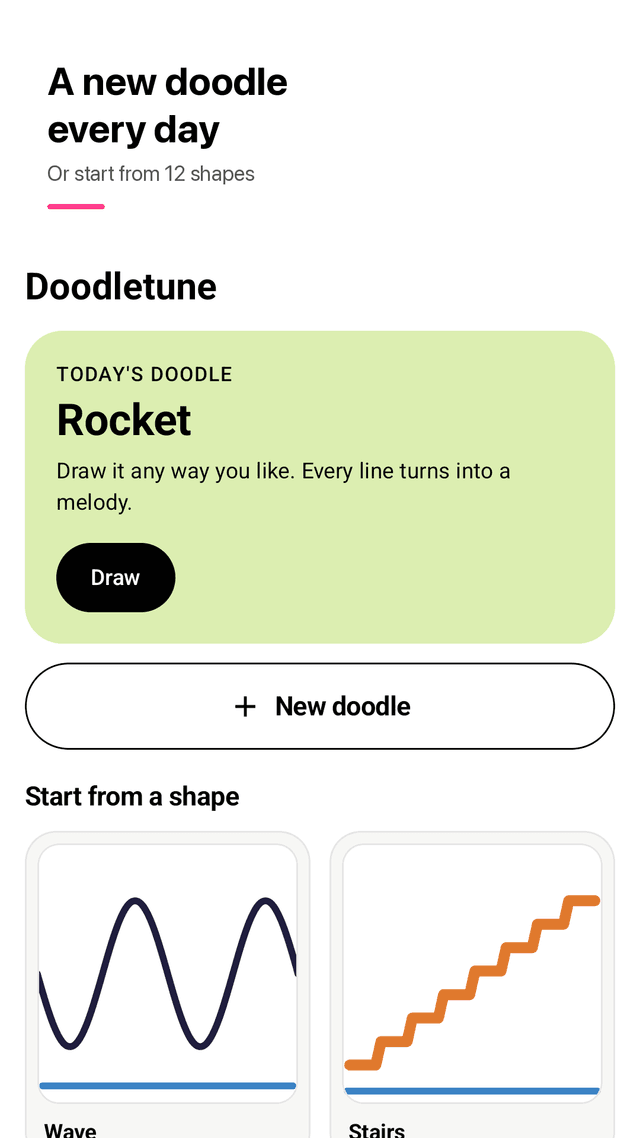
A new doodle every day
One word a day, like Rain, Whale or Rocket, plus 12 starting shapes when you need an idea.
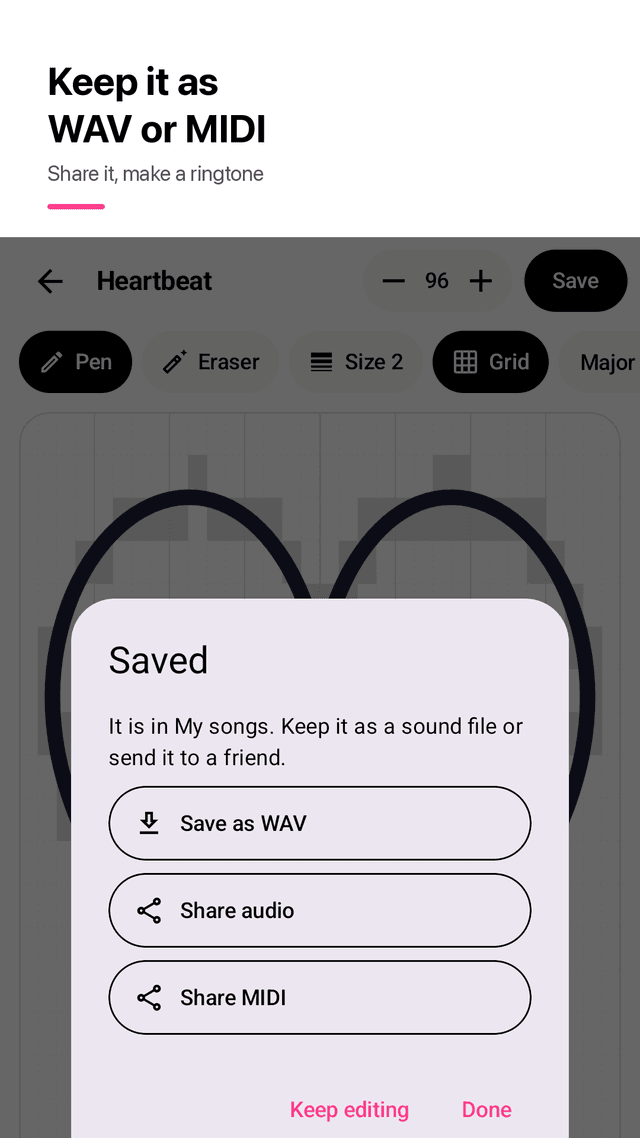
Save as WAV or MIDI
Export real audio to your Music folder, share it, make a ringtone, or continue in your music software.
Scale, key and tempo
Pentatonic, major or minor, any of 12 keys, 40 to 240 BPM, all one tap away.
Offline and private
Sounds are generated on your phone. No account, nothing uploaded. Ads only at natural breaks, never while drawing.
FAQ
- Do I need to know music theory?
- No. You draw, the app picks the notes. Every stroke is snapped to a scale, so even a random scribble sounds musical.
- Why does my drawing always sound good?
- The default pentatonic scale has no notes that clash with each other. You can switch to major or minor for a different mood.
- Are all instruments really included?
- Yes. All six instruments, every scale and every starting shape are open from the start. The app is supported by ads instead of subscriptions.
- Will ads interrupt me while I draw?
- No. Ads appear at natural breaks, such as after you save a song, and a banner sits below the controls. Nothing pops up while you draw or play.
- Can I zoom in or change the brush size?
- Yes. Pinch with two fingers to zoom, and switch between three brush sizes from the toolbar.
- How do I use my song as a ringtone?
- Save it as WAV. The file goes to Music/Doodletune, which you can pick as a ringtone in your phone's sound settings.
- Can I open the song in a music app like a DAW?
- Yes. Share it as a MIDI file and open it in any software that reads MIDI to keep working on the idea.
- Does it work offline?
- Yes. Drawing, playing and exporting all work without an internet connection.