Set your rotation once. Tap a day for the exceptions.
Your shift pattern fills the whole calendar. Stayed 2 hours late, traded a night, took a vacation day? Tap that date, and the pattern stays put while the day gets a stamp. Hours and overtime are counted for you.
Get it on Google Play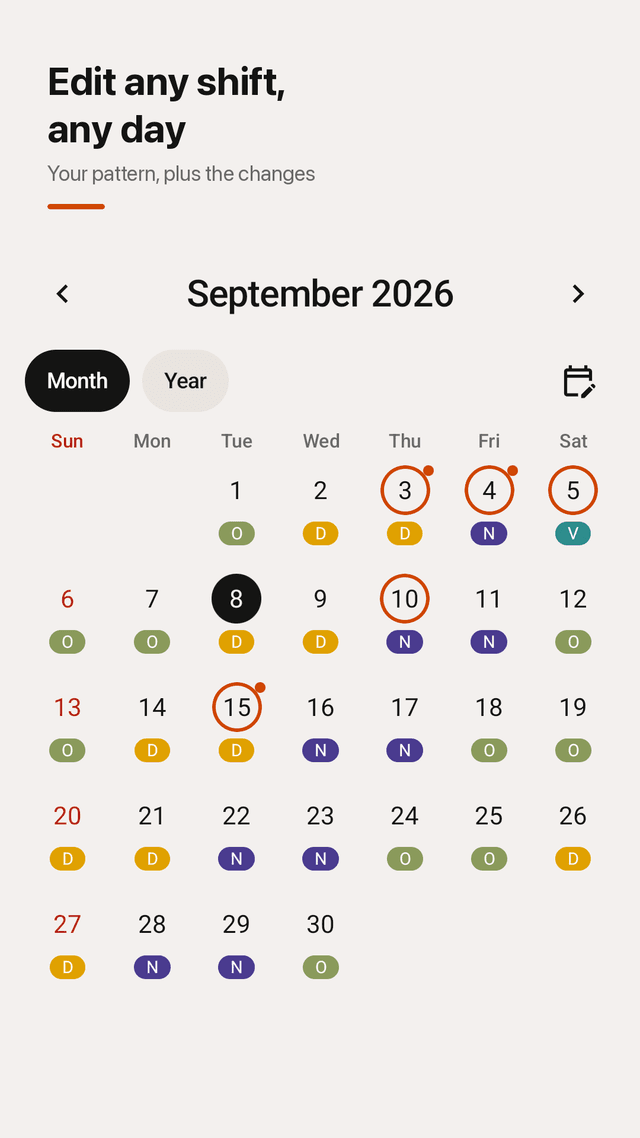
Pattern in one line
Tap shifts in order, D D N N O O, and the whole calendar fills in. No grid of asterisks.
Presets for real rotations
4 on 4 off, 2-2-3, 24/48, 48/96, DuPont, Panama, 5-2 and more. Name each shift, pick its color and times.
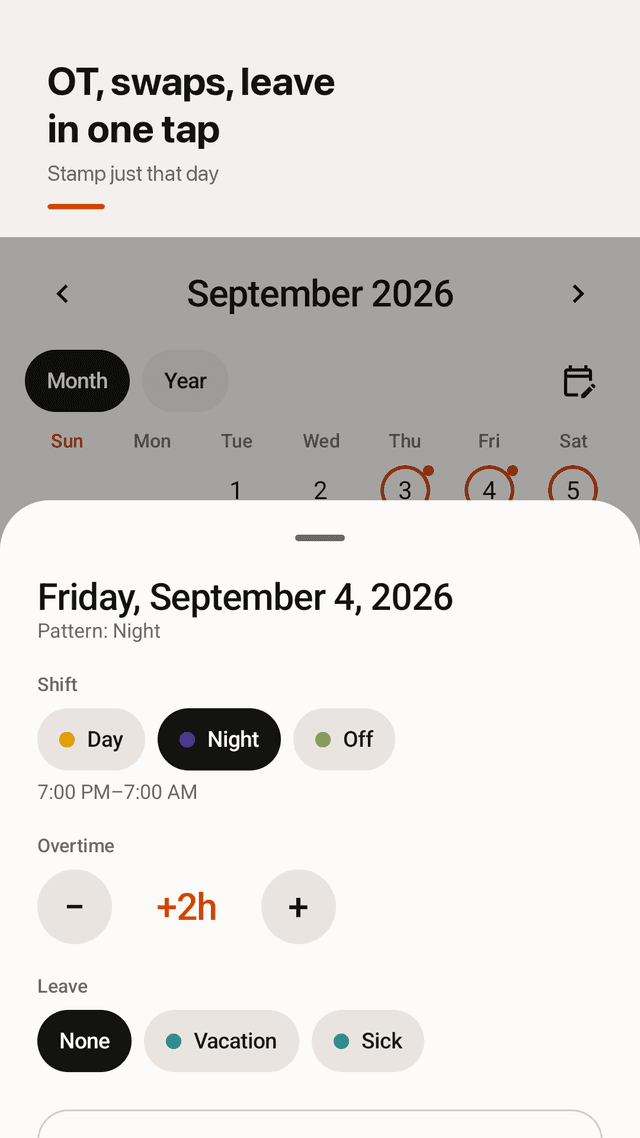
Tap a day, fix that day
Change one date's shift, log overtime in half-hour steps, note who you traded with, mark vacation or sick leave.
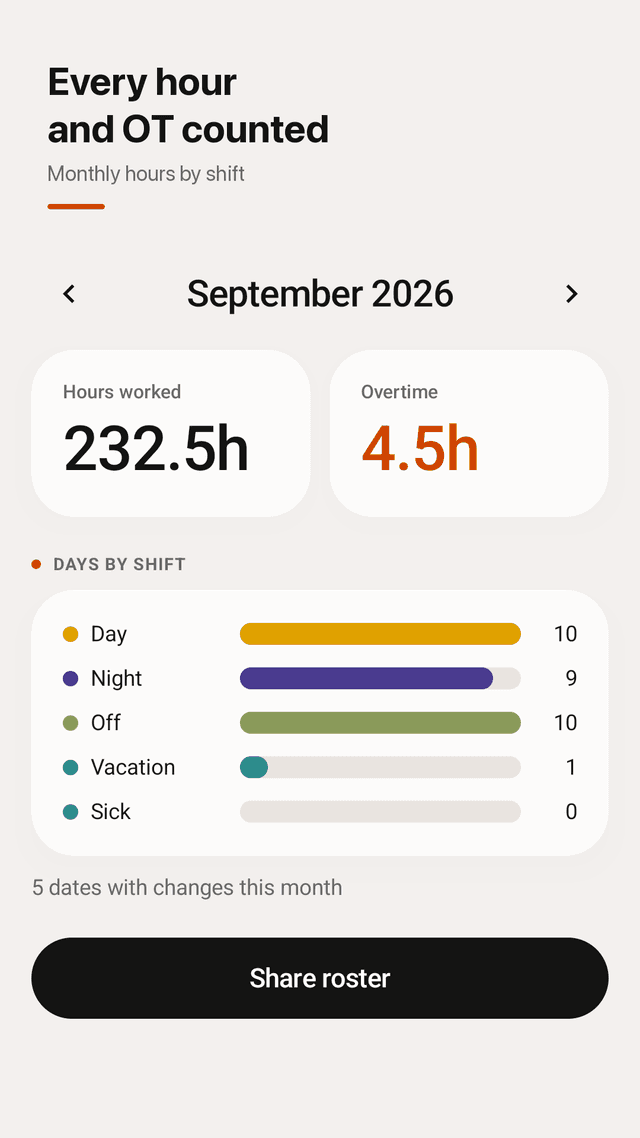
Hours and overtime, counted
Hours worked and OT for the month side by side, plus days by shift type: day, night, off, vacation, sick.
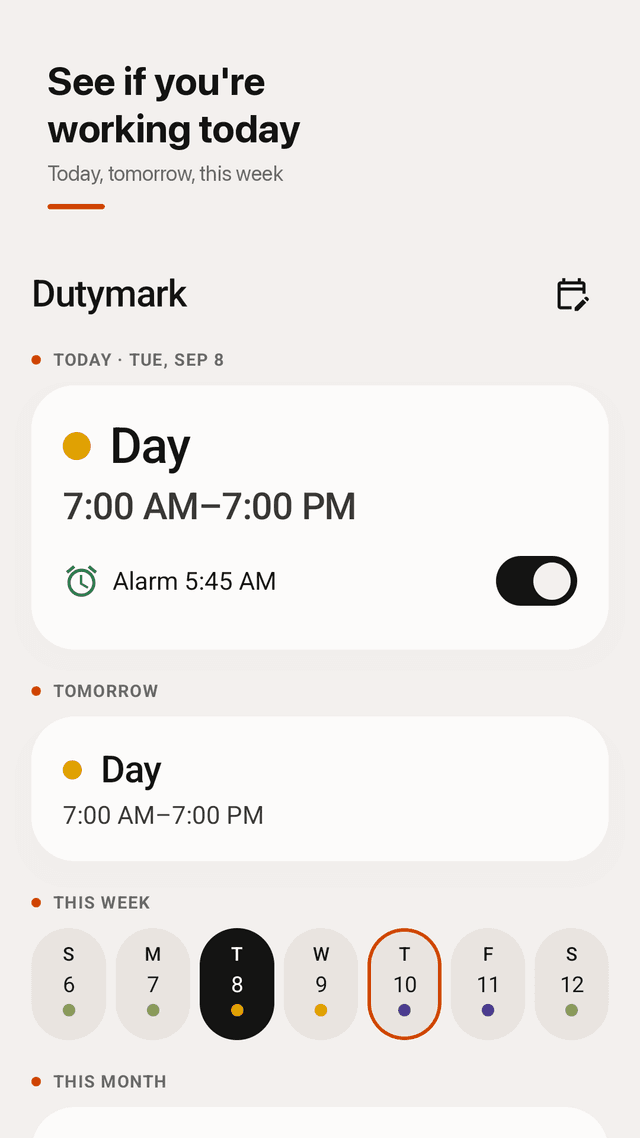
See if you're working
Today and tomorrow on the first screen, a week strip, month view and a full-year view of your roster.
Shift alarms you can trust
An alarm per shift type, exact alarms that survive a reboot, and an evening heads-up: "Tomorrow: Night shift".
Home screen widget
Today, tomorrow and the week without opening the app.
Share your roster
Send this month's roster as an image to family or your team. Offline, no account, data stays on your phone.
FAQ
- How do I put in my shift pattern?
- Tap the shifts in order, for example D D N N O O, or pick a preset like 4 on 4 off, 24/48 or 48/96. The calendar fills in from your start date.
- Can I log overtime on a specific day?
- Yes. Tap the date and add overtime in half-hour steps. The month summary shows hours worked and overtime side by side.
- How do I record a shift trade and who I traded with?
- Tap the date, change the shift and write the coworker's name in the swap note. Your rotation stays unchanged for every other day.
- Can I see if I'm working tomorrow without opening the calendar?
- Yes. Today and tomorrow are on the first screen, and the home screen widget shows them too.
- Can I plan my holidays and see the full year?
- Yes. Mark vacation days on the calendar and switch to the full-year view to see your whole roster.
- Does it have a shift alarm?
- Yes. Set an alarm per shift type, such as 75 minutes before a 7:00 AM start. Alarms come back after a reboot.
- Can I export or share my roster?
- Yes. Share this month's roster as an image with your family or team.
- Do ads pop up every time I open it?
- No. There is no full-screen ad when you open the app to check your shift. A small banner sits at the bottom.