Practice the keys that actually slow you down
Keydrill counts every mistake per key, then builds your practice around the keys you miss most. Three minutes a day: a home-row warm-up, words packed with your weak keys, and a 1-minute typing test.
Keydrill has no global leaderboard and no online exam passages. It is a personal practice app.
Get it on Google Play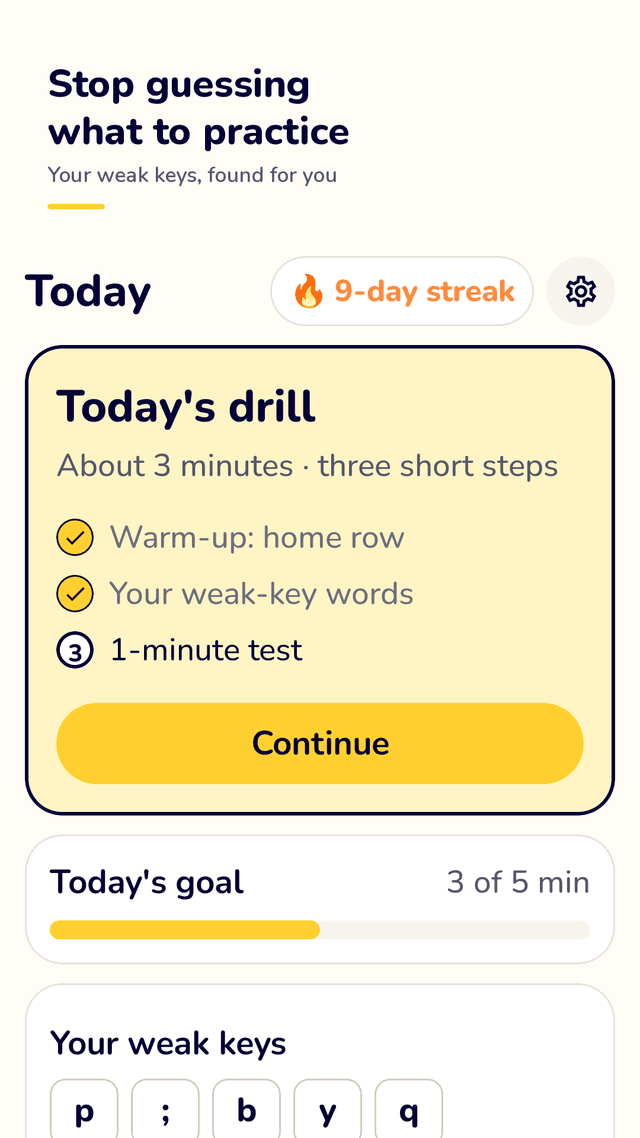
A 3-minute daily drill
Press Start: warm up on the home row, type words full of your weak keys, then take a 1-minute test. Finishing keeps your streak going.
Weak keys, found for you
The keys you miss most show up on the home screen as keycaps. Tap one to practice words packed with that key. A mistake heatmap shows the whole keyboard.
Key position lessons
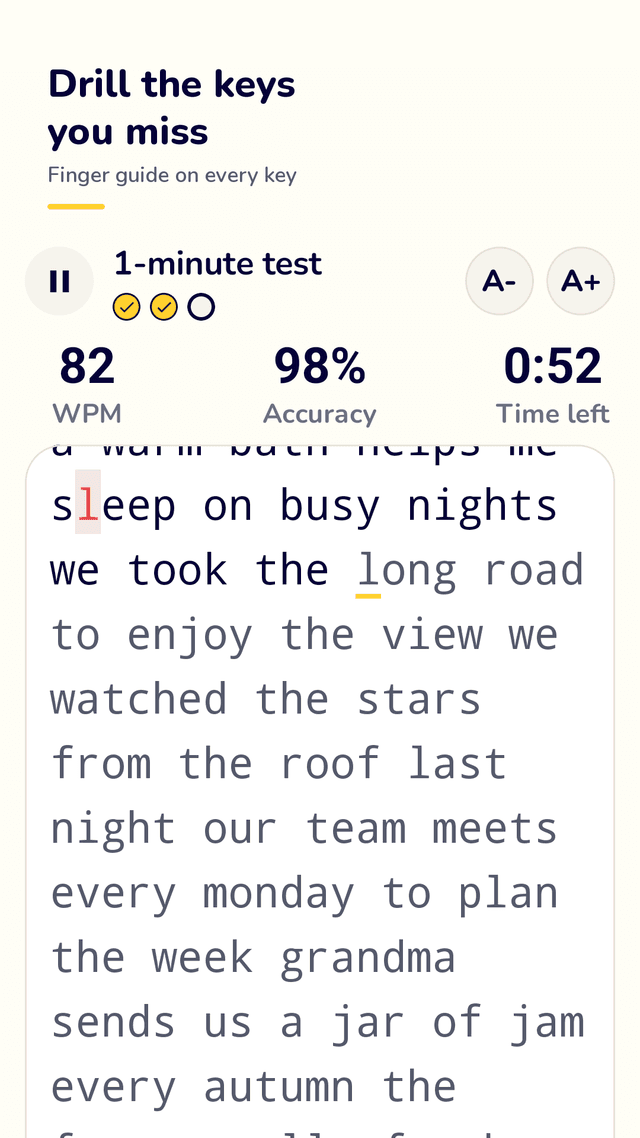
Home row, top row, bottom row and numbers, with a keyboard picture that shows which finger to use for the next key.
Words, sentences and your own texts
Word and sentence practice in English or Korean. Paste or write your own text, save it and continue typing later.
Typing speed test
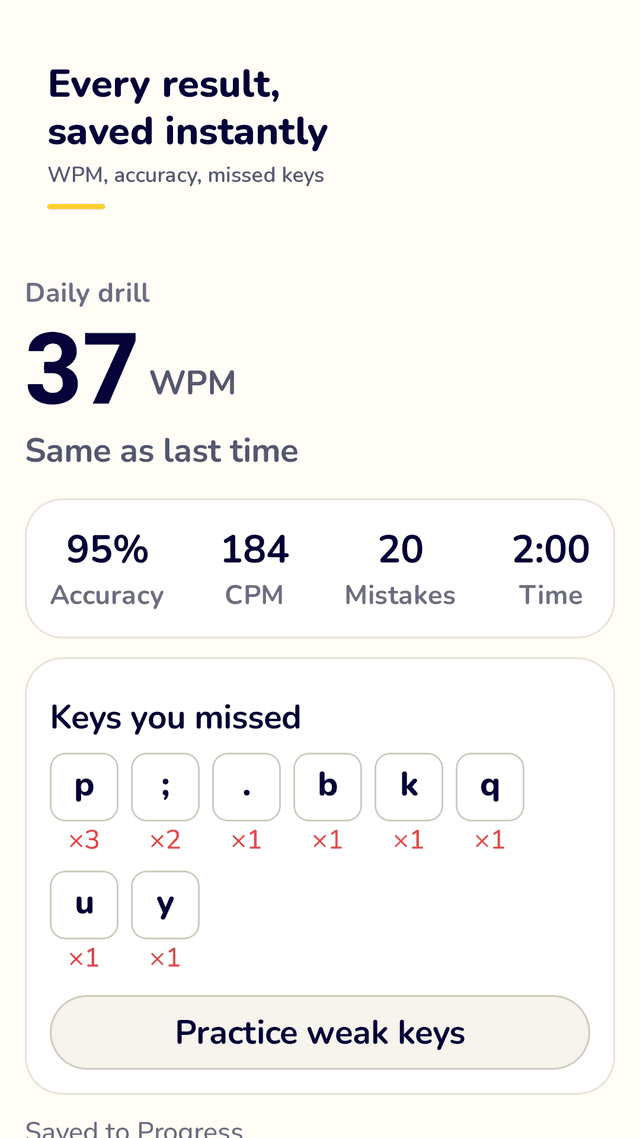
1, 2 or 5 minutes, or no time limit. WPM, accuracy, characters per minute, mistakes and time, saved the moment you finish.
History that shows up
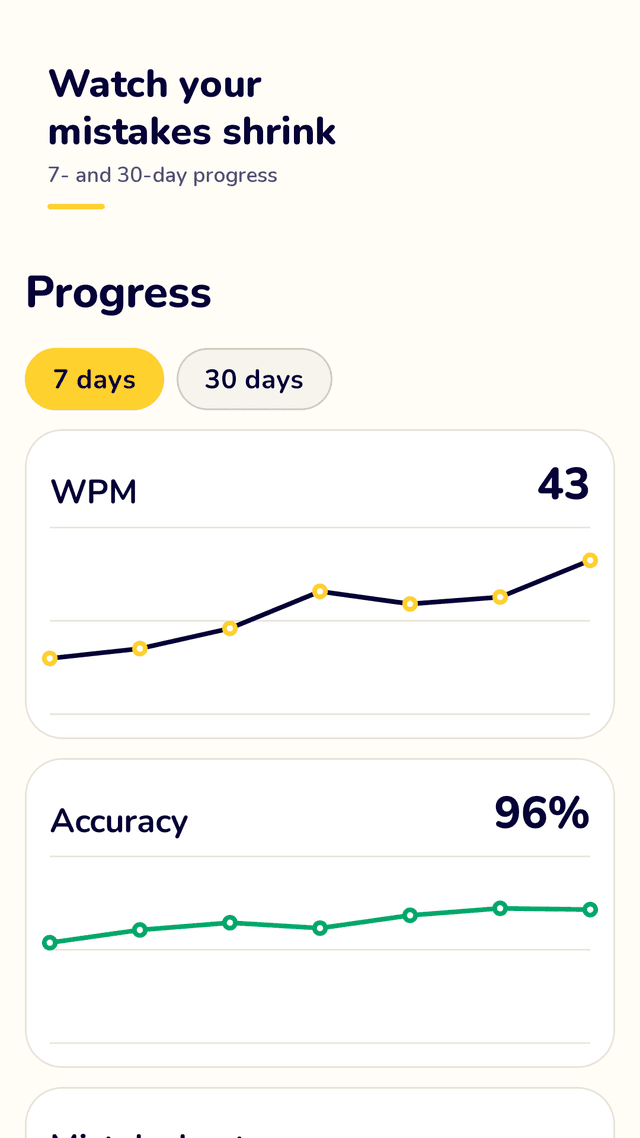
WPM and accuracy over the last 7 or 30 days, plus every session with date, time, mode, speed, accuracy and mistakes.
Made for real keyboards
Physical and Bluetooth keyboard support, landscape mode for tablets, adjustable text size, and long texts that scroll with your cursor.
Offline, no ads while you type
No account, no server, no leaderboard. The typing and result screens have no ads, not even a banner.
FAQ
- How is WPM calculated?
- Keydrill uses WPM = (correct characters ÷ 5) ÷ minutes. Five characters count as one word, and only correct characters count. Accuracy = correct characters ÷ characters typed.
- Does it work offline?
- Yes. All practice text is built into the app and every result is saved on your phone. There is no account and no server, so it works without internet. The internet is used only to show ads.
- Can I use a Bluetooth keyboard?
- Yes. Connect a Bluetooth or USB keyboard and type straight into the practice screen. Landscape mode makes a tablet and keyboard work like a laptop.
- How does it know which keys I struggle with?
- Every mistake is counted per key. The keys with the most mistakes appear on the home screen, and weak-key practice is generated from them automatically.
- Will I lose my progress?
- No. Each session is saved the moment you finish, and full-screen ads only appear after you close the result screen, never while you type.
- Which languages can I practice?
- Practice text is available in English and Korean. You choose one in onboarding and can change it in settings.
- Is it good for beginners learning touch typing?
- Yes. Start with the key position lessons, which show which finger to use, then move to weak-key and word practice.
- Is it free?
- Keydrill is free and supported by ads. There is no subscription.