Open the app, see your list.
Listorra opens straight to the list you used last and groups it by store aisle, so you walk the store once and check things off as they go in the cart. Reuse the same list next week, add your staples in one tap and keep the list on your home screen. No sign-up, no account.
Get it on Google Play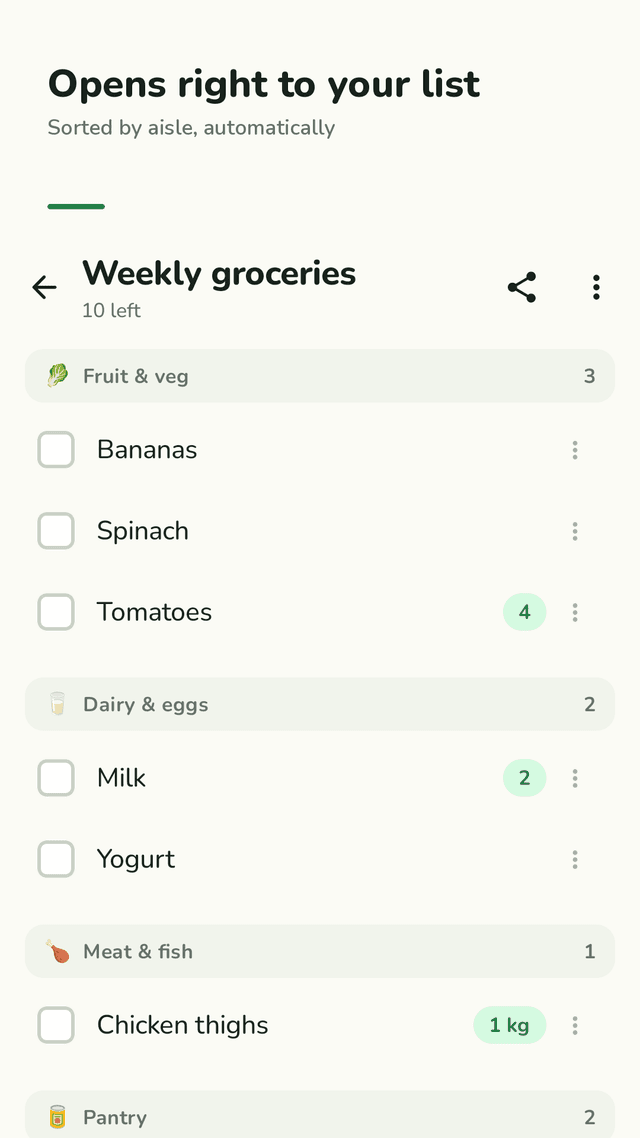
Your list opens first
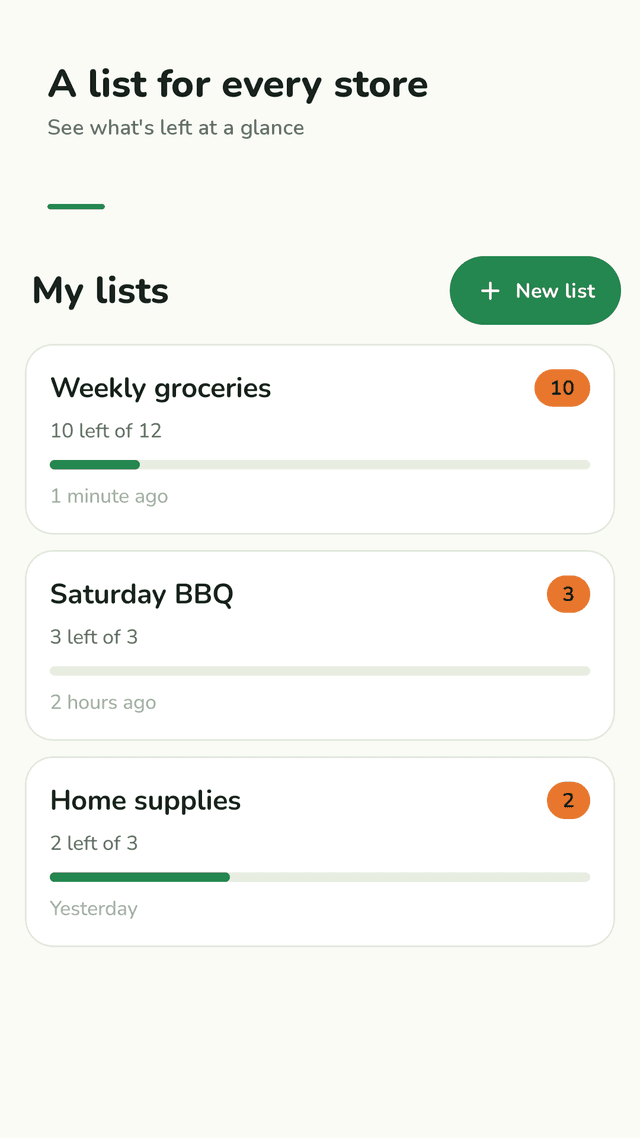
The last list you used opens the moment you open the app, so you are not hunting for it in the middle of the store. You can turn this off in Settings.
Grouped by store aisle
Fruit & veg, dairy & eggs, meat & fish, bakery, pantry, frozen, drinks, snacks, household and personal care. Common English item names go to the right aisle on their own, and any aisle you pick is remembered for next time.
Your store's order
Put the aisles in the order you walk through your own store, once. Every list sorted by aisle follows it.
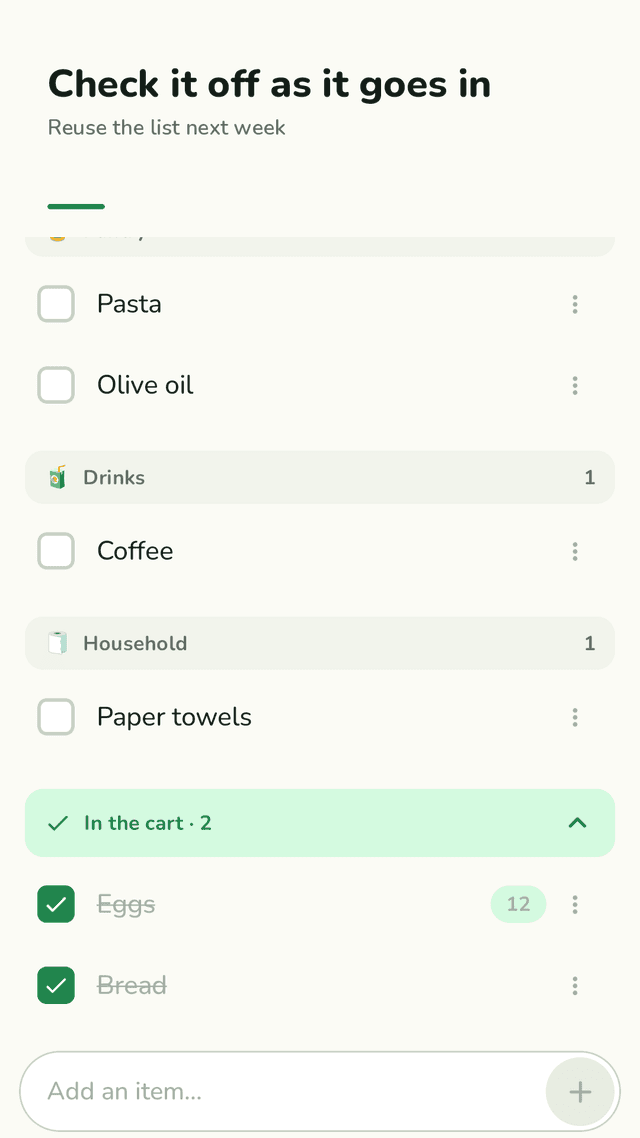
Check it off, reuse it
Tap an item and it drops into “In the cart”. Next week, uncheck everything with one tap instead of typing the list again.
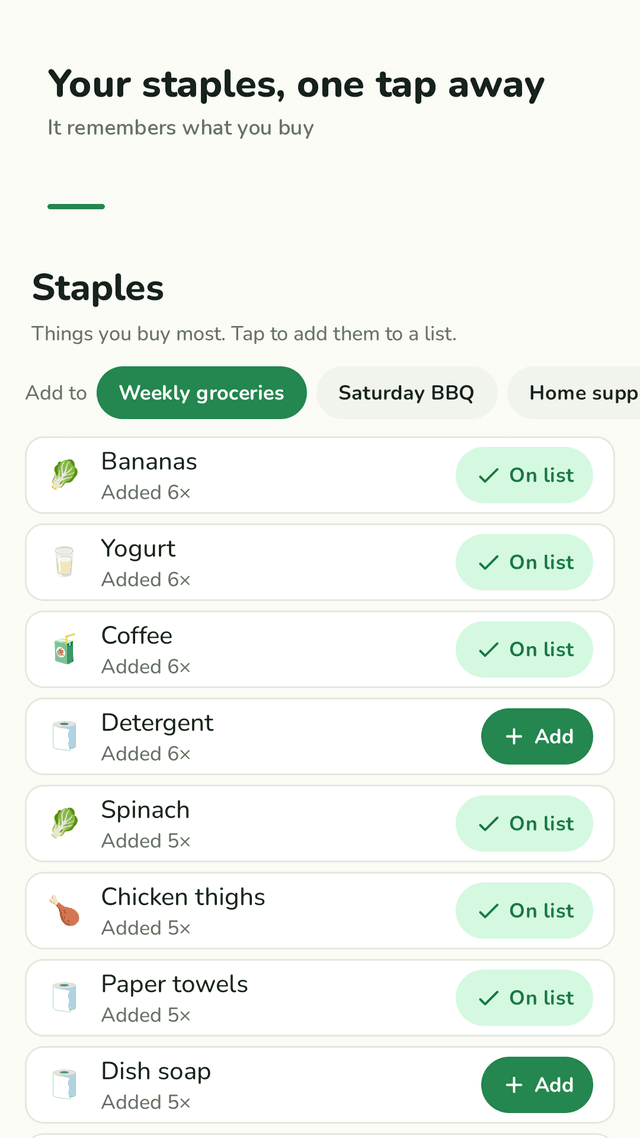
It remembers what you buy
Suggestions appear as you type, duplicates get a +1 instead of a second line, and your staples are one tap away.
On your home screen
The widget shows what is left on your list. Tap an item on the widget to check it off without opening the app.
Share as a checklist
Send your list to anyone as plain text in your messaging app, sorted by aisle with ☐ and ✓.
No sign-up
No account, no email link, no password. Your lists stay on your phone and work offline.
FAQ
- Can I sort my grocery list by aisle?
- Yes. Listorra groups items into store sections like fruit & veg, dairy & eggs and pantry. You can also put the sections in the order of your own store, so the list follows your path through it.
- Can I reuse the same shopping list every week?
- Yes. Lists are reusable. When you get home, tap “Uncheck all” and the whole list is ready for the next trip, or remove only the checked items.
- Do I need to sign up or make an account?
- No. There is no account, no email verification and no password. Your lists are stored only on your phone.
- Can I put my shopping list on my home screen?
- Yes. Add the Listorra widget to see what is left on a list and tap an item to check it off without opening the app.
- What happens if I add the same item twice?
- Listorra tells you it is already on the list and offers +1 to bump the quantity instead of adding a second line.
- Can I share my list with my family?
- You can send any list as a plain-text checklist through your messaging app. There is no live syncing between phones.
- Can I add quantities and notes?
- Yes. Add a quantity like 2 or 1 kg and a short note such as a brand or size. Long item names wrap instead of being cut off.
- Does it work offline?
- Yes. Everything works without an internet connection.