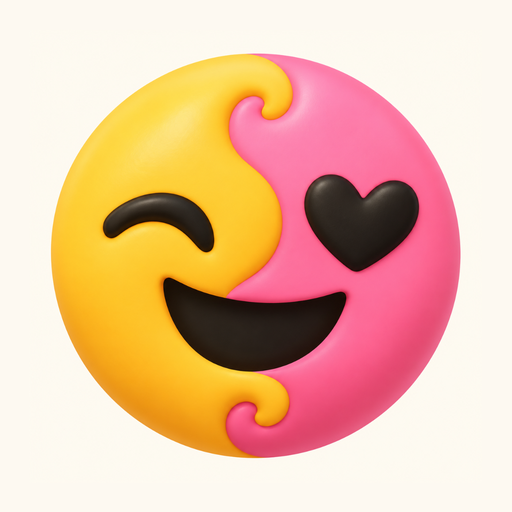
Make your own emoji. Blend any two.
Mojiblend is an emoji maker and emoji mixer for Android. Pick a face, eyes, mouth and extras, or tap Random. Then mix any two emoji into something new. Nothing pops up while you edit, and every change saves itself.
Get it on Google Play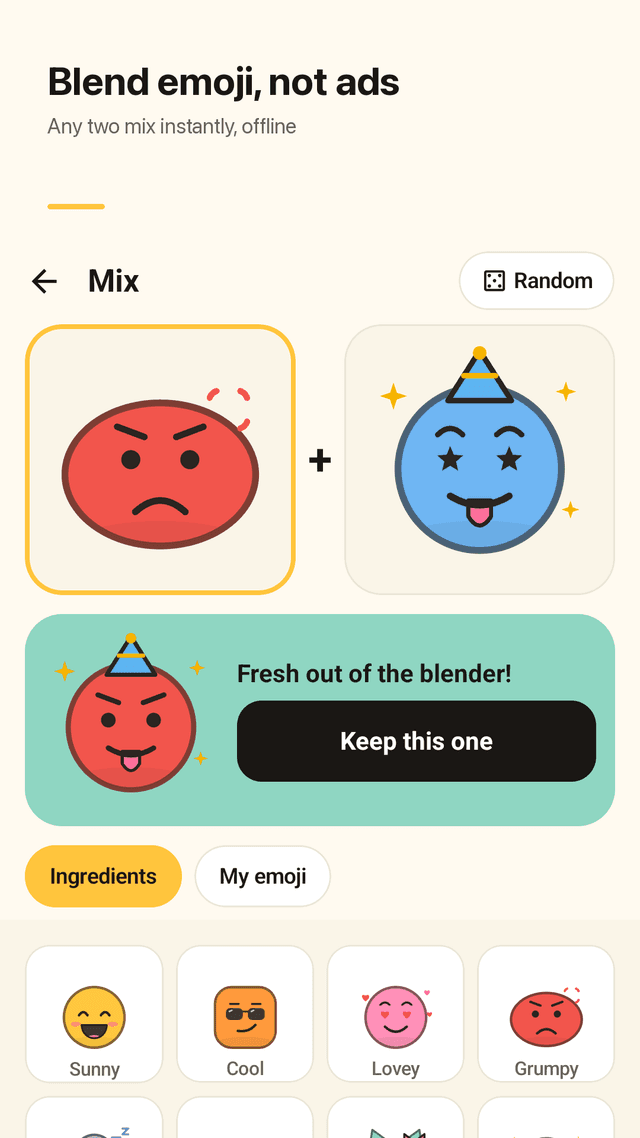
Make your own emoji
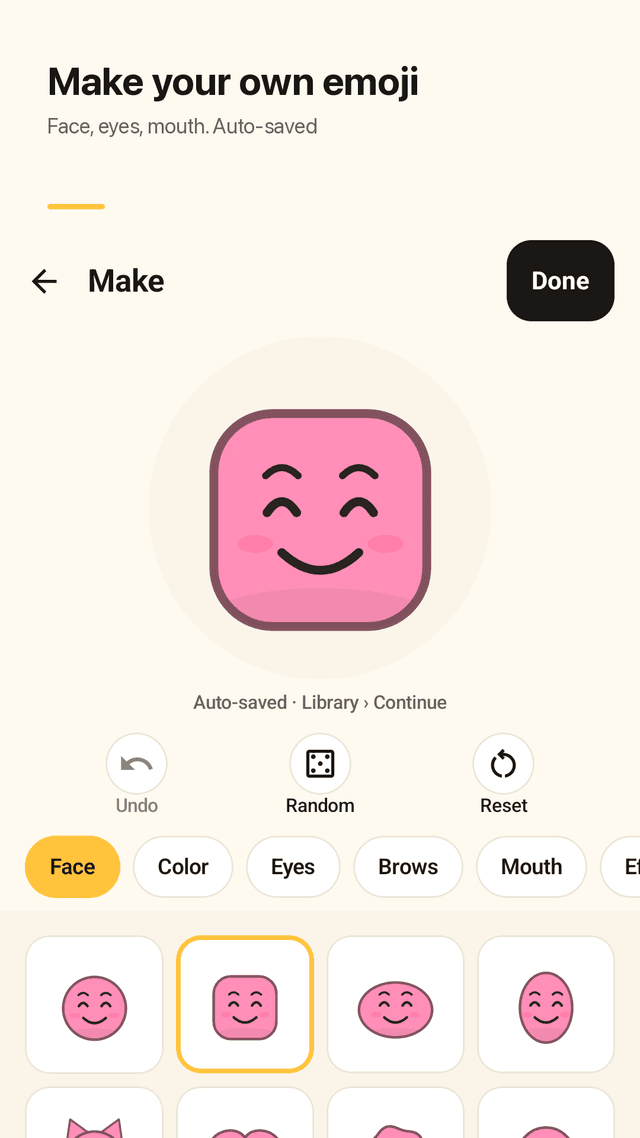
Build an emoji from a face shape, color, eyes, brows, mouth and extras. Hit Random for a fresh one in one tap.
Every pair blends
Choose any two emoji and tap Mix. There is no "this combo doesn't exist": every pair gives a result, including your own creations.
Works offline, no loading
All emoji art is drawn in the app, so mixing is instant and needs no internet connection.
No ads while you edit
Nothing pops up while you pick a face or an eye. Ads only appear between finished steps, never in the editor.
Auto-saved drafts
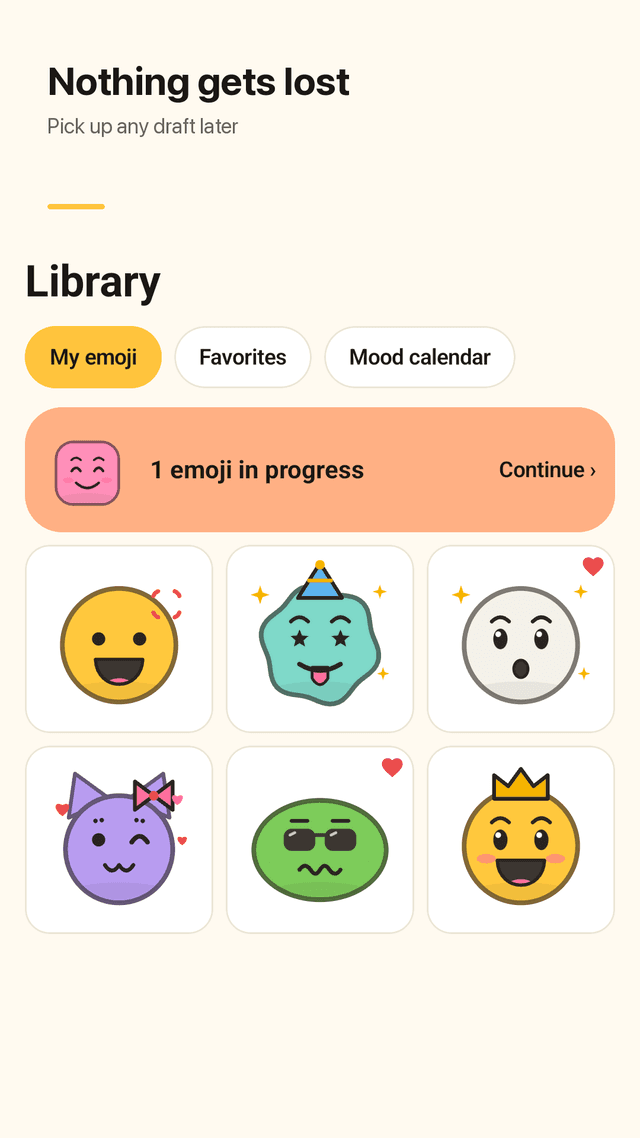
Every change is saved as a draft. Undo anytime, and tap Continue to finish an emoji you left halfway.
Today's Mix and widget
A new pair every day, the same for everyone. Open it from the home card or the home screen widget.
Emoji dex and mood calendar
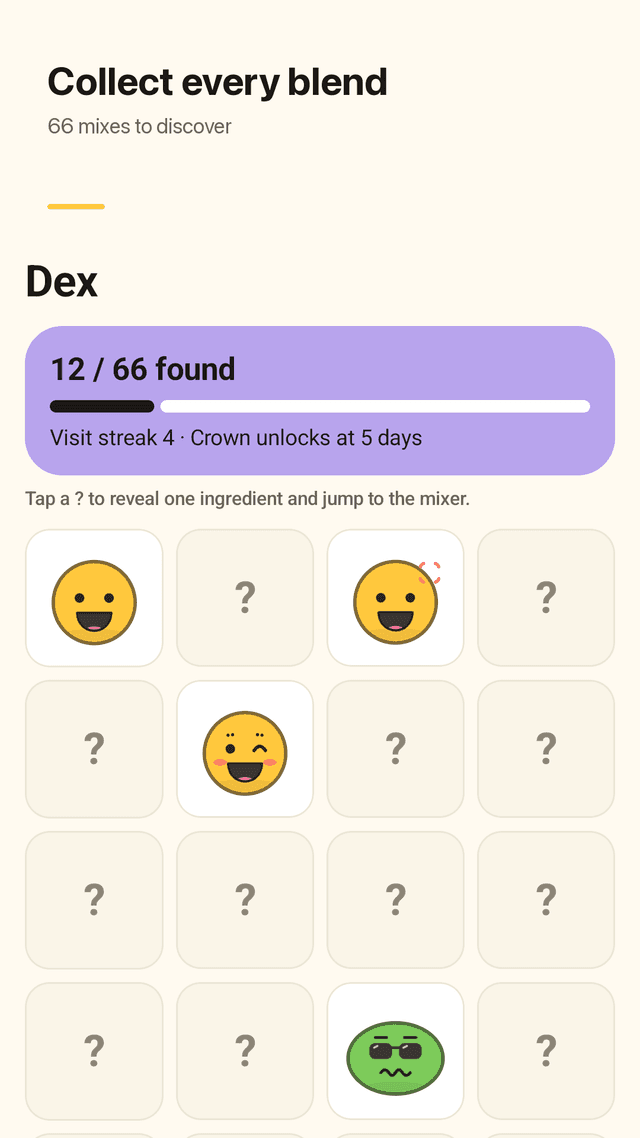
Every new blend goes into the dex (66 to collect). Visit streaks unlock accessories, and you can drop one emoji a day on the mood calendar.
Stickers you can find
Save a transparent PNG sticker or a card image and share it to chats, DMs and stories. Files go to Pictures/Mojiblend.
FAQ
- How do I make my own emoji?
- Open Maker, pick a face shape and color, then eyes, brows, mouth and extras. Tap Save and it goes to your library. Random builds one for you in one tap.
- Can I mix two emojis together?
- Yes. Pick any two emoji, including ones you made, and tap Mix. Every pair blends into a new emoji.
- Where do the stickers get saved?
- Saved PNG stickers and cards go to Pictures/Mojiblend on your phone, so you can find them in your gallery.
- How do I send the emojis I mixed?
- On the result screen, tap Share and pick a chat app, DM or story. You can send a transparent sticker or a card image.
- Will I lose my emoji?
- Every change is auto-saved as a draft, and finished emoji stay in your library on your phone. Nothing is deleted unless you delete it.
- Are there ads after every click?
- No. There are no ads while you make or edit an emoji. The app is free and supported by ads shown between finished steps.
- Does it work offline?
- Yes. Making and mixing emoji work without internet, so there is no waiting to load.
- Do I need an account?
- No. There is no sign-up, and your emoji stay on your phone.