Your music. Already on your phone.
Copy your MP3 and FLAC files over and they show up on their own. No account, no streaming, no ad when you press play. Playlists stay, and the app picks up exactly where you stopped.
Get it on Google Play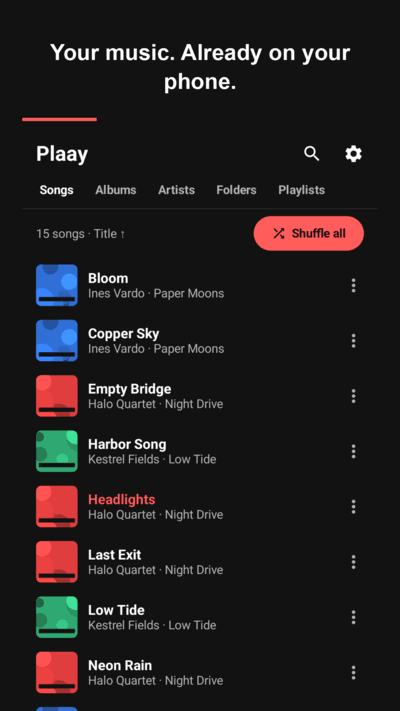
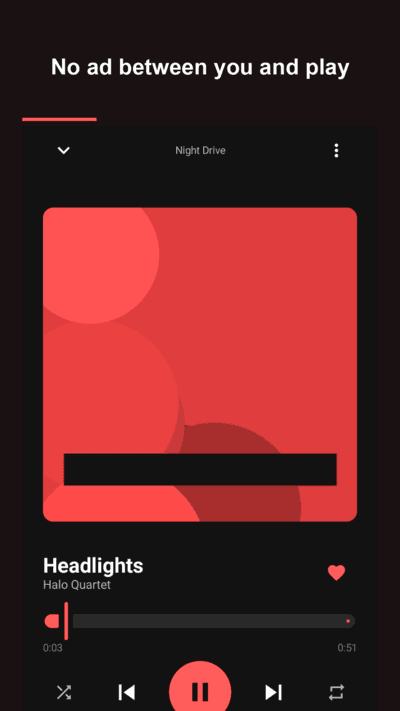
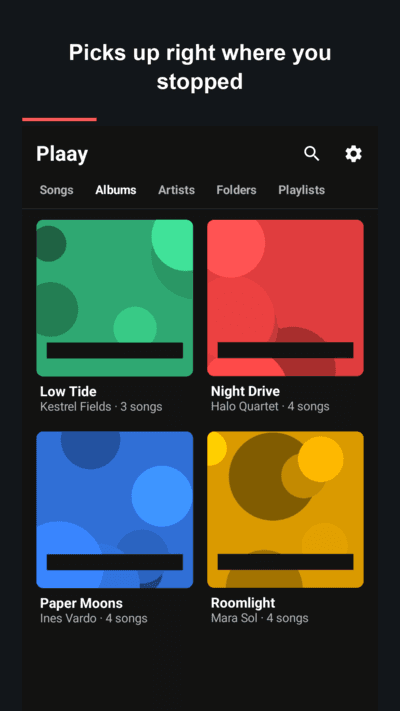
No ad between you and play
Tap a song and it plays. No interstitial when you open a track, none when you skip. Ads live at the bottom of the library and never on the player screen.
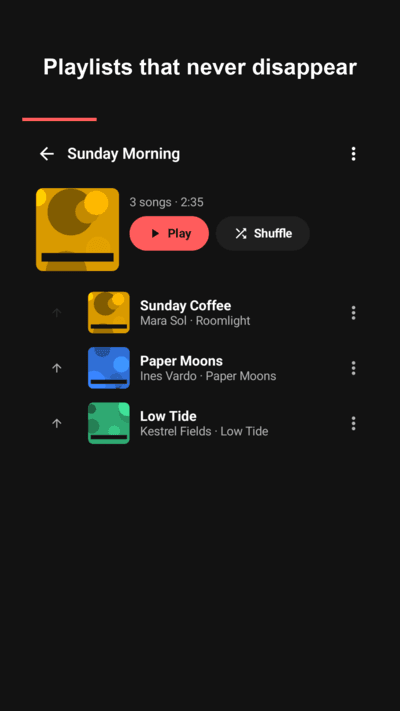
Playlists that never disappear
Playlists, favorites and play counts are stored on your phone in a real database and survive updates and reboots.
Resume where you stopped
Close the app or restart the phone — the queue and the exact position come back. Turn it off in settings if you prefer a fresh start.
Sleep timer that finishes the song
5 to 180 minutes, with an option to wait for the current song to end before stopping.
Home screen widget
Play, pause and skip without opening the app. Shows the last song even after a reboot.
Private by design
Plaay only reads the audio files on your device. No server, no login, no upload. It never modifies or deletes your files.
FAQ
- Does Plaay stream or download music?
- No. Plaay only plays audio files that are already stored on your phone. There is no catalogue, no search for online songs and no download feature.
- Which formats does it play?
- MP3, FLAC, WAV, M4A/AAC, OGG and anything else Android's media library recognises.
- Why don't my songs show up?
- Plaay needs the audio permission once. After that, new files appear automatically. If one is still missing, use Rescan music in Settings, and check that the folder isn't in your excluded list and that the file is longer than the short-file threshold (30 seconds by default).
- Are there ads?
- Yes, a few. A banner at the bottom of the library and an occasional full-screen ad when you return to the library from Settings or an album, never more than once every three minutes. Nothing ever appears when you play, pause or skip, and nothing appears on the player screen.
- Does it work with Bluetooth headphones and Android Auto?
- Yes. Plaay uses Android's standard media session, so lock screen controls, headset buttons, Bluetooth and Android Auto all work.
- Is it free?
- Yes, completely. No subscription, no premium tier.