
Never lose the score. Always know who serves.
Spikora is a volleyball score keeper for players, coaches and parents. Tap a team to add a point, watch the serve and rotation update by themselves, and share a match recap when the final point lands.
Get it on Google PlayScreenshots
Tap to score, swipe to undo
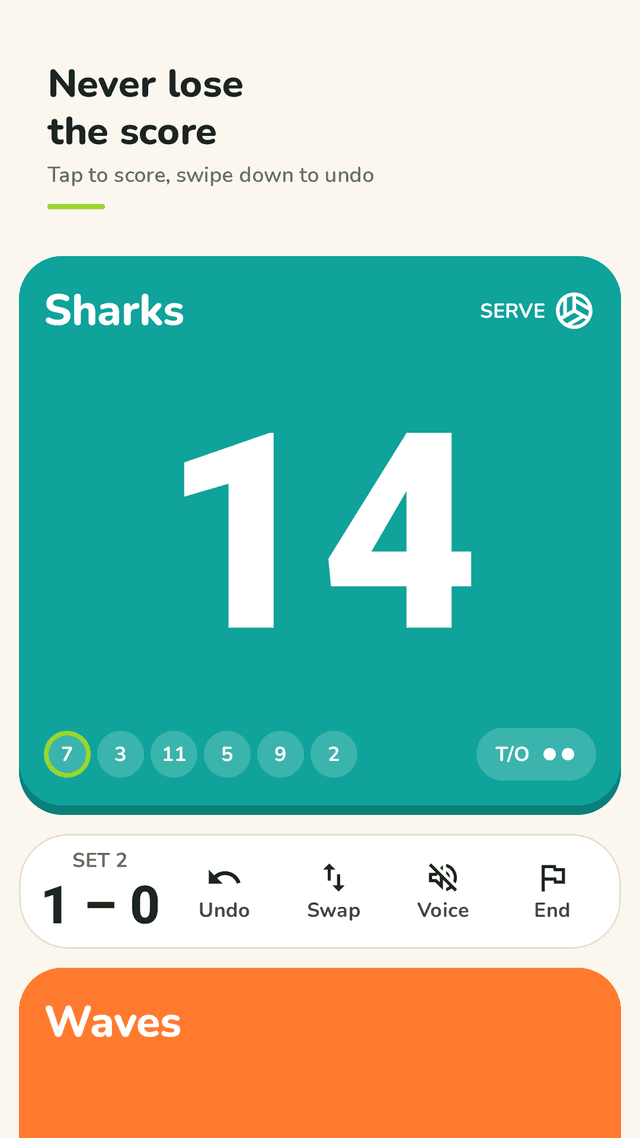
Two big team panels you can hit from the bench. Tap to add a point, swipe down to take one back, or undo the last rally from the control bar.
Who serves next
A ball icon sits on the serving team and moves after every side-out, so you never argue about the serve again.
Rotation by position
Enter jersey numbers for positions I–VI. The rotation strip turns after each side-out and rings the player at the service line. Beach mode follows the 2-player serve order.
Rules for your match
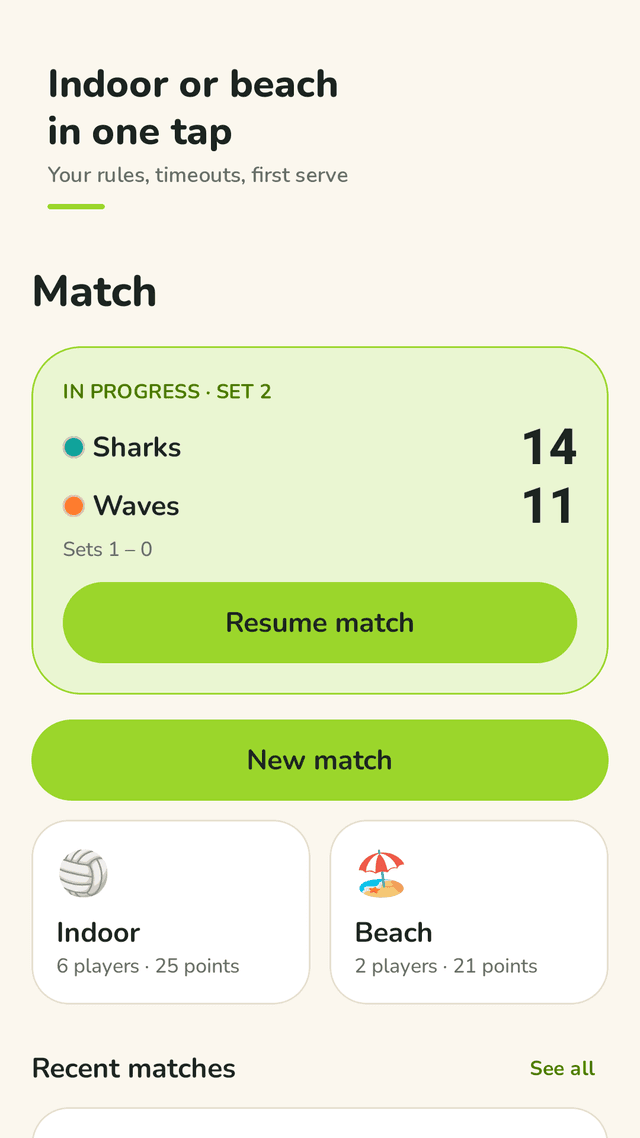
Best of 1, 3 or 5 sets; 15, 21 or 25 points; deciding set to 15; win by 2. Set point and match point are marked.
Timeouts and side switches
Timeouts per set with a 30-second countdown. Beach games get a switch-sides alert every 7 points (5 in the deciding set); indoor deciding sets at 8.
Set flow and stats
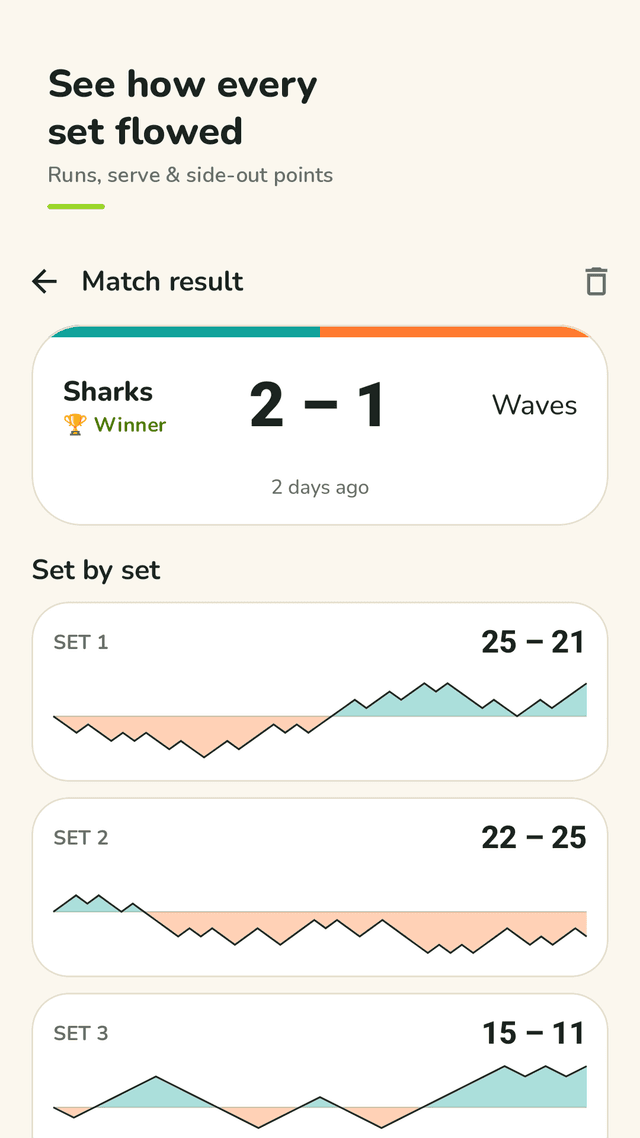
Every rally is saved. See a flow chart for each set, the longest scoring run, points on serve and side-out points. Long-press to tag aces, attacks, blocks and errors.
Share the result card
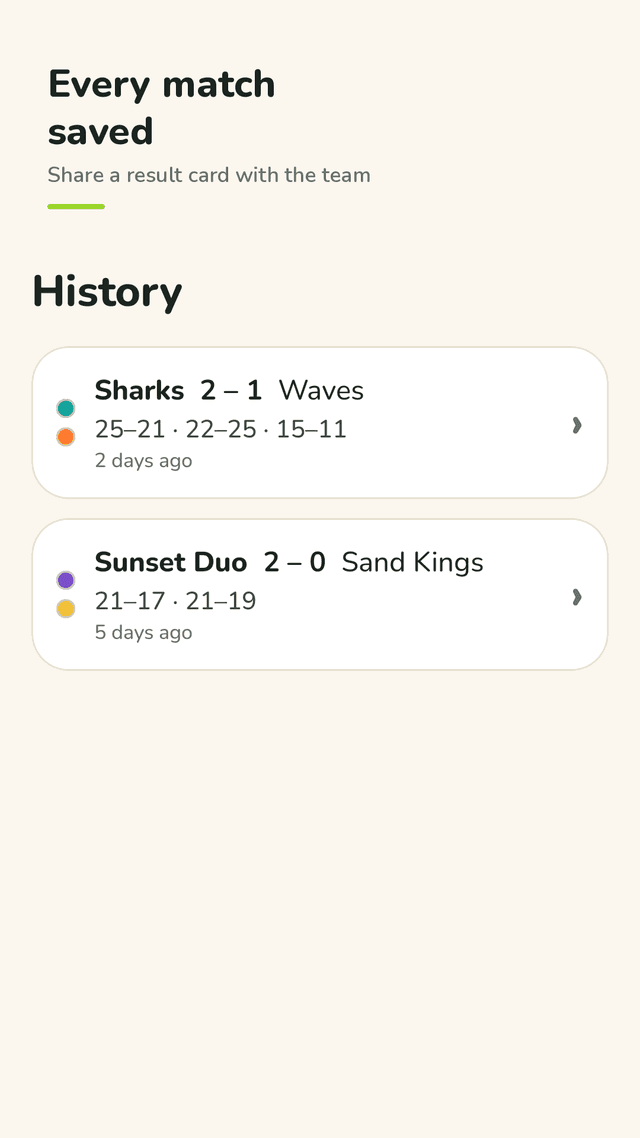
Send a clean result image with set scores and the match flow to your team chat or family in one tap.
Teams, widget, voice
Save teams with colors and lineups, start a match from the home-screen widget, and turn on score announcements read aloud by your phone.
FAQ
- Can I undo a point I tapped by mistake?
- Yes. Swipe down on the team's panel to remove its last point, or tap Undo to remove the last rally. If a set ended by mistake, Undo reopens it.
- Does it show who is serving?
- Yes. The serving team has a ball icon. After a side-out the serve and rotation move to the other team automatically.
- Does it work for beach volleyball?
- Yes. Beach mode uses 2 players, 21-point sets with a deciding set to 15, and alerts you to switch sides every 7 points (5 in the deciding set).
- Can I change the rules?
- Yes. Choose best of 1, 3 or 5 sets, 15, 21 or 25 points per set and 0–2 timeouts per set when you start a match. Sets are always won by 2 points.
- Can I use it in landscape?
- Yes. The scoreboard works in portrait and landscape, and the screen stays on during a match.
- Can I share the score with my team?
- Yes. When the match ends, tap Share result card to send an image with set scores and the match flow chart through any app.
- Does it read the score aloud?
- Optional. Turn on Announce score and your phone reads the score after each point, serving team first.
- Do I need an account? Is it free?
- No account or sign-up. Matches are stored on your phone. Spikora is free to download and supported by ads.