Reminders that actually arrive.
Set your work days and hours once. Standly nudges you to get up at the interval you pick, shows when the next nudge is due, and lets you log it with one tap. Then a 1-minute stretch if you feel like it.
Get it on Google Play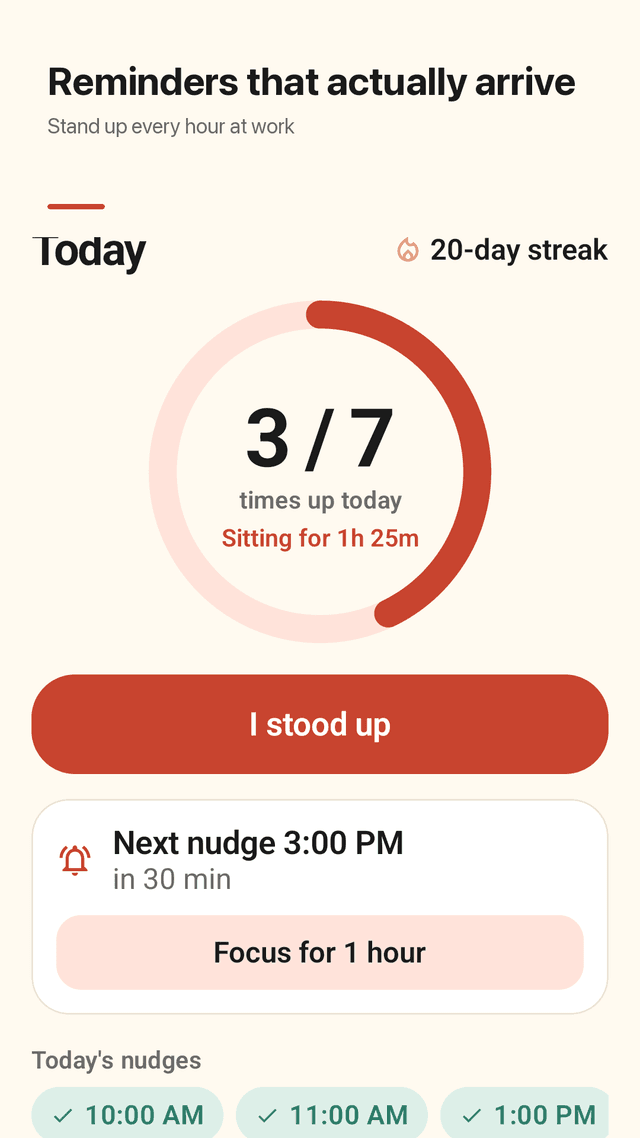
Only during your work hours
Pick your work days, start and end time and an interval of 30, 45, 60 or 90 minutes. Evenings and weekends stay quiet.
You can see the next nudge
The Today screen always shows when the next reminder is due, so you know it is set. Nudges are restored after a restart.
Hard to miss, easy to snooze
Silent, vibrate (two long pulses) or sound. In a meeting? Tap "In 15 min" or "Done for today" right in the notification.
One tap to log
Tap "I stood up" in the notification, on the widget or in the app. Mis-tapped? Undo it.
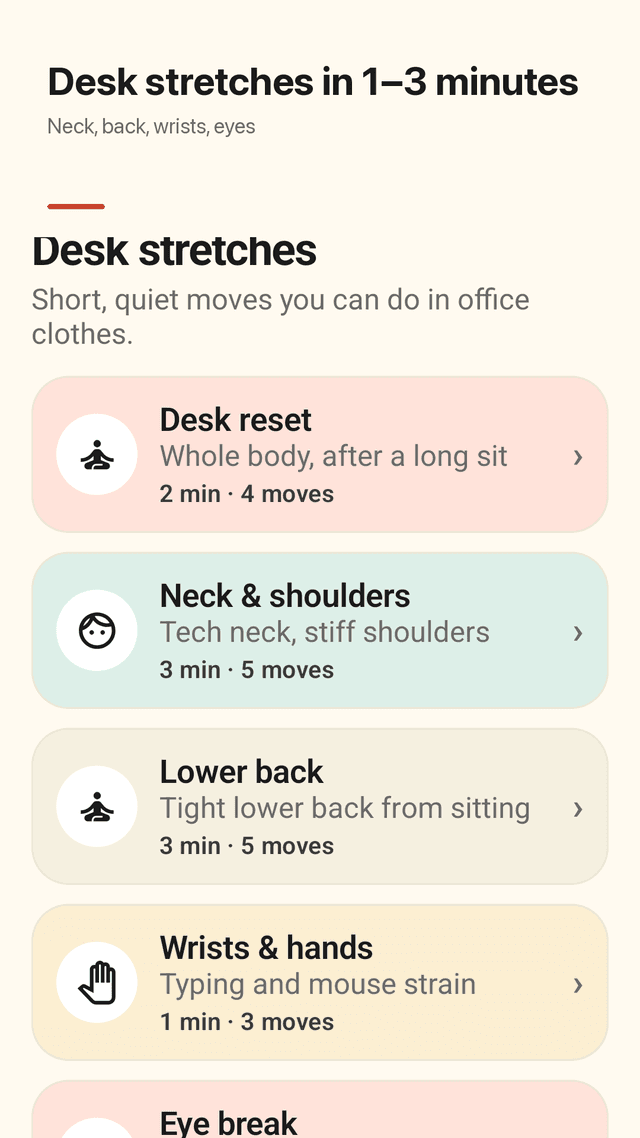
Desk stretches in 1 to 3 minutes
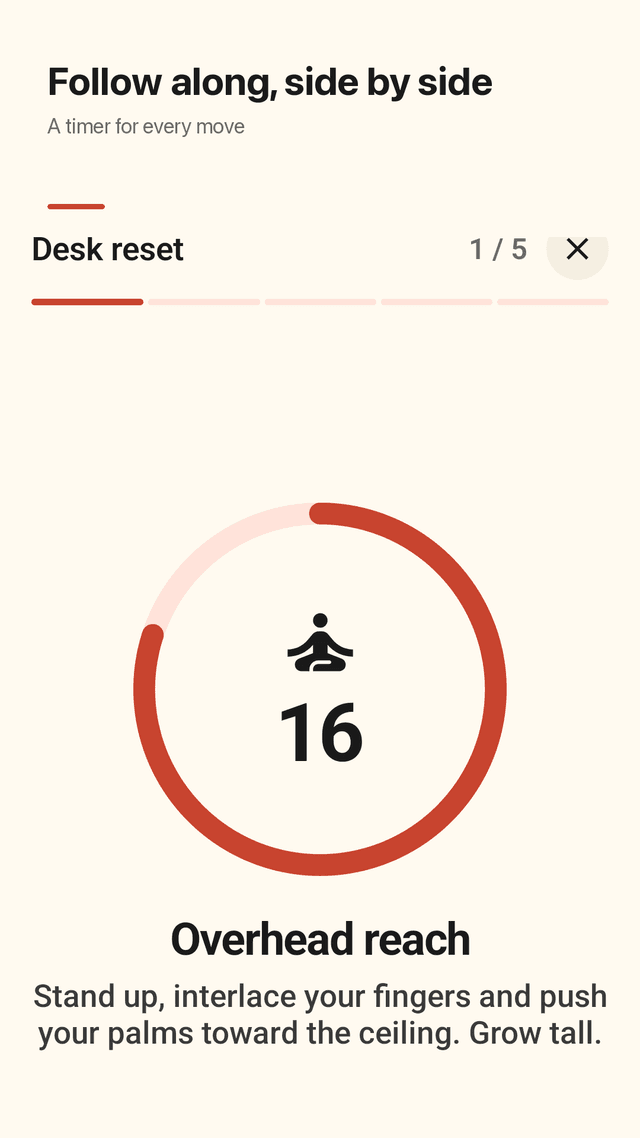
Nine quiet routines for neck and shoulders, lower back, wrists, eyes, hips and a walking break. Left and right sides are timed separately.
A ring for today
See today's stand-ups against your goal, which hours you got up, and how long you have been sitting.
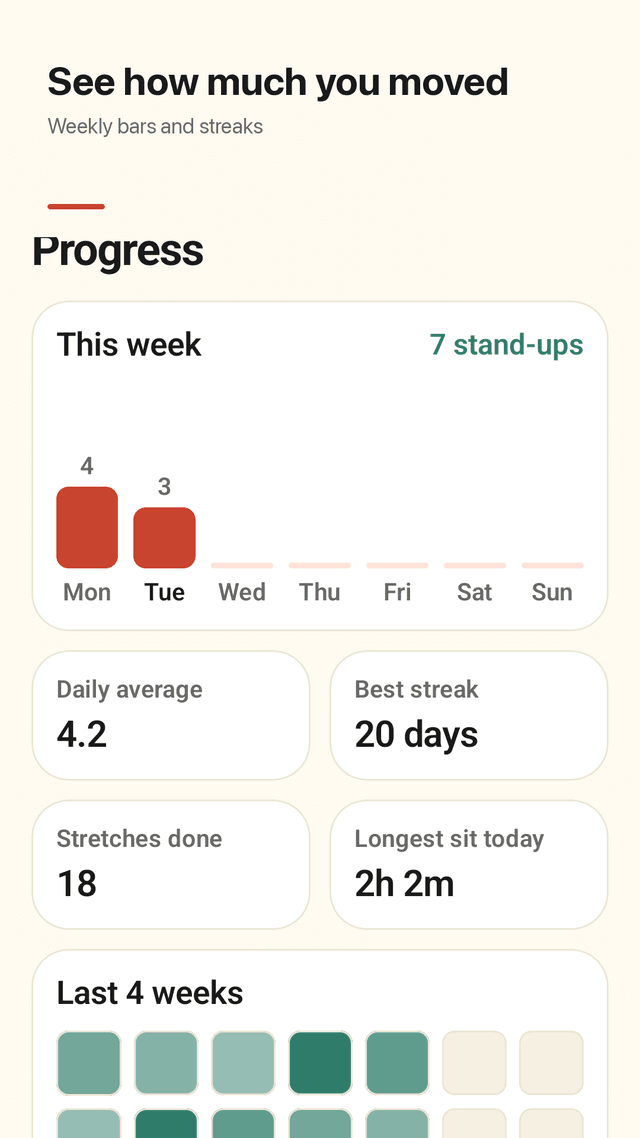
Weekly progress
Weekly bars, daily average, best streak, longest sit and a 4-week calendar.
Night shifts and lunch
Shifts that end the next morning are supported, and you can skip the 12:00 to 13:00 lunch hour.
FAQ
- My stand-up reminders never arrive. Why?
- On many phones the system delays or blocks reminders to save battery. Standly shows the next nudge time on the Today screen and offers a shortcut to allow "Alarms & reminders" so the hourly nudge arrives on time.
- How often should I stand up?
- Many people aim to break up sitting every 30 to 60 minutes. Start with hourly nudges and shorten the interval if you feel stiff.
- Will it nudge me at night or on weekends?
- No. Nudges only arrive inside the work days and hours you set. Night shifts that cross midnight are supported.
- What if I am in a meeting?
- Tap "In 15 min" to snooze just that nudge, "Done for today" to pause the rest of your shift, or Focus for 1 hour.
- Do I have to open the app to log it?
- No. Tap "I stood up" in the notification or on the home screen widget.
- Can I do the stretches in the office?
- Yes. The routines are short, quiet and work in office clothes. Most are done sitting or standing next to your desk.
- Does it work with vibrate only?
- Yes. Choose silent, vibrate or sound. Vibrate uses two long pulses so it is harder to miss.
- Do I need an account?
- No. Your schedule and history stay on your phone.