Tap a subject. The clock runs.
A study stopwatch that works offline and never loses a minute. Track time by subject, start from the widget, see your week and month. No login, no server, your records stay on your phone.
Get it on Google Play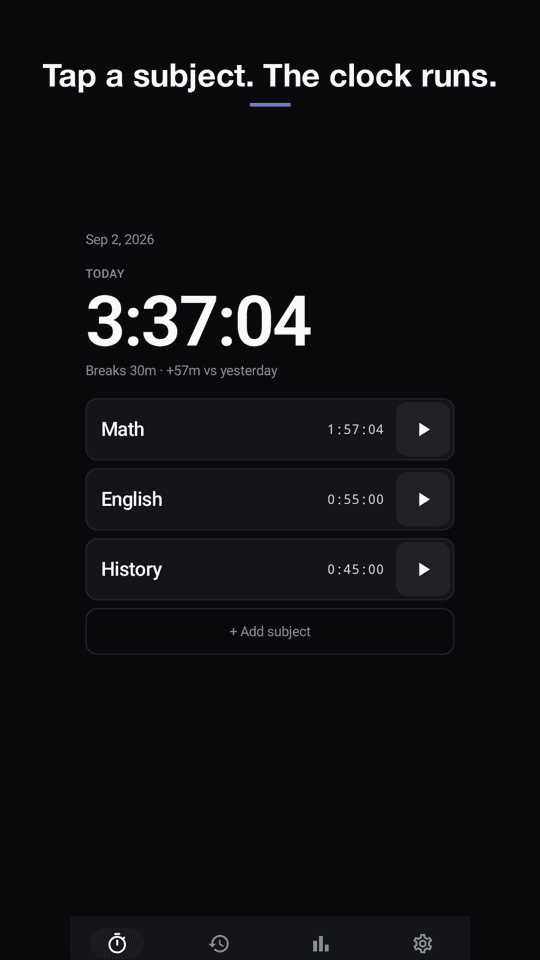
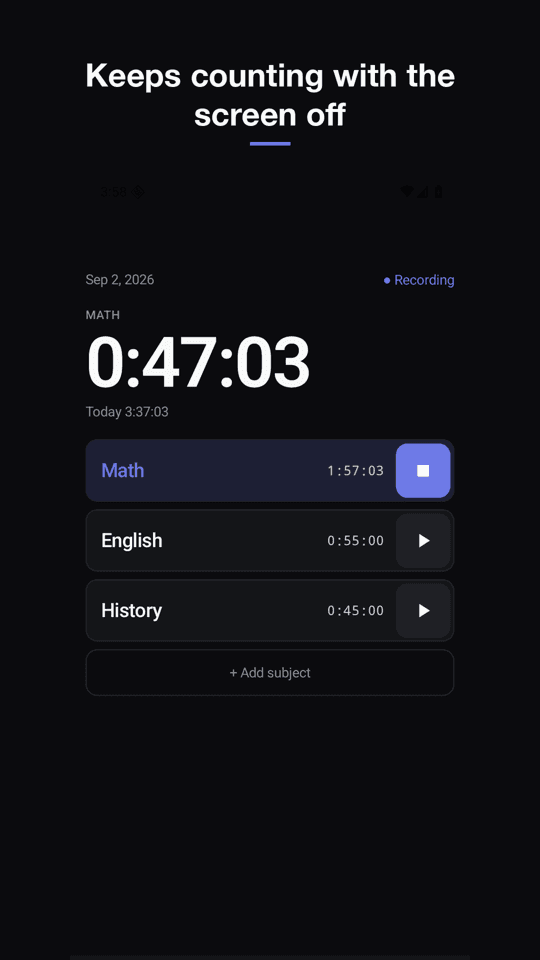
Keeps counting with the screen off
The timer is computed from the moment you pressed start, not from a background process. Close the app, turn off the screen, restart the phone: the time is still right.
By subject, automatically
One tap starts a subject, tapping another switches. Today's total at the top, each subject's time next to its name, breaks between sessions calculated for you.
Never lose a session
Every session is written to your phone the moment you stop. Export a backup file any time and import it on a new phone.
Your day starts when you say
Studying past midnight? Choose a day-start time (midnight, 4 AM, 5 AM) so late-night sessions land on the right day.
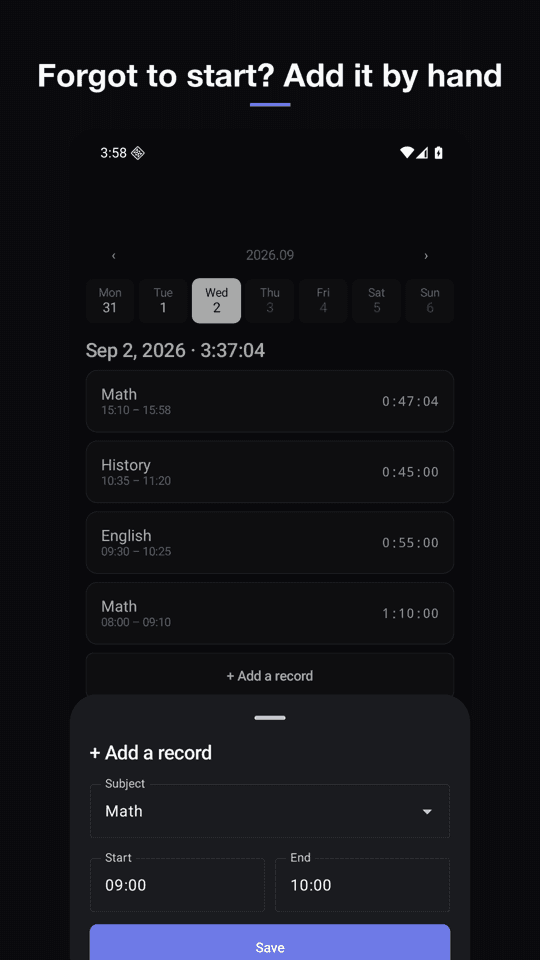
Forgot to press start?
Add or edit a record by typing the start and end time. Sessions across midnight are fine.
Stats that compare you with you
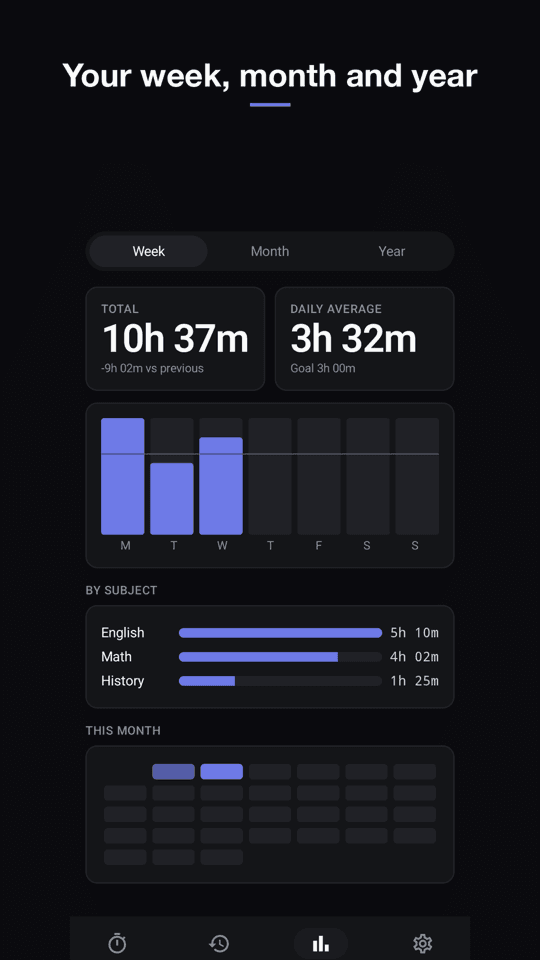
Weekly, monthly, yearly totals, a daily bar chart, time by subject, a streak count and a monthly heatmap. No rankings, no groups.
FAQ
- Does StudyTick need an account or internet?
- No. There is no sign-up, no login and no server. The app works completely offline and your study records are stored only on your phone.
- Does the timer keep running if I close the app?
- Yes. StudyTick stores the start time and computes the elapsed time from the clock, so closing the app, turning off the screen or restarting the phone does not affect it. A notification shows the running time and lets you stop from the notification bar.
- Is there a home screen widget?
- Yes. The widget shows today's total and your subjects, and you can start or stop a subject with one tap without opening the app.
- Can I change when the day resets?
- Yes. In Settings you can set the day-start time to midnight, 3, 4, 5 or 6 AM. Late-night sessions are counted on the day you choose.
- Can I add study time I forgot to record?
- Yes. In the Log tab you can add a record by typing the start and end time, and edit or delete existing records.
- Is it free?
- Yes. StudyTick is free and supported by ads. There is no subscription and no paywall. Ads never appear on the timer while you study.