Split the check in two taps.
Type the bill, pick a tip and see what each person pays. Split evenly or by what each friend ordered, tip before tax, round up, and keep a list of who still owes you. Full-screen ads never appear while you are typing an amount.
Get it on Google Play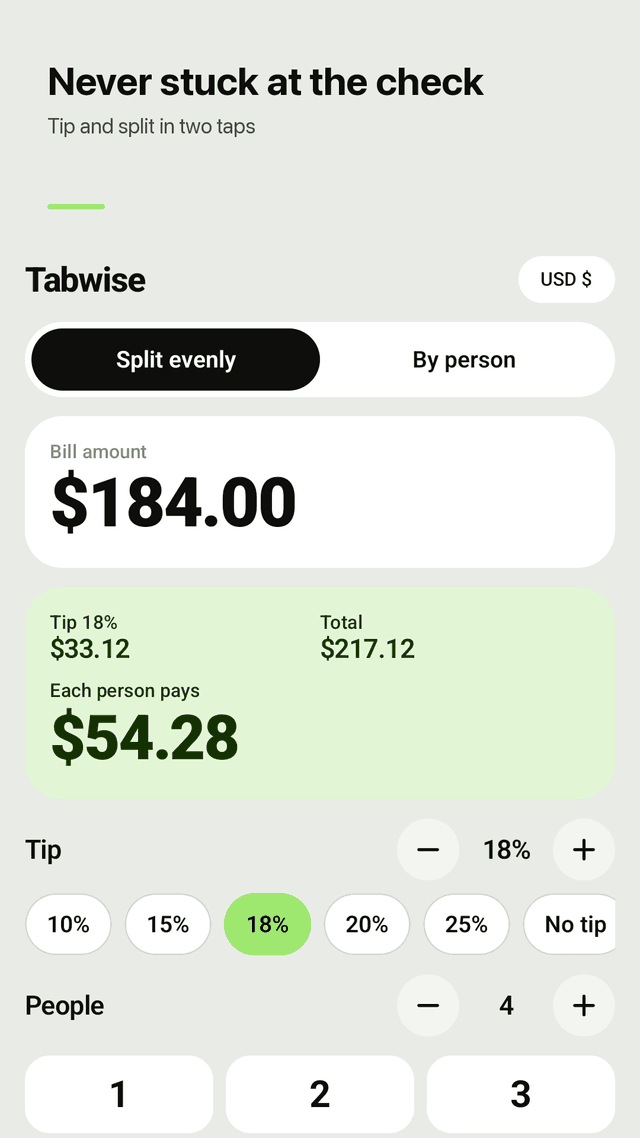
Tip and total in two taps
Tip presets of 10, 15, 18, 20 and 25%, or step to any percentage. Tip, total and each person's share update as you type.
Split evenly or by person
Divide the total between any number of people, or enter what each friend ordered and the tip is shared in proportion.
Tip on the pre-tax amount
Set your sales tax rate once and Tabwise backs it out, so the tip is calculated before tax.
Round up, no awkward cents
Round the total or each share up to a whole amount — handy when paying in cash.
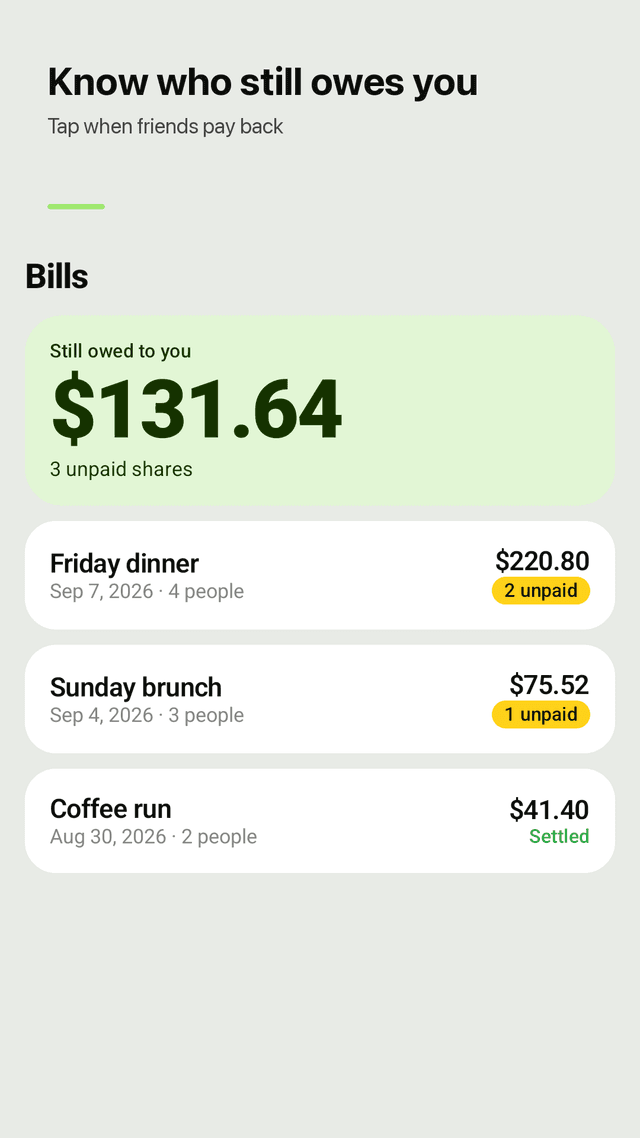
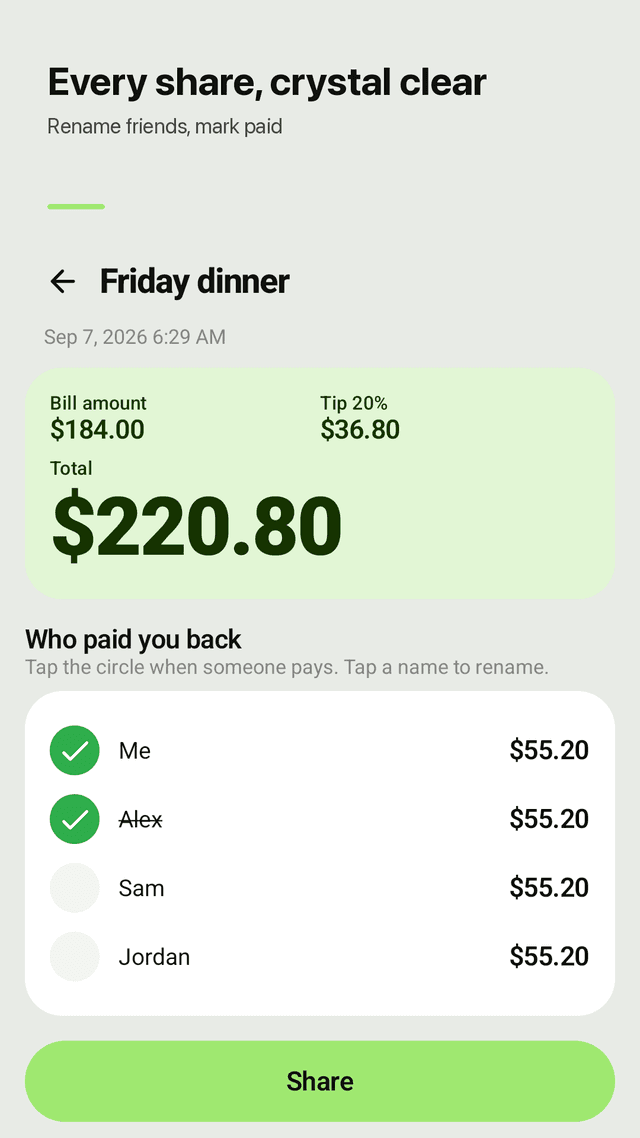
Know who still owes you
Save a bill as "Friday dinner", see the total still owed to you, and tap each friend when they pay you back.
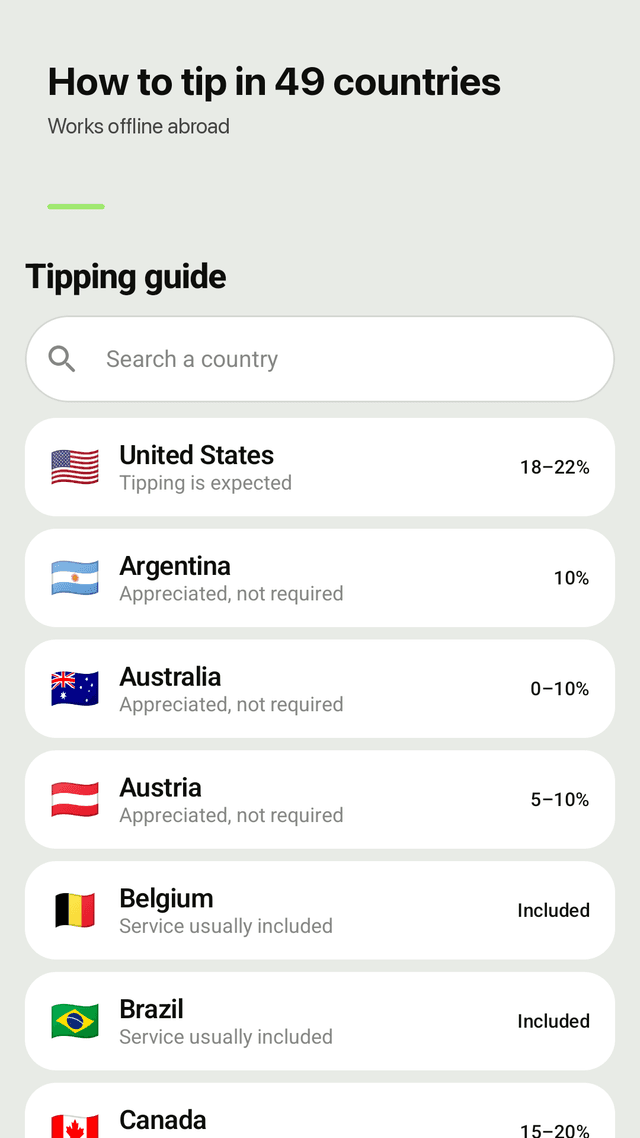
Tipping guide for 49 countries
Restaurants, bars, taxis, hotels and delivery, country by country. Works offline, and one tap applies the suggested tip.
39 currencies
Amounts are formatted for your currency, including zero-decimal currencies like KRW and JPY.
Private, no account
No sign-up. Your bills and names stay on your phone. A home screen widget shows what's still owed.
FAQ
- Can I calculate the tip without including tax?
- Yes. Enter your sales tax rate once and turn on "Tip on the amount before tax"; Tabwise removes the tax before working out the tip.
- Can I split the bill unevenly, by what each person ordered?
- Yes. Switch to By person, enter each friend's amount, and the tip is shared in proportion to what they ordered.
- Can it round up the total?
- Yes. Round up the total or each person's share to a whole amount.
- Does it remember previous calculations?
- Yes. Save any bill with a name and it appears in Bills with the date, total and who still owes you.
- Is there a tipping guide for Japan and other countries?
- Yes. The built-in guide covers 49 countries, including Japan, and works without an internet connection.
- How much should I tip for delivery?
- Each country page lists the custom for delivery as well as restaurants, bars, taxis and hotel staff.
- Will a full-screen ad pop up while I am paying?
- No. Full-screen ads only appear after you save a bill or open a saved bill or a country guide, never while you are typing an amount.
- Do I need an account?
- No. Tabwise has no account or login, and your bills stay on your phone.