Stop tapping. The phone is the puzzle.
20 tricky boxes you solve by tilting, shaking, flipping, covering or charging your phone. Every box is unlocked from day one, hints cost nothing, and a new box arrives every day.
Get it on Google Play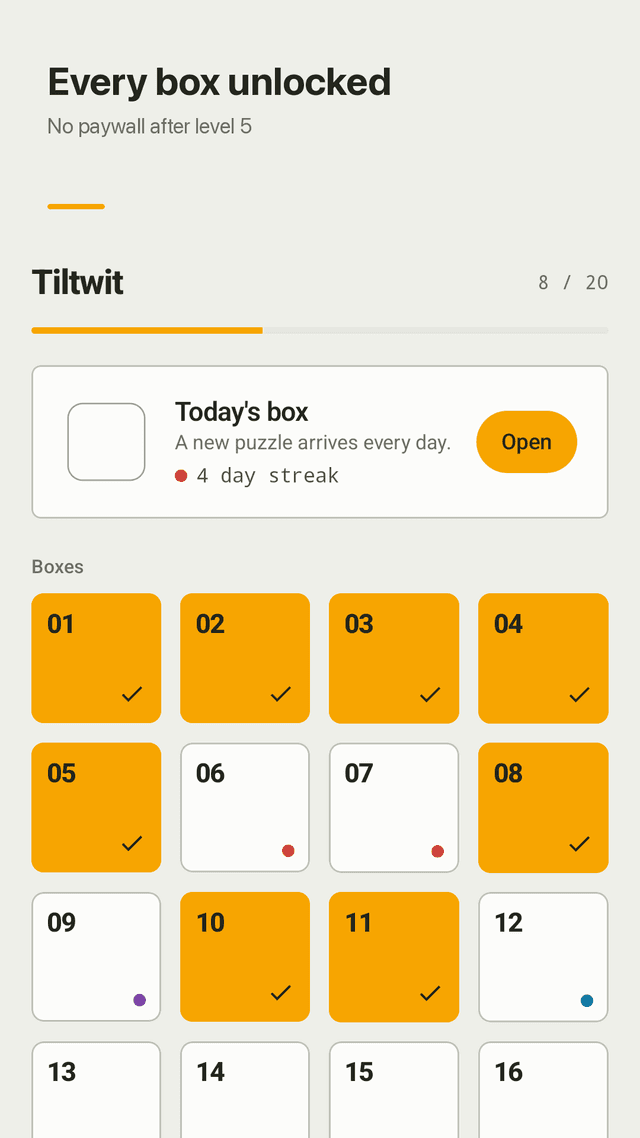
Puzzles outside the screen
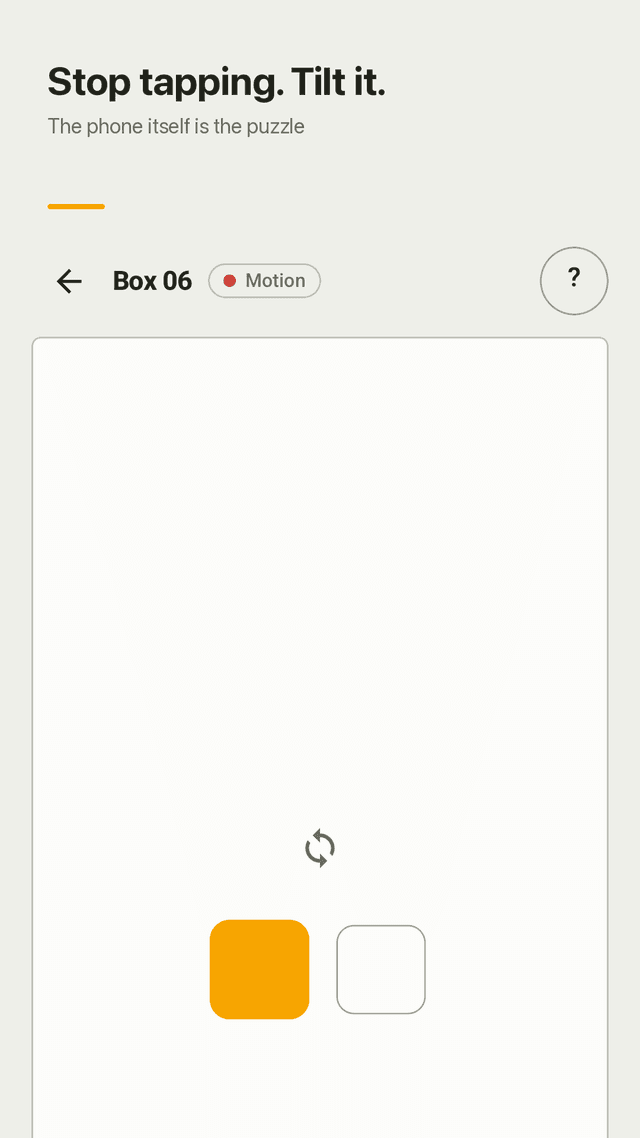
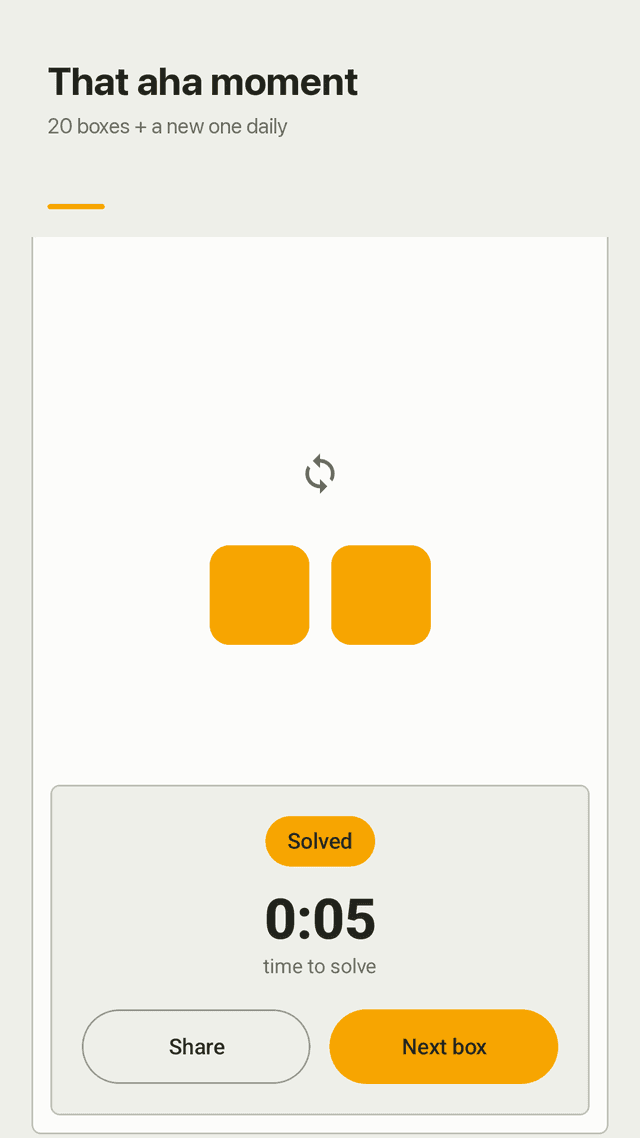
Each box shows a blank board and one tiny clue. The answer is somewhere in your phone: its motion, its buttons, its settings.
All 20 boxes unlocked
No paywall after level 5, no puzzle packs to buy. Play them in any order.
A new box every day
Today's box changes daily with a new twist, and a streak keeps you coming back.
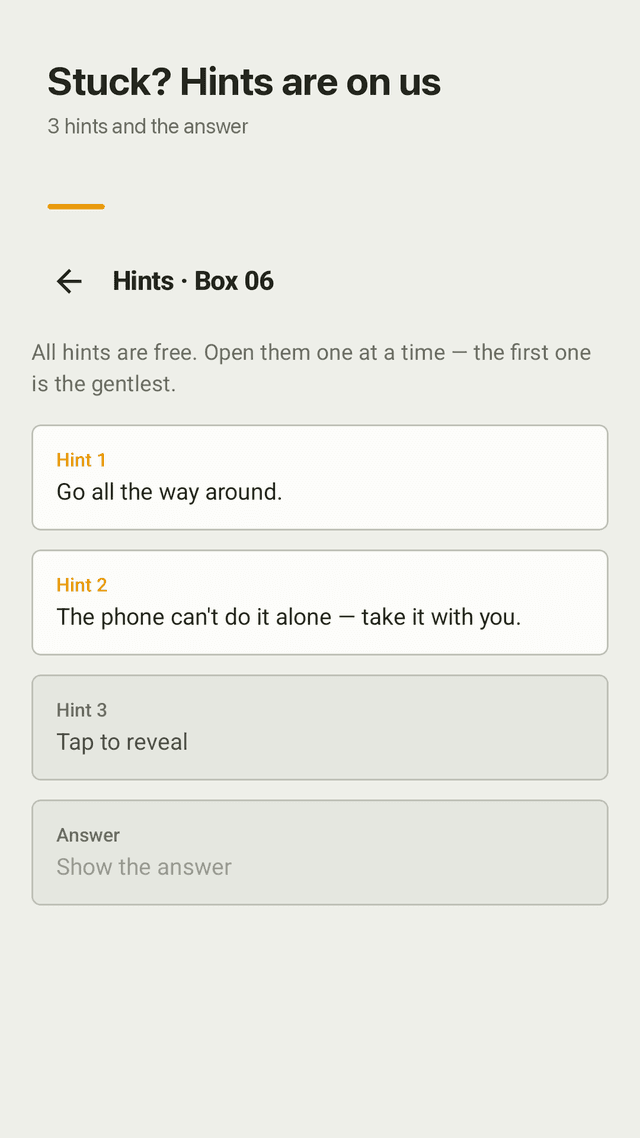
Three hints and the answer
Open hints one at a time, gentlest first. No credits, no waiting.
Solvable at home
Every box takes a minute or two. No plane tickets, no mountain climbing, no friends required.
No camera, mic or location
Puzzles read only motion sensors and phone settings, on your device.
Never stuck on hardware
If your phone lacks a sensor a box needs, skip it and it won't count against you.
Widget, offline, ad-supported
Today's box on your home screen. Works offline. Vibration and sound can be turned off.
FAQ
- Do I really never touch the screen?
- You tap to open a box and to read hints. Solving a box is done with the phone itself: moving it, using its buttons or changing a setting.
- Are all levels free to play?
- Yes. All 20 boxes and the daily box are open from the start. The game is supported by ads instead of puzzle packs.
- I'm stuck. How do hints work?
- Every box has three hints, from a gentle nudge to a direct clue, plus the answer. Open as many as you need.
- Will a puzzle need me to travel or call friends?
- No. Every box can be solved at home in a minute or two.
- Does it need camera, microphone or location permission?
- No. It uses motion sensors and device settings only, and nothing is sent off your phone by the game itself.
- My phone doesn't have a light or proximity sensor. Can I still finish?
- Yes. Boxes that need a sensor your phone doesn't have can be skipped and are removed from your progress count.
- Can I turn off vibration?
- Yes. Vibration feedback and sound effects each have their own switch in Settings.
- Which languages are there?
- The game comes in 16 languages, including English, Korean, Japanese, Spanish, Portuguese, German and French.