
One take. Two videos.
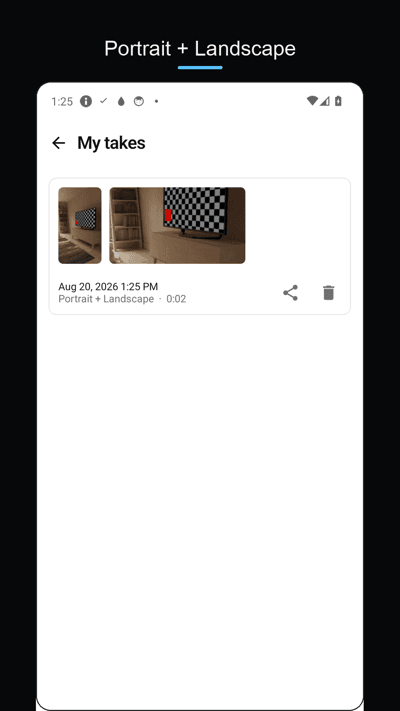
Record once and save a portrait 9:16 video and a landscape 16:9 video together. Two live previews show exactly what each file will look like — Reels and YouTube from a single shot. Free, no watermark, no time limit.
Get it on Google Play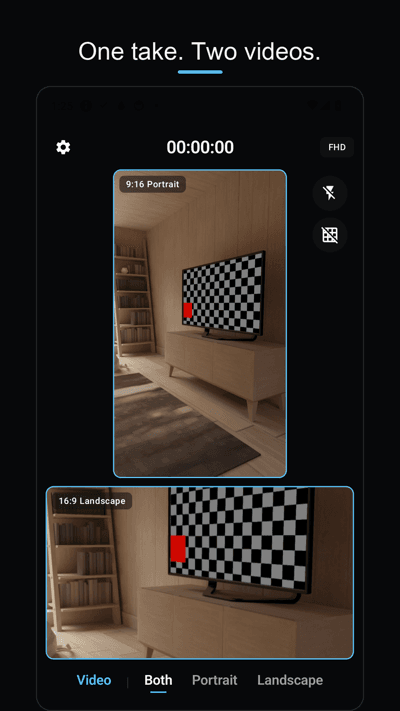
Two live previews
The screen splits into a portrait preview on top and a landscape preview below. You frame both videos while you record — no guide lines to guess from.
Ready the moment you stop
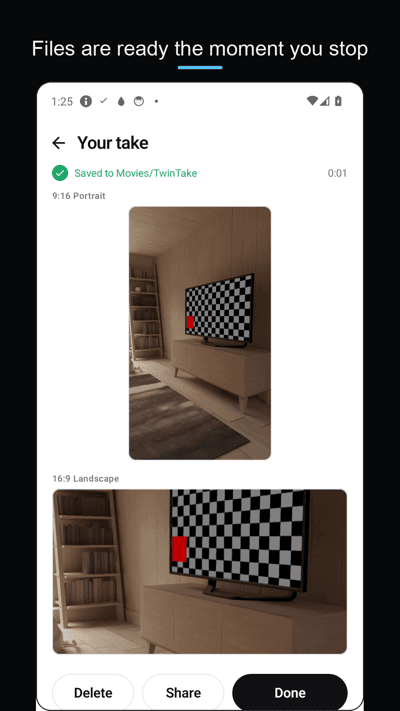
Both files are encoded while you record. No "processing" wait — stop, open, share, post.
Actually free
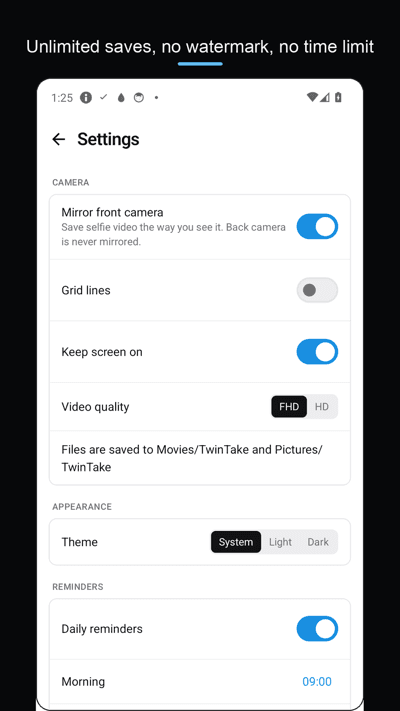
Unlimited saves, no watermark, no recording time limit, no subscription. Supported by ads that never appear on the recording screen.
Photos, widget, themes
Dual photo mode (one shutter, two photos), portrait-only and landscape-only modes, a home screen widget that starts recording in one tap, light and dark themes.
FAQ
- How does TwinTake record two formats at once?
- It records one camera stream and encodes two videos live: the portrait 9:16 crop and the landscape 16:9 frame. When you stop, both MP4 files are already finished in Movies/TwinTake.
- Is there a watermark or a daily limit?
- No. Saves are unlimited and there is no watermark and no Pro version. The app is supported by ads shown outside the recording screen.
- Does sound get recorded in both videos?
- Yes. The microphone track is written into both the portrait and the landscape file.
- Where are my videos saved?
- Directly to your gallery: videos in Movies/TwinTake, photos in Pictures/TwinTake. Nothing is uploaded — the app works fully on-device with no account.
- Can I record only vertical or only horizontal?
- Yes. Besides the dual mode there are portrait-only and landscape-only modes, for video and photo.