Stop typing the same item ten times.
Aislemath is a shopping calculator built around quantity. Enter the price once, tap + for 10 cans of tuna, and see the real checkout total with deals, discounts, tax and the budget you have left, before you reach the register.
Get it on Google Play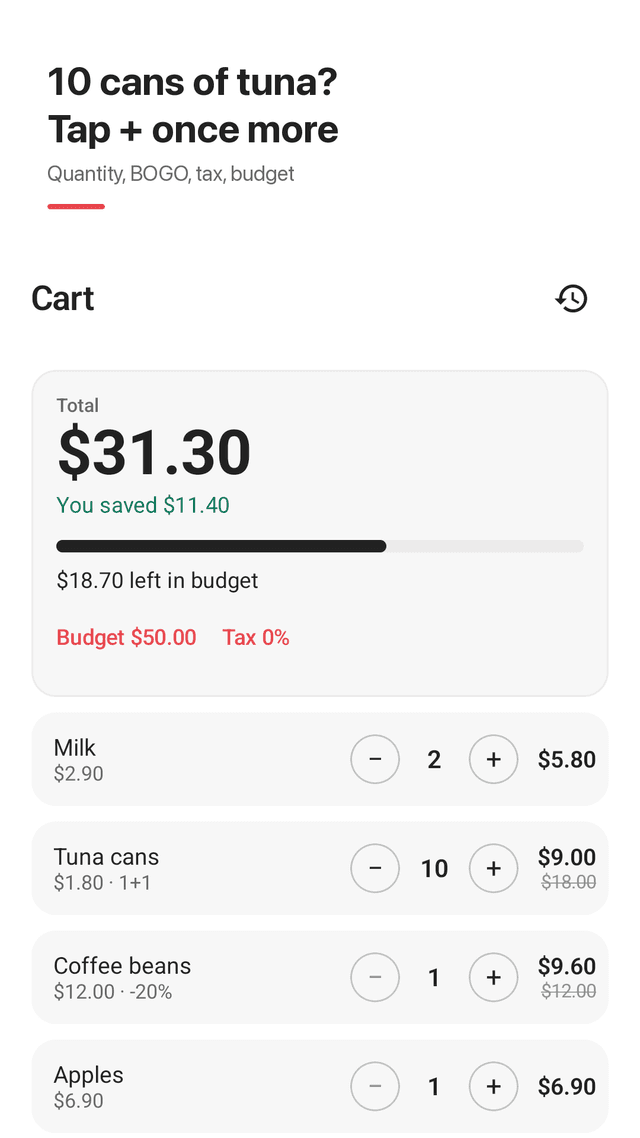
Quantity on every row
Each item has a − and + stepper. The row shows price × quantity and the line total, so 10 cans at $1.80 is one entry.
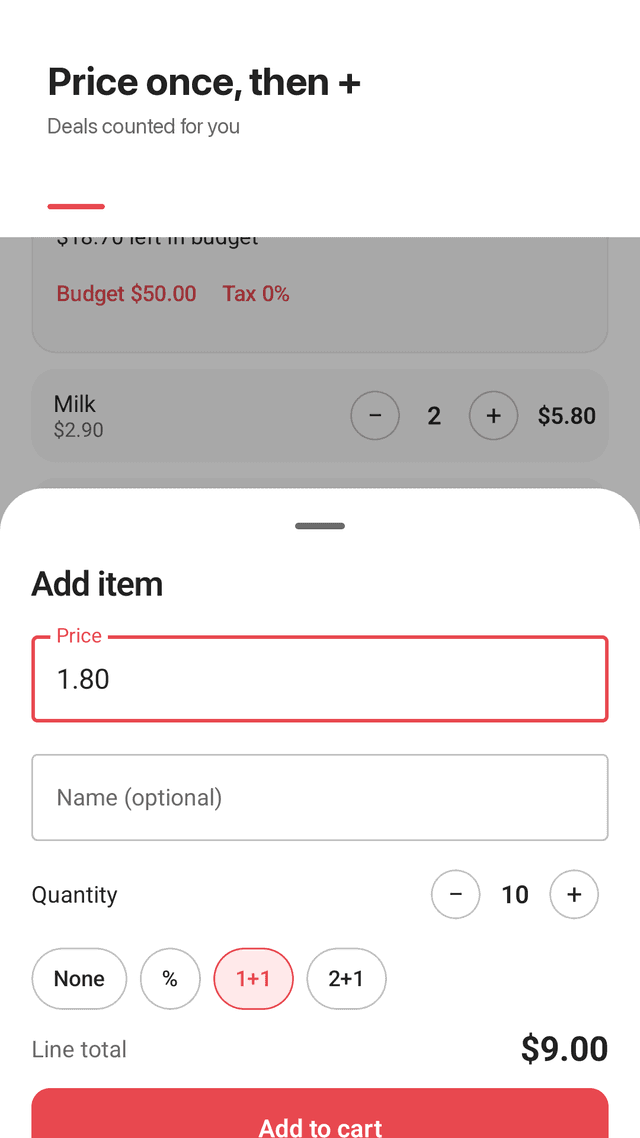
Buy 1 get 1, buy 2 get 1
Pick a deal per item and Aislemath counts only the units you pay for.
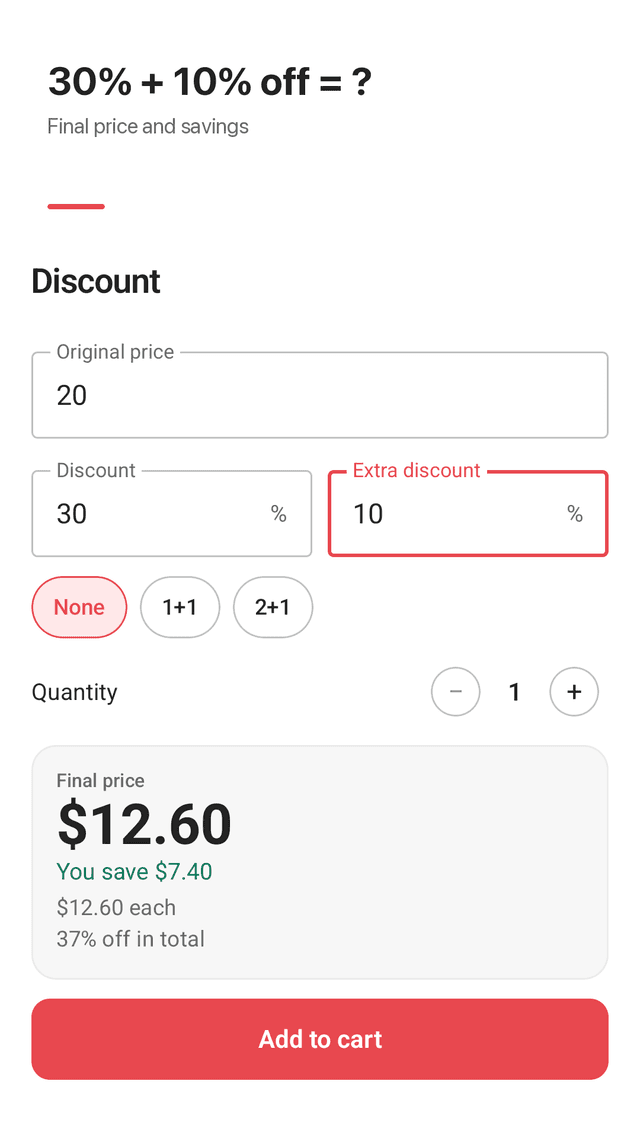
Percent and stacked discounts
20% off, or 30% then another 10%. The final price and your savings update as you type.
Sales tax in the total
Set your tax rate once. The cart total and shared summaries include it.
Budget bar
Set how much you want to spend and watch what is left. The total turns a warning color when you go over.
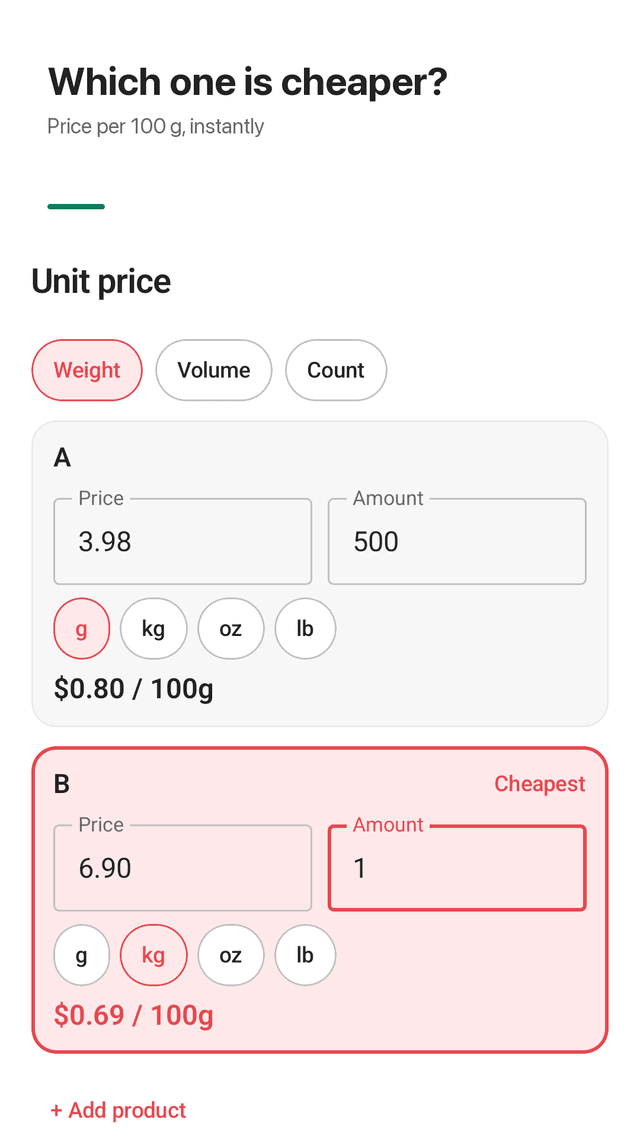
Unit price comparison
Compare two or three products per 100 g, 100 ml or per piece, in g, kg, oz, lb, ml, L or fl oz. The cheapest is highlighted.
Shopping history
Tap Done shopping to save the trip, check it against your receipt, share it as text or load it again next week.
Widget and privacy
See the cart total on your home screen and tap + to add. No account; your cart and history stay on your phone.
FAQ
- Can I add multiple items of the same kind without typing them again?
- Yes. Enter the price once and use the + button on that row. Five cans at 78 cents each is one line showing $3.90.
- Can it add tax for a real estimate of what I'm spending?
- Yes. Tap the tax value under the total, enter your sales tax rate, and the total includes tax. Use 0 if prices already include tax.
- Can I enter the amount I have to shop with?
- Yes. Set a budget and a bar shows what is left as you add items. If you go over, the amount over budget is shown.
- How does it calculate buy 1 get 1?
- Choose 1+1 on the item and set the quantity. With 10 cans at 1+1 you pay for 5; with 2+1 and 5 items you pay for 4.
- Can I calculate a discount on top of a discount?
- Yes. The Discount tab takes a discount and an extra discount. 30% then 10% is 37% off in total, not 40%.
- Can I compare price per ounce or per pound?
- Yes. In Unit price, choose Weight and enter each product's size in g, kg, oz or lb. Prices are compared per 100 g so different sizes line up.
- I deleted an item by mistake. Can I get it back?
- Yes. Tap Undo on the message that appears right after deleting.
- Can I save a list and reuse it?
- Finished trips are saved in Shopping history. Open one and tap Shop again to load the same items into your cart.