A steady beat that ads can't shake.
Many metronome apps stutter the moment an ad loads or the screen changes. Beatkeep schedules every click sample by sample on its own audio thread, and nothing pops up while it plays. Tap tempo, speed trainer and a practice log, all without an account.
Get it on Google Play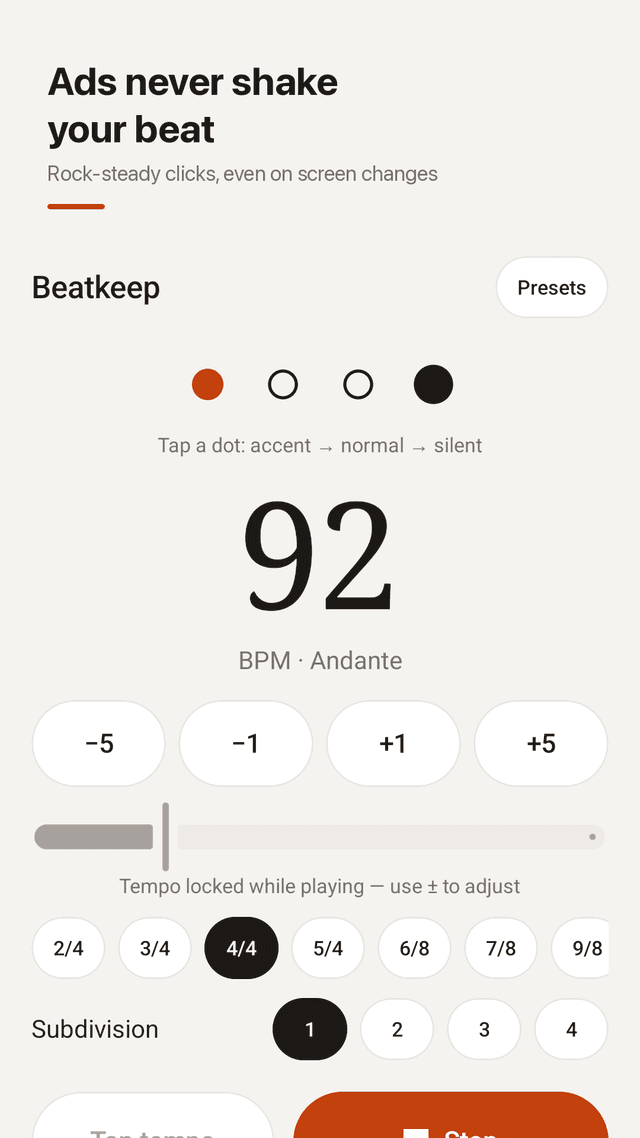
Rock-steady timing
Every click is scheduled sample by sample on a dedicated audio thread. Ads loading, screen changes or notifications never touch your timing.
No pop-ups while it plays
Nothing interrupts a running click. Tempo is locked while playing, so it never speeds up or slows down by itself.
30–300 BPM and tap tempo
A big BPM number with -5 / -1 / +1 / +5 buttons. Tap along to a song to find its BPM.
Time signatures and subdivisions
2/4, 3/4, 4/4, 5/4, 6/8, 7/8, 9/8 in one tap. 1–4 subdivisions per beat. Tap any dot to make it accent, normal or silent. Reset to defaults any time.
Speed trainer
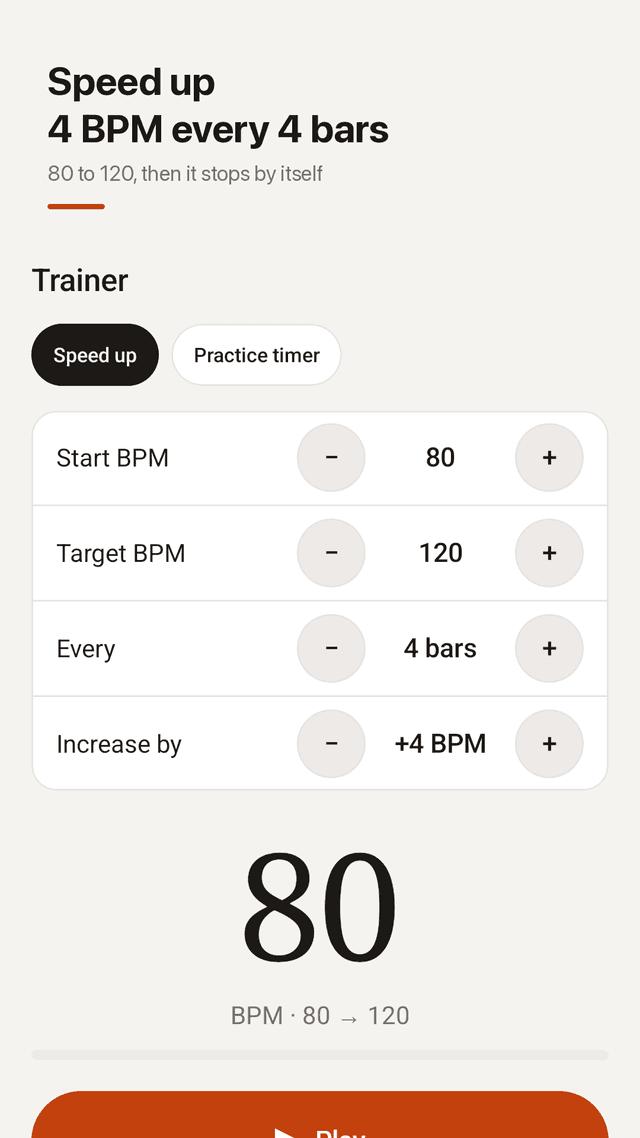
Start at 80 BPM, add +4 BPM every 4 bars, stop at 120. Or run a practice timer at a fixed tempo. It stops by itself when you hit the target.
Practice log
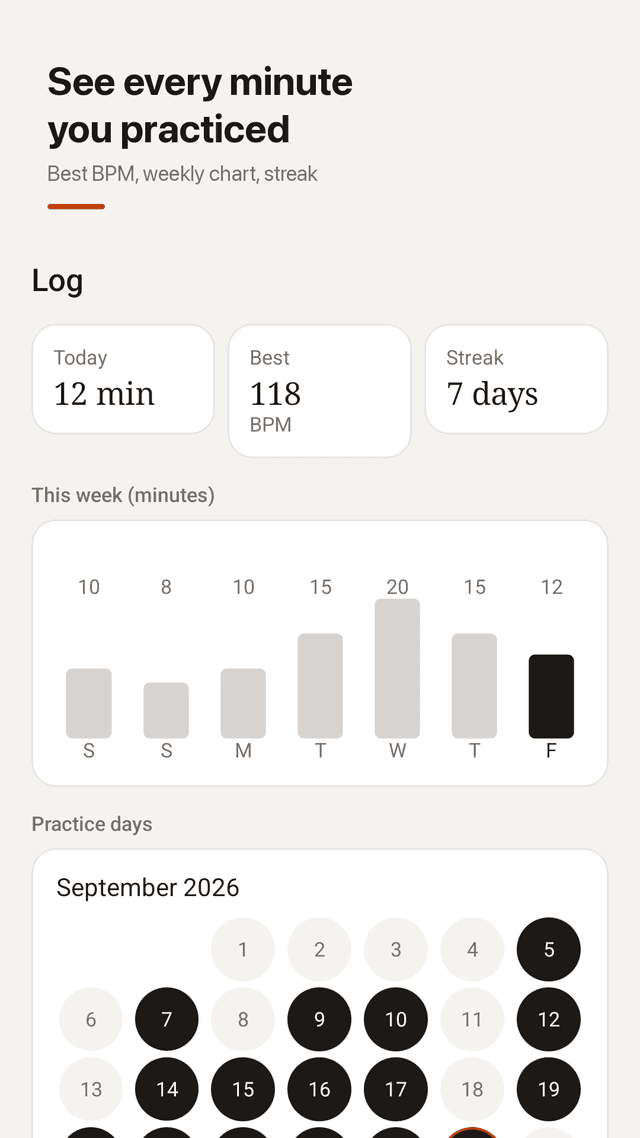
Every session of 1 minute or more is saved: today's minutes, best BPM, weekly chart and a streak calendar. Share today's card with your teacher or band.
Sounds you hear over your instrument
Woodblock, click, beep, cowbell and 1-2-3-4 count tones. Different accent sound, volume boost that cuts through drums and amps, vibration and screen flash.
Plays along with other apps
Keep YouTube, a backing track or your sheet music app playing while the click runs on top. Keeps ticking with the screen off; control it from the notification or widget.
FAQ
- Why does my metronome app skip a beat when an ad loads?
- Many apps time clicks from the UI thread, so anything that busies the screen (an ad, a scroll, a notification) delays the next click. Beatkeep writes clicks into the audio stream sample by sample on its own thread, so the UI cannot affect timing.
- Will ads interrupt my practice?
- No. Nothing pops up while the metronome is playing. There is a small banner on the home screen, and full-screen ads only appear after you stop, never during a running click.
- Can the metronome play over YouTube or a backing track?
- Yes. Beatkeep mixes its click over other apps, so YouTube, a backing track or your sheet music app keeps playing.
- How do I gradually speed up a passage?
- Use the speed trainer: set a start BPM, the step (for example +4 BPM) and how many bars per step, and a target. It stops when you reach the target.
- Does it support 6/8 and odd time signatures?
- Yes: 2/4, 3/4, 4/4, 5/4, 6/8, 7/8 and 9/8, plus 1–4 subdivisions per beat and custom accents on any beat.
- I can't hear the click over my drums. What can I do?
- Pick a sharper sound like cowbell or beep, turn on volume boost, and enable vibration or screen flash on each beat.
- The tempo keeps changing by itself. Why?
- In some apps the volume keys or an accidental swipe change the BPM. Beatkeep locks the tempo while playing.
- Do I need an account? Does it work offline?
- No account, no sign-up. Beatkeep works fully offline and your practice log stays on your phone.