
A calculator that just opens to the keypad.
No subscription screen, no pop-up before your first sum, and ads never interrupt you while you type. Label your results so you know what a number was weeks later.
Get it on Google Play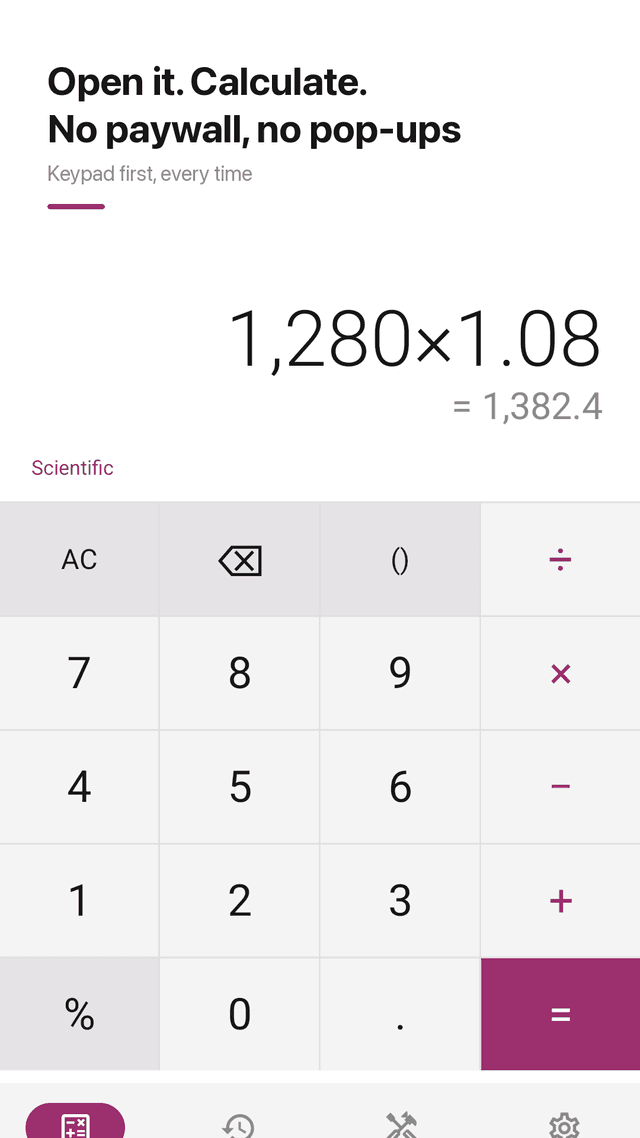
Keypad first, in about a second
No onboarding, no paywall, no pop-up. Open it and type.
No ads while you calculate
A small banner sits at the bottom. Full-screen ads only appear at natural pauses, such as after you leave a tool, never mid-calculation.
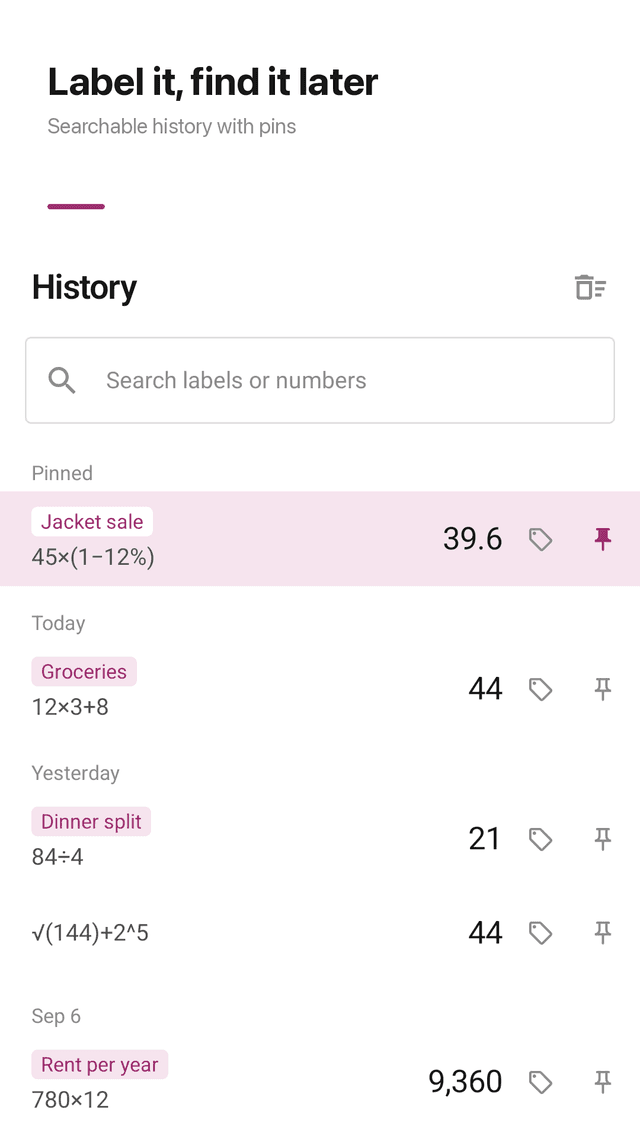
History with labels
Every result is saved. Add a label like "Rent split" or "Jacket sale", search by label or number, and pin the ones you reuse.
Live preview and big numbers
See the result before you press =, with thousands separators. Long-press to copy.
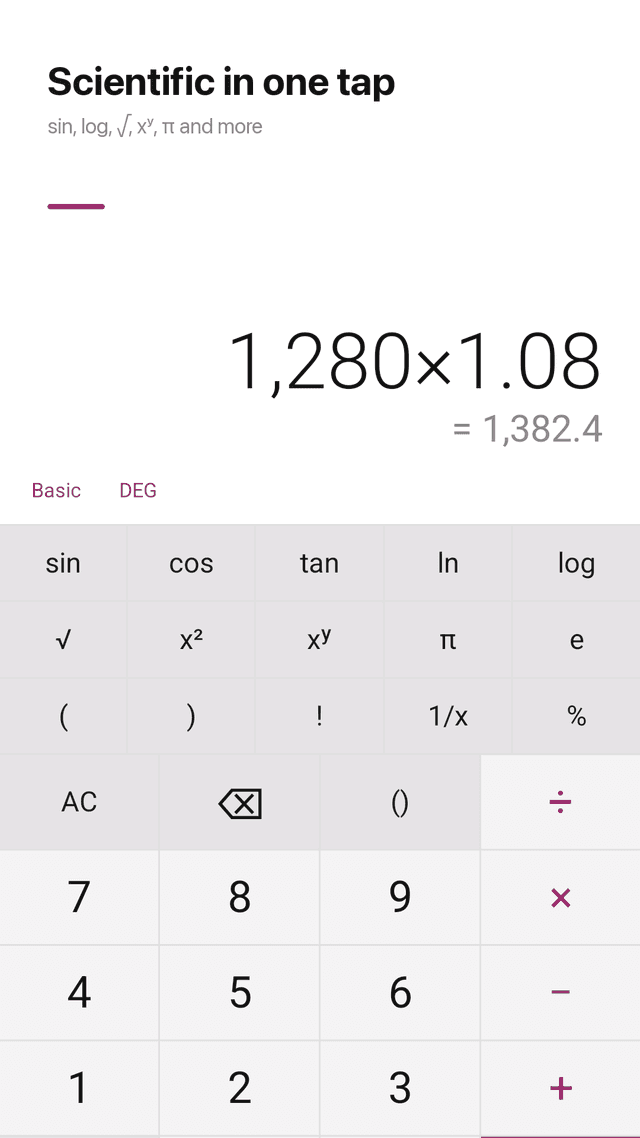
Scientific mode in one tap
sin, cos, tan, ln, log, √, x², xʸ, π, e, !, brackets, degrees or radians. Precise decimals: 0.1 + 0.2 = 0.3.
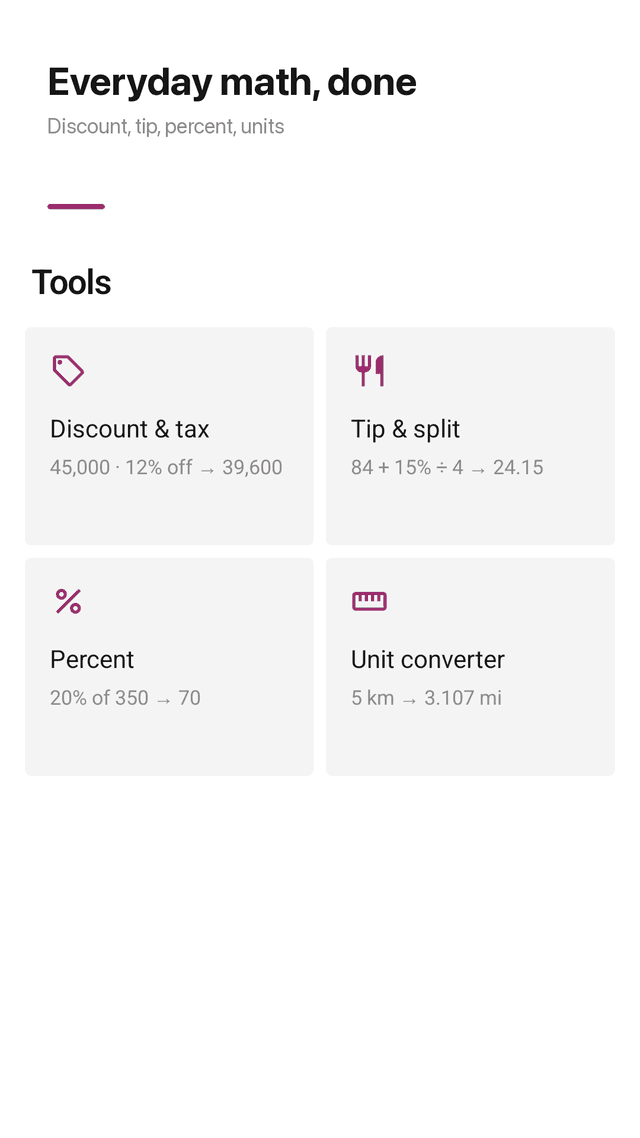
Discount with sales tax
Enter price, discount and tax to get the final price and how much you save.
Tip and split the bill
Pick a tip percent and number of people to see each person's share.
Percentages, units, widget
X% of Y, percent change, unit converter, and a home screen widget with your latest result. No account; history stays on your phone.
FAQ
- Does it show a subscription screen when I open it?
- No. There is no subscription and no paywall. Calcwell opens straight to the keypad.
- Will ads interrupt my calculations?
- No. Ads never appear while you are typing. There is a small bottom banner, and full-screen ads only at natural pauses like leaving a tool.
- Does it keep a history of my calculations?
- Yes. Every calculation is saved automatically. You can label, search, pin and reload any entry, and swipe to delete with undo.
- Can I add a note to a calculation?
- Yes. Tap the label button to attach a short note like "Groceries" to the current result.
- Does it fix the 0.1 + 0.2 problem?
- Yes. Calcwell uses precise decimal math, so 0.1 + 0.2 = 0.3.
- Can it calculate a discount with tax?
- Yes. The discount tool takes price, discount percent and sales tax and shows the final price and your savings.
- Can I split a bill with a tip?
- Yes. The tip tool shows the tip, the total and each person's share.
- Do I need an account?
- No. No login or sign-up. Your history stays on your phone.