Loudi
Louder. Without the sound breaking up.
One dial takes your phone past its normal ceiling. A limiter runs the whole time, and past the safe range the ring turns amber — so you see the warning before you hear it. Free, no account, no subscription.
Get it on Google PlayScreens
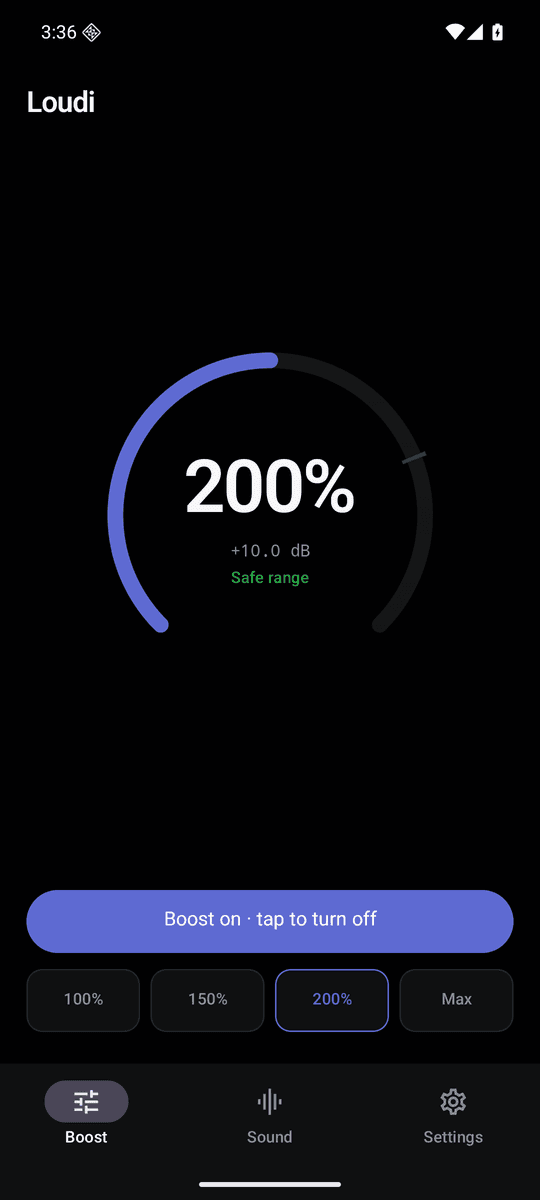
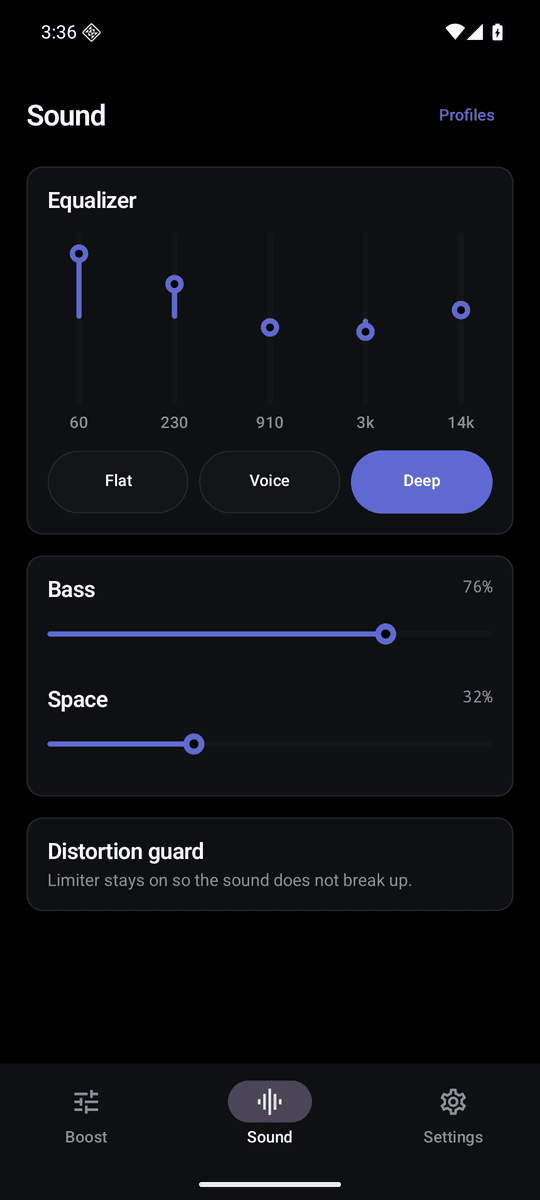
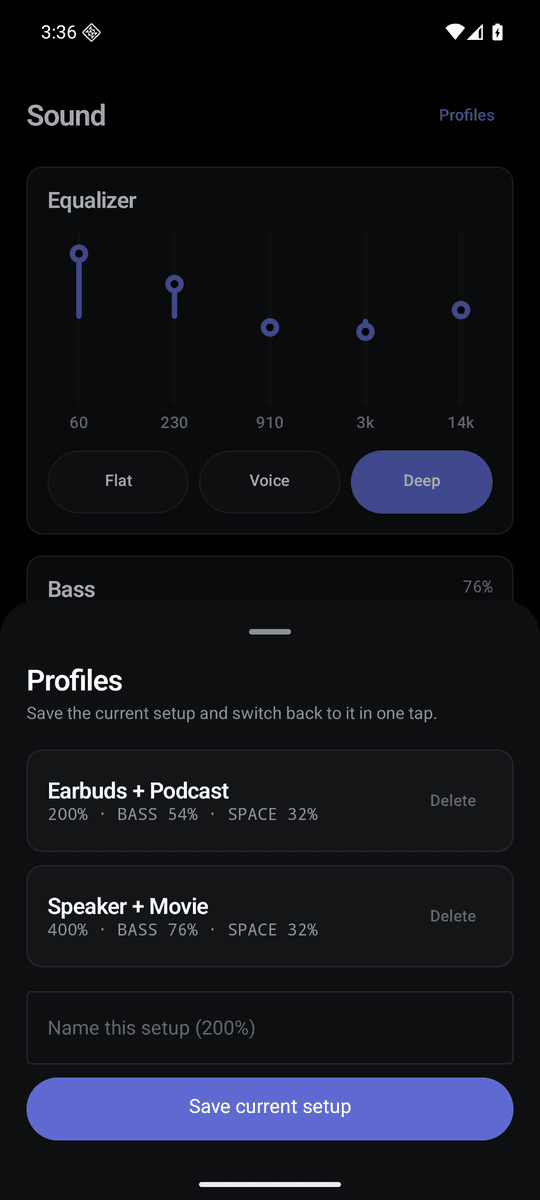
One dial, not a grid of presets
Drag the ring to exactly the level you want. The number in the middle always tells you where you are, in percent and in dB.
A limiter runs the whole time
Most boosters promise a huge number and hand you distortion. Loudi keeps a limiter in the chain so you can push the dial and still hear music instead of crackle.
The warning is a colour, not a number
Past the safe range the ring turns amber. You see it before you hear it.
It stays on
Switch apps, skip a track, lock the screen — the boost keeps working. The most common complaint about booster apps is that they quit halfway through a song. This one does not.
Honest numbers
Up to 4x louder, measured as perceived loudness. No made-up 999%. A volume booster works with the hardware it is given, and we say so.
Equalizer, bass and space
Per-band control tuned to your device, three presets (Flat, Voice, Deep), a bass booster and spatial width.
Home screen widget
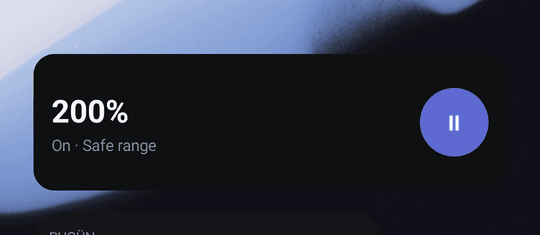
Boost on or off and the current level, without opening the app.
No account, no microphone
No sign-up, no paid tier, no microphone permission. Loudi cannot record audio — it attaches standard Android audio effects to the output and nothing leaves your phone.
FAQ
- Does a volume booster actually make the phone louder?
- Yes, within limits. Loudi attaches Android's LoudnessEnhancer to the device output, which raises the level above the system maximum. How much you gain depends on your speaker or headphones — it will not turn a small phone speaker into a stereo system, and no app can.
- Why does the sound distort in other booster apps?
- Because they raise the gain and stop there. Once the signal clips, you hear crackle. Loudi keeps a limiter in the chain the whole time and marks the upper part of the dial as a caution range.
- What does 400% mean?
- It is perceived loudness, not amplitude. The standard rule is that a doubling of perceived loudness is about +10 dB, so 200% is +10 dB and 400% is +20 dB. Some apps advertise 999%, which is a marketing number rather than a measurement.
- Does it need the microphone?
- No. Loudi does not request the microphone permission and cannot record audio.
- Why does it ask for notifications?
- So the current level sits in your notification shade with a one-tap off switch. If you decline, every feature still works — you just will not see that notification.
- Does the boost drop when I switch apps?
- It should not. Loudi runs a foreground service while the boost is on and re-attaches the audio effects if Android detaches them.
- Does it work with Bluetooth and headphones?
- Yes. It boosts the device output as a whole, so it applies to whatever is already playing — a music app, a video app, a browser or a game. No root required.
- Is it free?
- Yes. Ads keep it free. There is no subscription and no locked features.
Guides
Hearing safety: Loudi can raise output well above the normal maximum. Extended listening at high volume can damage your hearing, especially with headphones. The limiter and the caution range are guides, not protection.