Your PDF attachments open in one tap. No fake “update now” alerts.
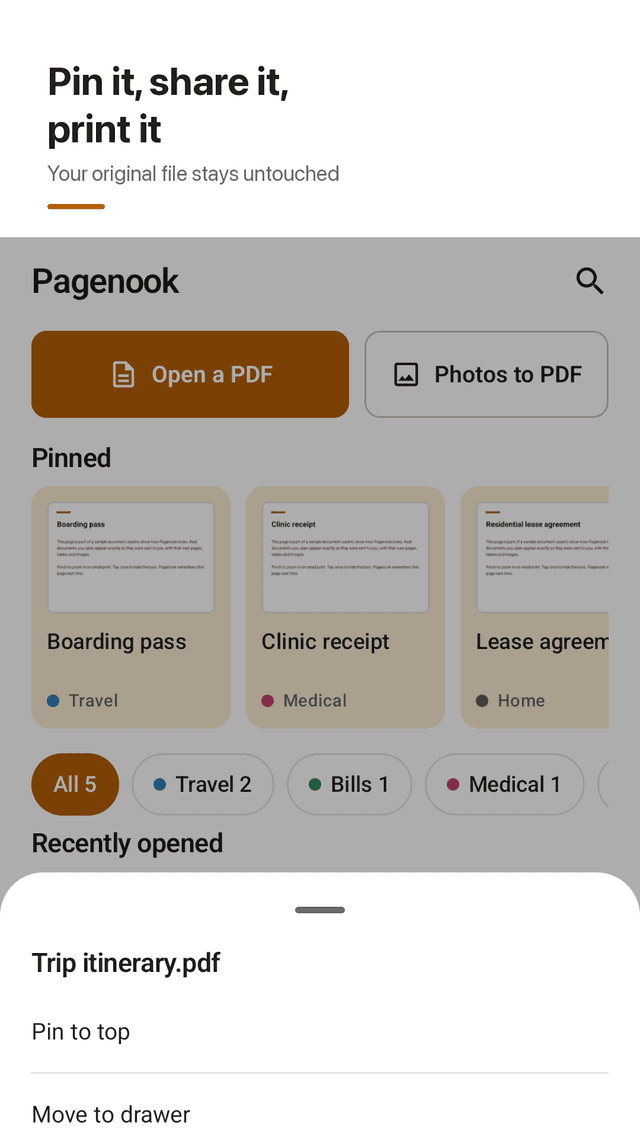
Pagenook is a calm PDF reader and viewer for Android. Open the PDFs you get in email or chat, pin the ones you need again, and sort the rest into drawers — Travel, Bills, Medical, Home. It never asks for storage permission and never nags you to install anything else.
Get it on Google Play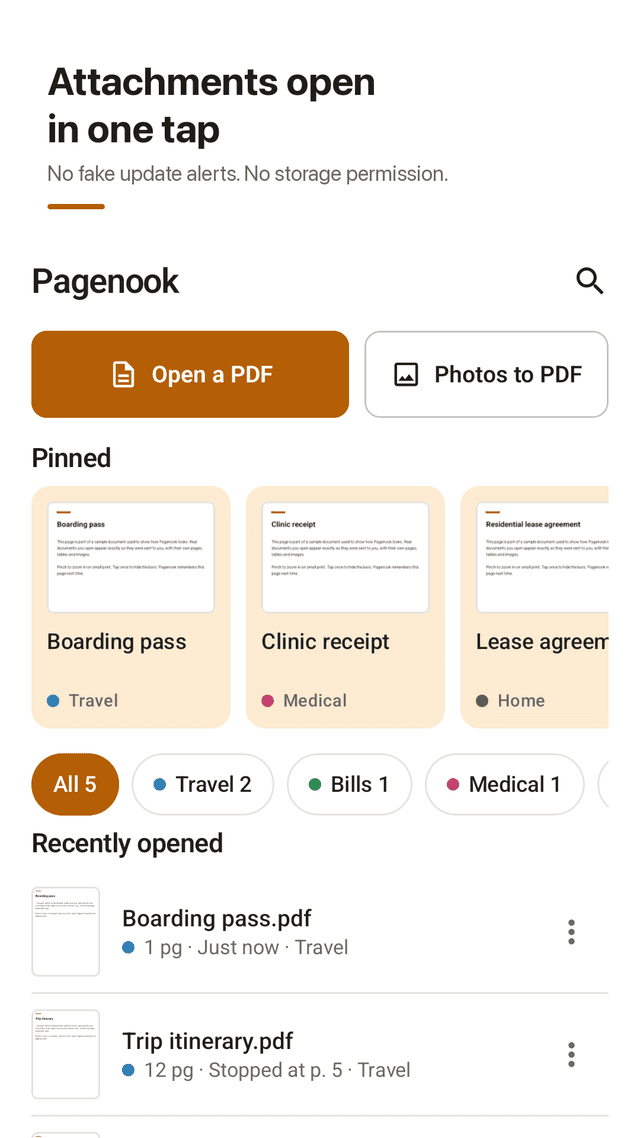
Open attachments directly
Tap a PDF in Gmail, Outlook, WhatsApp, Telegram or any files app and choose Pagenook. It opens straight to the first page.
Pin what you need again
Boarding pass, lease, insurance card: pin it and it stays at the top of the list and on the home screen widget.
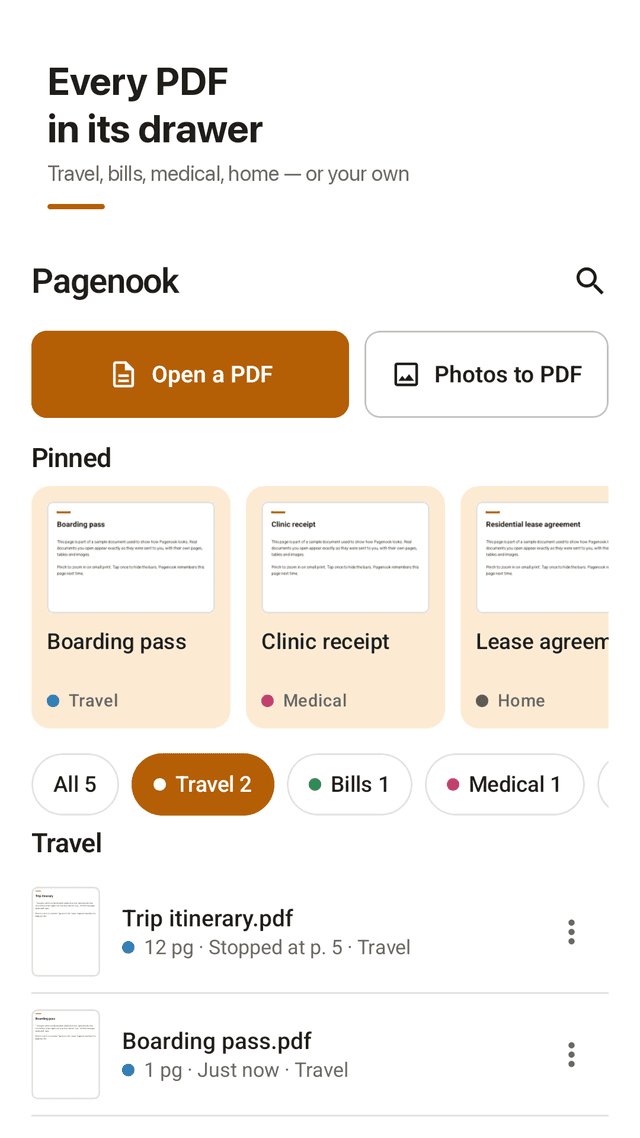
Drawers instead of a messy Downloads folder
Travel, Bills, Medical, Home, or drawers you name yourself. Each document shows its drawer color.
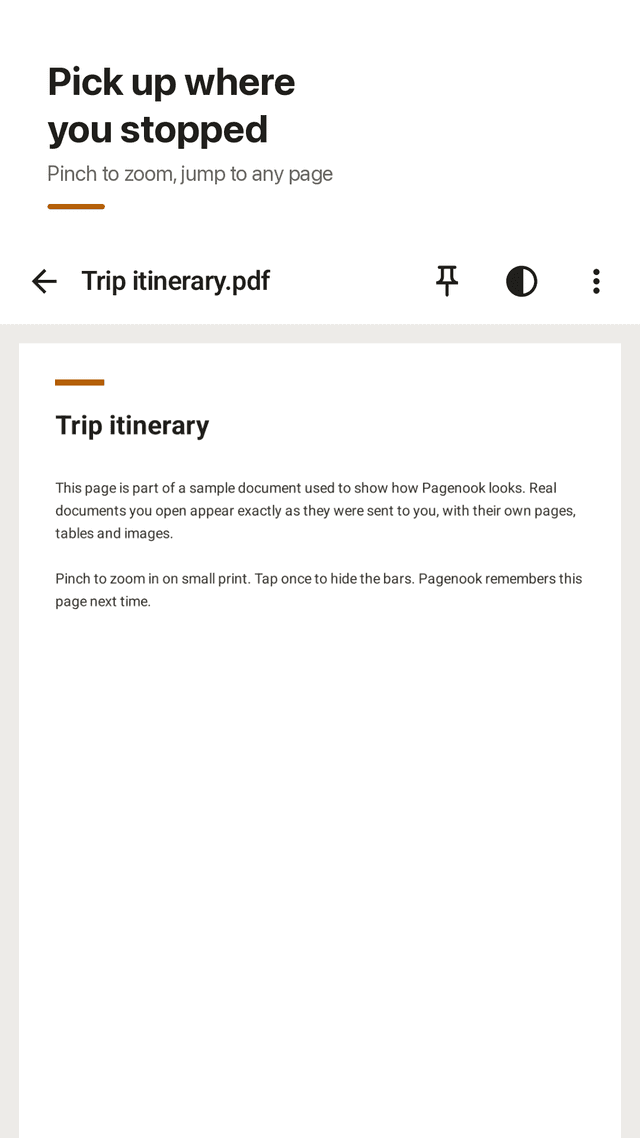
Remembers your page
Close a 40-page contract on page 12 and Pagenook reopens it on page 12.
Comfortable reading
Smooth scrolling, pinch and double-tap zoom, a page bar to jump anywhere, plus Sepia and Night modes.
Photos to PDF
Pick receipts or notes from your gallery with the system photo picker and turn them into one PDF.
Share, print, save a copy
Send a PDF to any app, print it with Android's print service, or save a copy to a folder you choose.
No storage permission, no account
Pagenook only sees the PDFs you open with it. No sign-up, and your documents stay on your phone.
FAQ
- I can't open a PDF attachment on my phone. What do I do?
- Tap the attachment, choose “Open with”, and pick Pagenook. If your email app only offers a preview, download the file first and open it from the notification or the Files app.
- A pop-up says my PDF reader is out of date. Is it real?
- Real updates come only from the Google Play Store. Pop-ups that threaten you will lose files unless you install something are ads. Pagenook never shows these.
- Does Pagenook need access to all my files?
- No. It does not request “All files access” or storage permission. It reads only the PDFs you open with it or pick in the file picker.
- Will removing a document delete my original file?
- No. “Remove from list” deletes only Pagenook's own copy. The original in your email, chat or folders stays where it is.
- Can I keep my boarding pass handy?
- Yes. Pin it, and it opens from the top of the list or straight from the home screen widget.
- Does it remember where I stopped reading?
- Yes. Every document reopens on the page you were on.
- Can I read at night without a bright white page?
- Yes. Switch to Night mode in the viewer for a dark page with light text, or Sepia for a softer tone.
- Is there a subscription?
- No. Pagenook is supported by a small banner at the bottom of the screen and occasional full-screen ads between documents. Ads never cover the page you are reading.