One photo a day. A calendar of your pet.
Pawlendar is a pet photo diary for Android: add one photo of your dog or cat each day and the month fills up into a photo calendar. Everything stays on your phone, and one ZIP backup file moves it all to a new phone. No account, no sign-up.
Get it on Google Play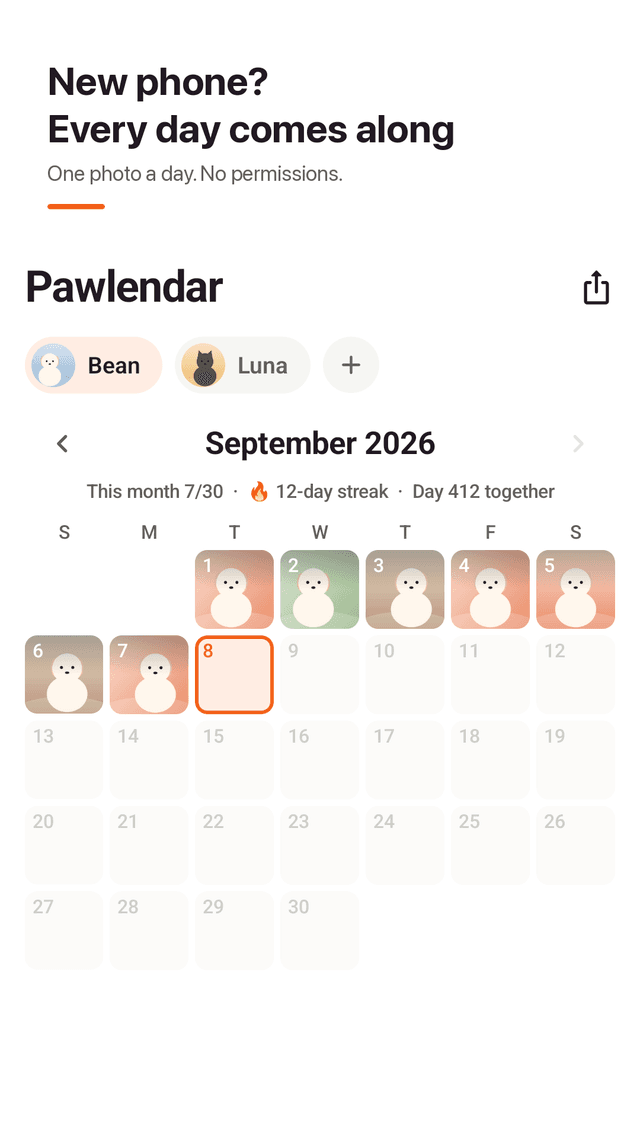
One photo a day, no writing needed
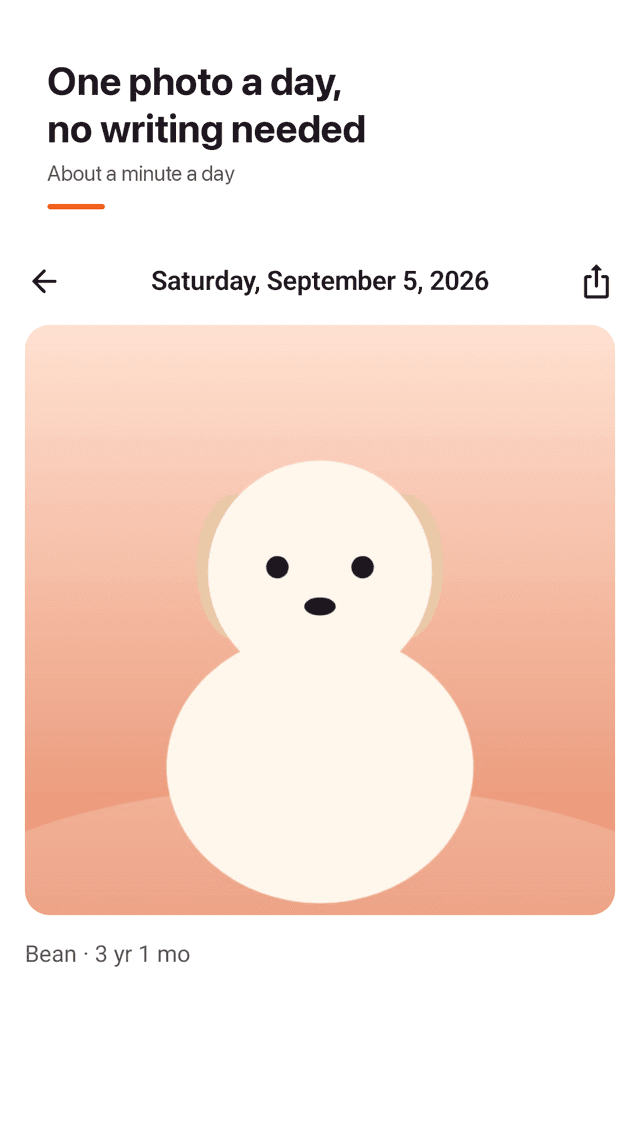
Tap +, pick a photo from the gallery or take one with the camera, crop it square, done. Add one line only if you want.
A pet calendar that fills up
Every recorded day shows as a thumbnail, with "This month 7/30", your streak and "Day 412 together" on top.
Backup in one ZIP file
Create a single ZIP backup and restore it on your new phone. No account and no server, so your photos stay yours.
No photo permission needed
Photos come through the Android photo picker, so there is no storage permission to deny.
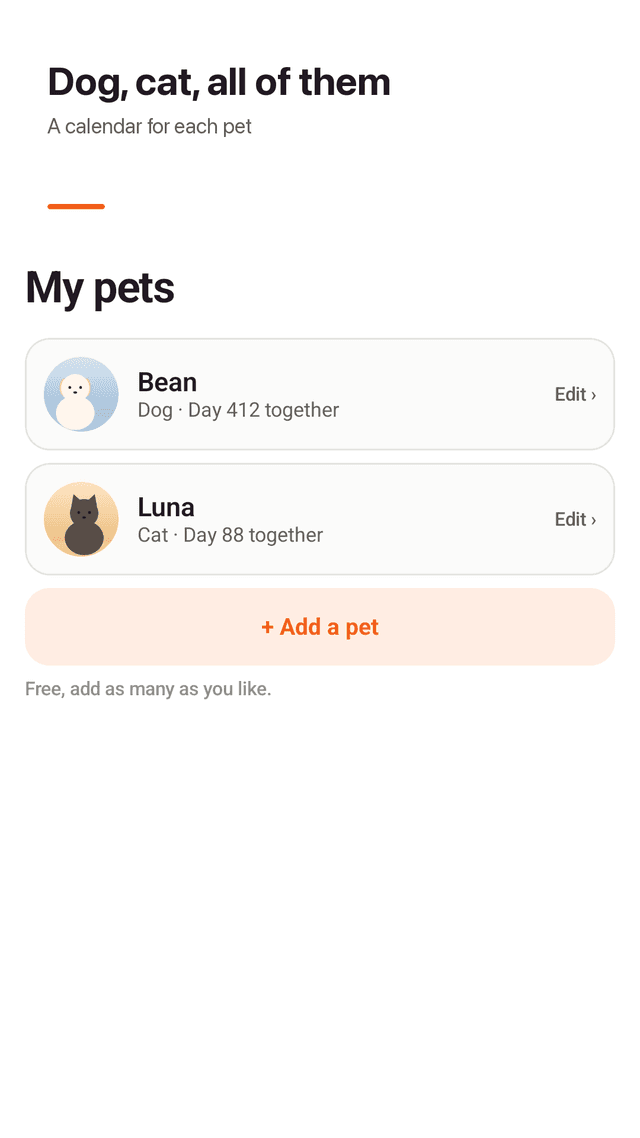
Many pets, all included
Each dog or cat gets its own calendar. Add as many pets as you like at no cost; age and days together are shown automatically.
Share the month as one card
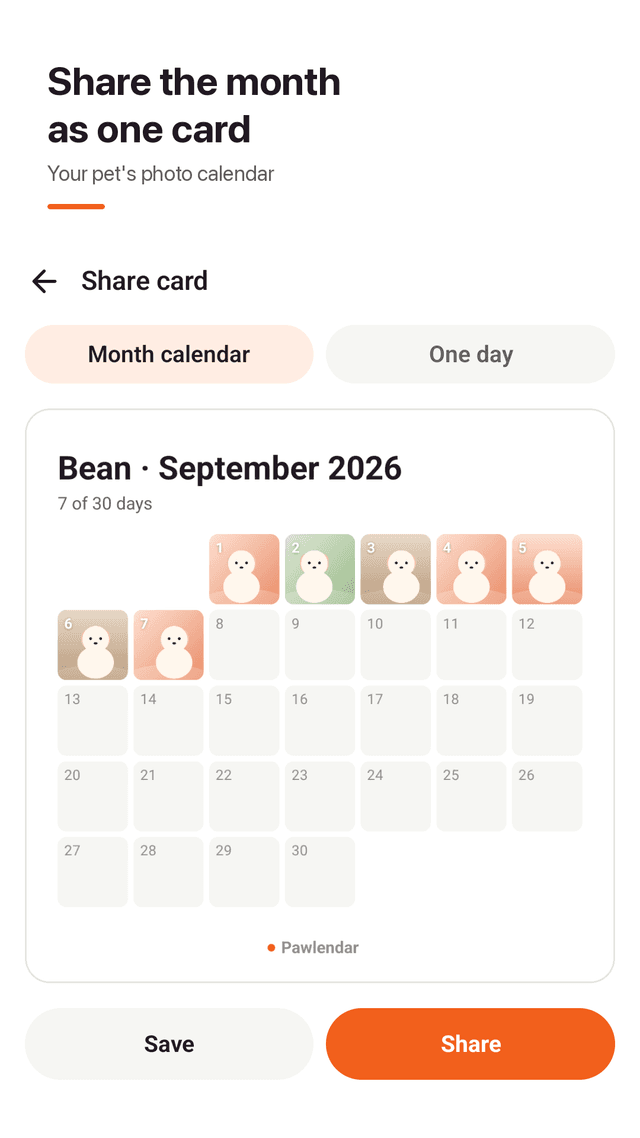
Turn the whole month into one calendar card, or share a single day. Save it to your gallery or send it to family.
Fill a missed day
Forgot yesterday? Fill days up to a week back, and swap today's photo until midnight.
Daily reminder and widget
One gentle reminder a day, skipped when today's photo is already in. The home screen widget shows today's photo and your streak.
FAQ
- Will I lose my pet photo diary if I change phones?
- Not if you make a backup. Pawlendar saves everything, photos included, into one ZIP file you can keep anywhere (for example Google Drive). On the new phone, restore from that file.
- Why does the app not ask for photo or storage permission?
- It uses the Android photo picker, which lets you choose a photo without giving the app access to your whole gallery. There is no permission to deny.
- Do I have to pay to add more than one pet?
- No. You can add as many dogs and cats as you like for free, and each gets its own calendar.
- Do I need an account?
- No. There is no login and no server. Photos are copied into the app's storage on your phone.
- I forgot to add a photo yesterday. Can I still add it?
- Yes. You can fill in days up to a week back, and you can replace today's photo until midnight.
- Can I share the calendar with my family?
- Yes. Make a card of the whole month or of a single day, then save it to your gallery or share it with any app.
- Is there a reminder?
- One daily reminder you can turn on or off. If you already added today's photo, it stays quiet.
- Is Pawlendar free?
- Yes. It is free with ads, and every feature, including multiple pets and backup, is available to everyone.