
Log spending in 3 seconds
A budget app without the setup. Built-in keypad, one-tap quick-add chips, and a big number that tells you what you can still spend today. Your data never leaves your phone — no account, no bank connection.
Get it on Google Play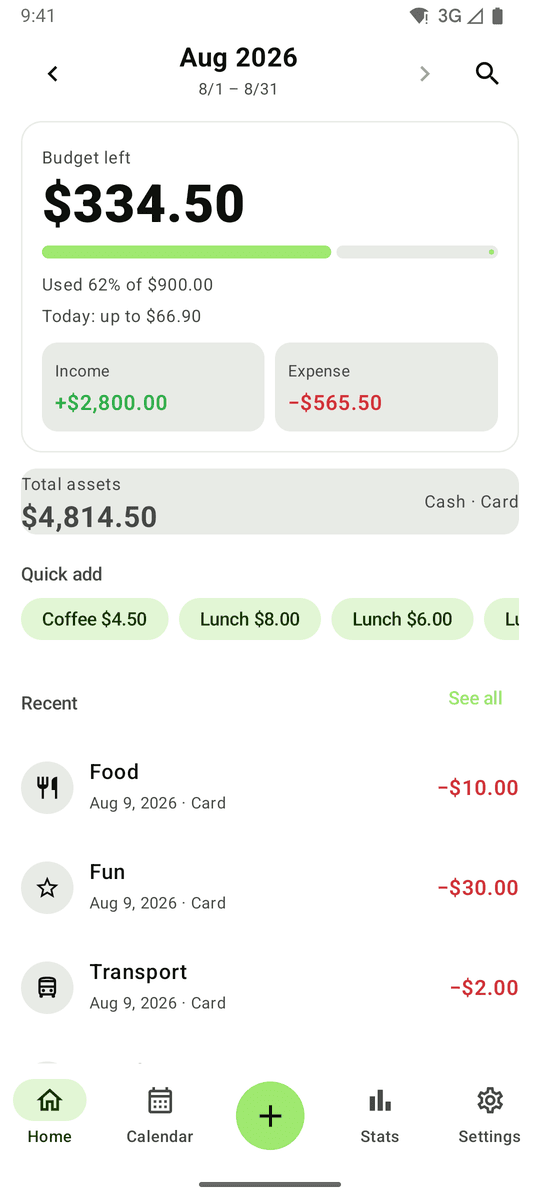
3-second entry
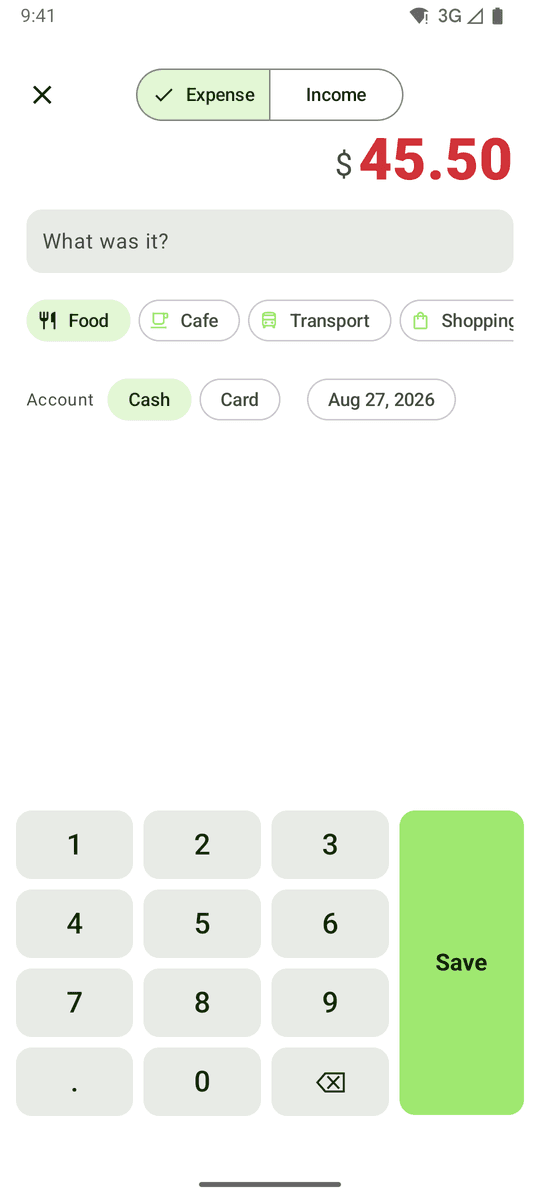
Tap +, type on the built-in keypad, pick a category. Frequent items become one-tap chips on the home screen and in the widget.
Budget from payday
Start your month on the 25th, the 10th — whenever you get paid. See budget left and 'Today: up to …'. Alerts at 50%, 80%, 100%.
Balances & subscriptions
Cash, bank and card balances update with every entry. Subscriptions and fixed costs are logged automatically on their billing day.
Calendar, stats, widget
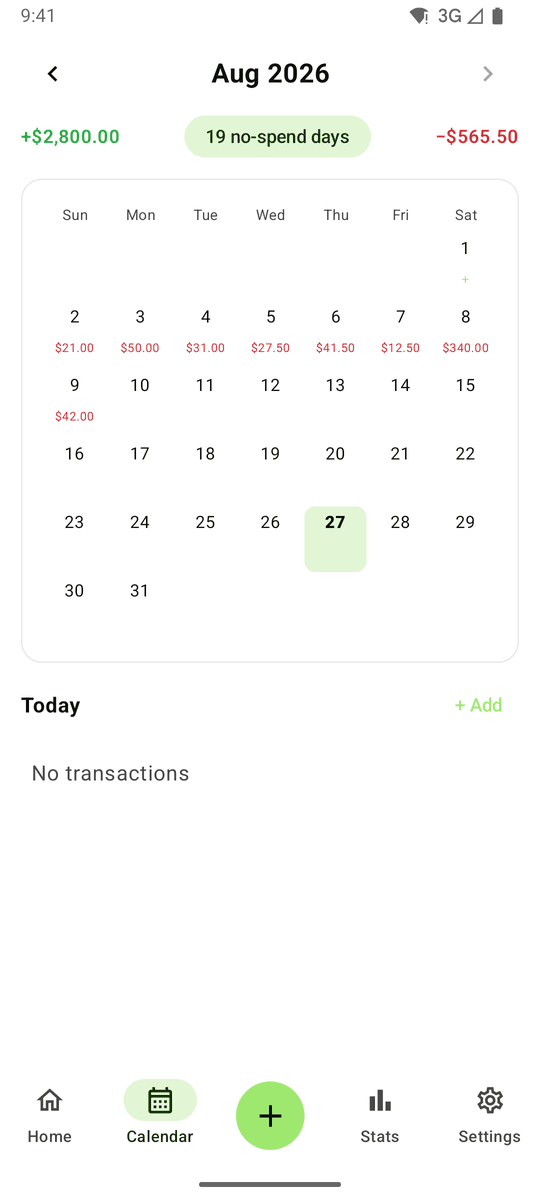
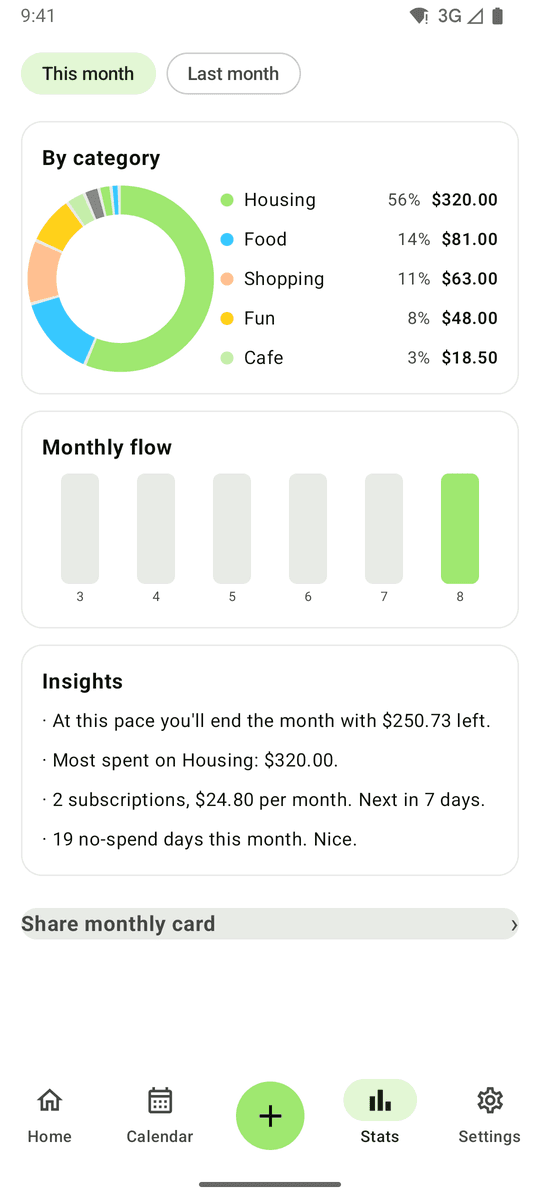
Daily spending on a calendar with no-spend days counted, category donut and 6-month flow, and a home screen widget for logging without opening the app.
FAQ
- Does Pennystack need an account or bank login?
- No. There is no sign-up, login or bank connection. Everything is stored on your phone and the app works offline.
- Can my month start on payday?
- Yes. Set the month start day in onboarding or Settings; the budget, calendar and stats all follow it.
- How does 'Today: up to' work?
- Budget left divided by the days remaining in your pay period. It updates every time you log something.
- Do subscriptions get logged automatically?
- Yes. Add them once with a billing day and Pennystack records them as expenses each period.
- Is it free?
- Yes. Pennystack is free and supported by unobtrusive ads.