
A calculator on the outside. Your photos behind it.
Type your PIN on the calculator, press =, and the vault opens. Everyone else just sees a calculator — and it is a real one, with parentheses, percent and a tape of your last calculations.
Get it on Google Play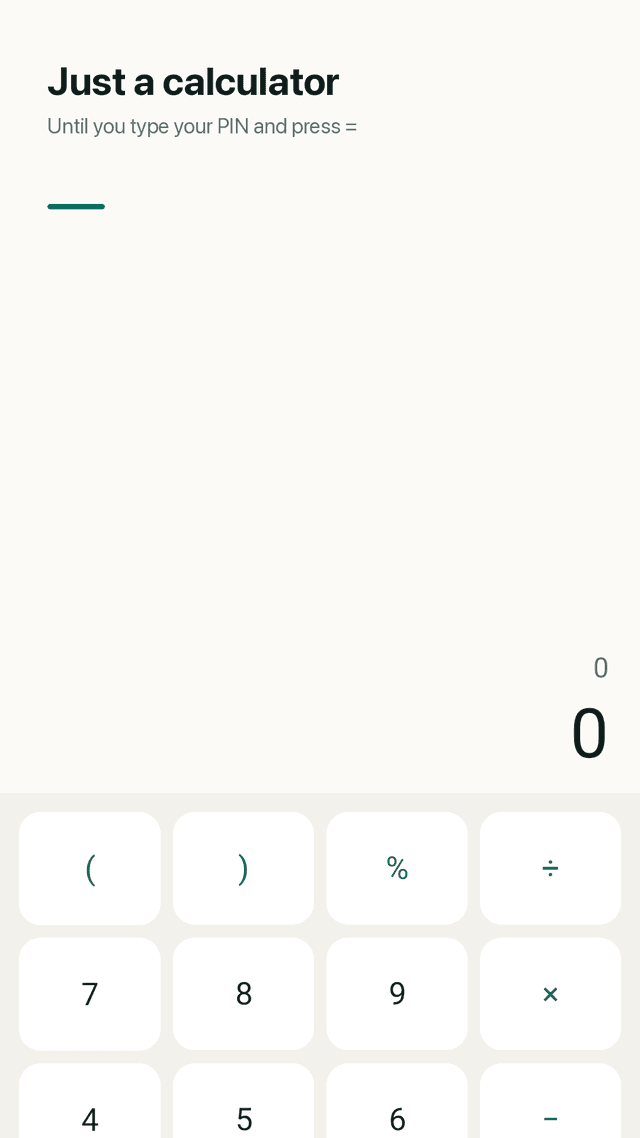

Opens as an ordinary calculator
No lock icon on your home screen, no app name that gives it away. The disguise is the whole point.
A calculator worth keeping
Parentheses, percent, a running tape of what you calculated. It is a tool, not a doorway pretending to be one.
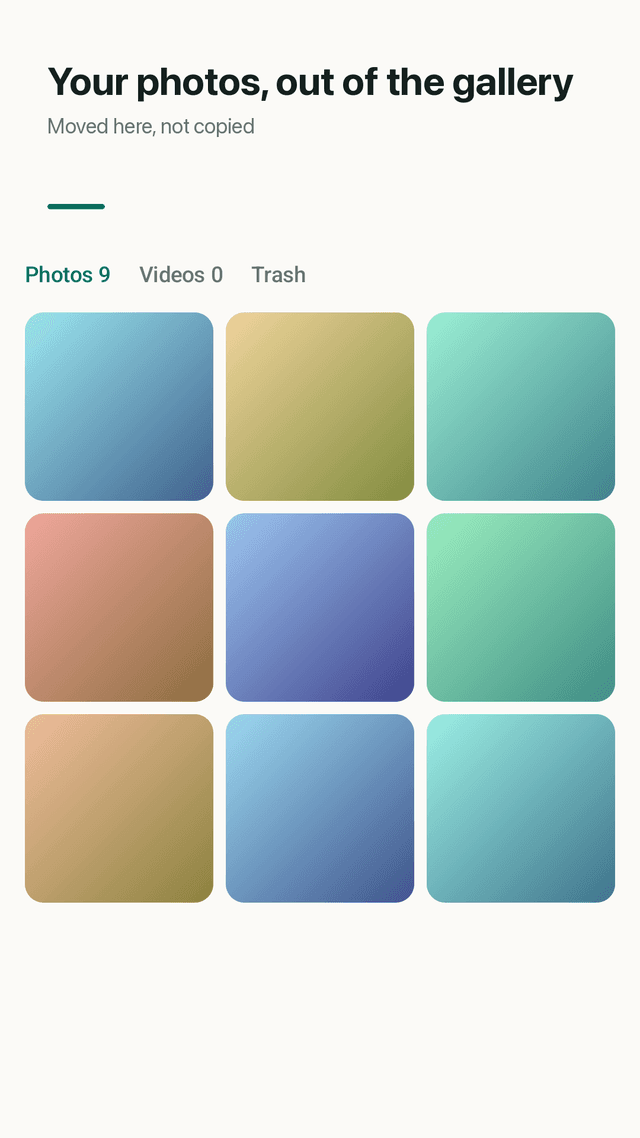
Photos leave the gallery
Pick photos and videos with the Android photo picker. They move into the app's private folder instead of sitting in your gallery.
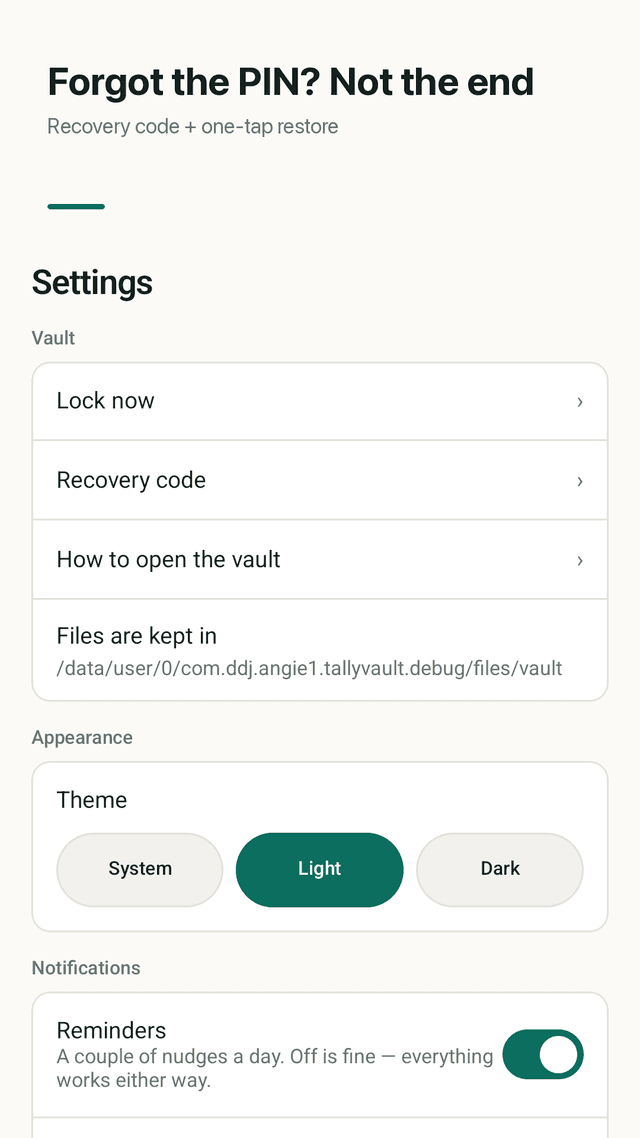
A recovery code you cannot skip
When you set your PIN, Tallyvault shows a recovery code and makes you type it back before you continue. Press and hold = later to use it.
One tap back to the gallery
Move anything back whenever you want. No paywall, no waiting, no export fee.
Trash, not instant deletion
A mistaken tap goes to trash first. Emptying it is a separate, deliberate action.
Minimal permissions
No contacts, no all-files access, no usage stats, no screen overlay. Only the photos you pick yourself.
Home screen widget
Open the calculator — and the vault behind it — in one tap.
FAQ
- What happens if I forget my PIN?
- Use the recovery code you wrote down when you set up: press and hold = on the calculator and type it. There is no account behind the app, so nobody, including us, can reset a PIN without that code. That is exactly why Tallyvault will not let you skip writing it down.
- If I uninstall the app, do my photos disappear?
- Files in the vault live in the app's private folder, so uninstalling removes them along with the app. Before you uninstall, open the vault and use "Move back to gallery" — everything returns to your photo library. Settings shows the exact folder the files are in.
- Are the photos encrypted?
- No, and we will not pretend otherwise. The vault relies on the Android app sandbox: other apps cannot read Tallyvault's private folder. It does not protect against someone who knows your PIN. Vault screens are excluded from screenshots and from the recent-apps preview.
- Does the calculator actually work?
- Yes. Parentheses, percent, a tape of your recent calculations, and results you can keep using. Reviews of other vault apps complain that the calculator is a shell; this one is not.
- Is there a subscription?
- No. There is no account, no sign-up and no subscription. The app is supported by ads, and your ad privacy choices are in Settings.
- Can the app lock other apps or take intruder selfies?
- No. Tallyvault does not request the permissions those features need — no usage access, no screen overlay, no camera. It hides photos and videos, and that is it.
- Where are my files stored?
- In the app's private storage on this phone. Settings shows the path. Nothing is uploaded anywhere — there is no server of ours involved.
- Does it hide videos too?
- Yes. Videos go into the same vault and have their own tab.