TapLight
One tap and the light is on.
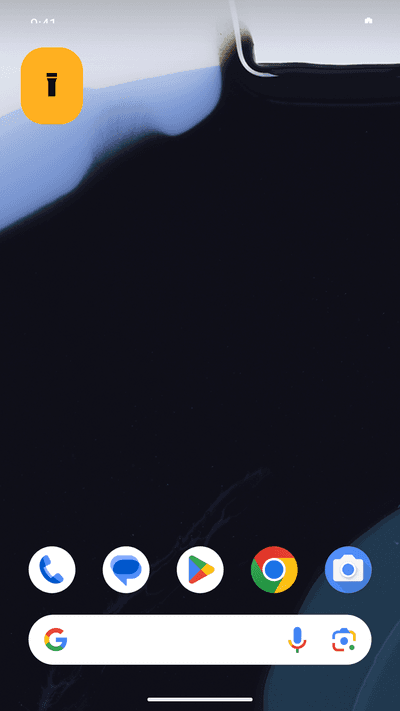
A home screen widget that toggles the LED directly, at your device's maximum brightness. It stays on with the screen off, and it never asks for camera permission.
Get it on Google PlayScreens
One tap, not three
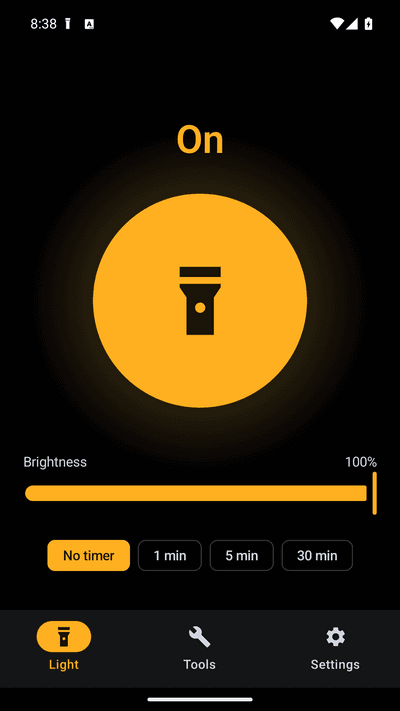
The home screen widget switches the LED directly — the app never opens. The Quick Settings tile does the same from the lock screen. Most flashlight apps make you open an app and then press a button.
Always full brightness
On phones that support adjustable torch strength, TapLight starts at your device's maximum rather than a dim default. If you want it softer, the slider is there. On phones that don't support it, the slider is hidden instead of doing nothing.
It does not switch itself off
A foreground service keeps the app's process alive only while the light is on, so Android cannot reclaim it and leave you in the dark. Switch it off straight from the notification.
No camera permission. Ever.
TapLight controls the LED through Android's torch API, which needs no permission at all. It cannot take photos or see anything. Notifications is the only runtime permission it asks for.
SOS and strobe
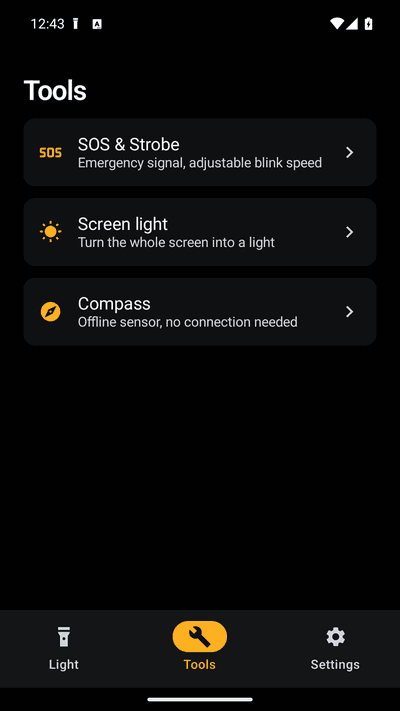
The international SOS distress signal in Morse code, plus an adjustable strobe from 1 to 20 Hz. Both keep flashing with the screen off.
Screen light
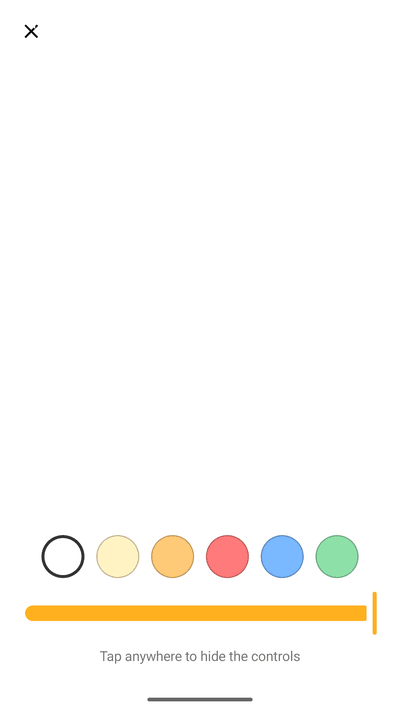
Turns the whole display into a soft lamp in six colours with its own brightness — for reading at night, finding a keyhole, or lighting a face for a photo.
Compass with no location
A plain compass that uses only your phone's magnetic sensor. No location permission and no internet connection.
Auto-off timer
Set the light to switch itself off after 1, 5 or 30 minutes, so a flashlight left on in a pocket does not drain the battery.
FAQ
- Why do flashlight apps ask for camera permission?
- Because they take the lazy route: opening a camera session gives access to the flash. It is not necessary. Android has had CameraManager.setTorchMode() since version 6, which switches the LED without opening the camera and without any permission. TapLight uses that. An app that asks for camera permission to make light can, technically, also see through your camera — which is why 'is this flashlight app a virus?' is one of the most common questions about the category.
- Why is my flashlight app dimmer than the built-in one?
- Android 13 added an API to set torch strength in steps. Some apps switch the light on at a low default level and never raise it, so the app looks dimmer than the toggle in your quick settings, which uses maximum. TapLight always starts at your device's maximum and lets you dial it down.
- Why does the light turn itself off?
- The torch is switched off when the process that turned it on is killed. If a flashlight app has no foreground service, Android can reclaim it in the background at any moment and the light goes out with it. TapLight runs a foreground service only while the light is on, and stops it the moment you turn the light off.
- I added the widget but nothing appears
- The widget picker draws its preview from the app's widget provider. If the app ships an empty preview, some launchers show an error or an invisible tile. TapLight fills in both the initial layout and the preview, so the widget shows up and works from the first tap. You can also add it from the app's Settings screen.
- Does it work with the screen off?
- Yes. The light, SOS mode and strobe all continue with the screen off and while you use other apps.
- What permissions does it need?
- Notifications, so it can show the ongoing 'light is on' notification with an off button and the optional reminders. It also declares a foreground service and run-at-startup. It does not ask for camera, location, contacts, microphone or storage.
- Are there ads?
- Yes, and they are what keeps it free. They are never placed between you and the light: the widget and Quick Settings tile carry no ads at all, the on/off button is never gated by an ad, and the full-screen light mode has no banner.
- Does it work offline?
- Yes. There is no account, no login and no sync. Your settings stay on your phone.
Guides
TapLight is a flashlight, a home screen widget, a Quick Settings tile, an SOS signal, a screen light and a compass. There is no account, no login, no subscription and no camera permission — on purpose.