
Your photos already know where you've been.
Tripline turns the location tags in your photos into an animated travel map video — no routes to draw, no pins to drop, nothing uploaded. Pick a month, a year or a trip it found for you, preview the route, and create an MP4 in one tap.
Get it on Google Play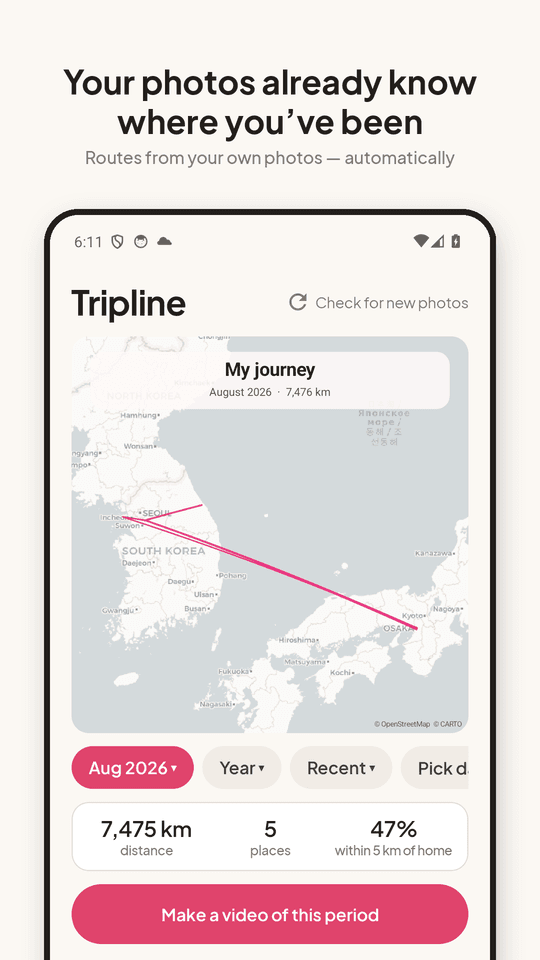
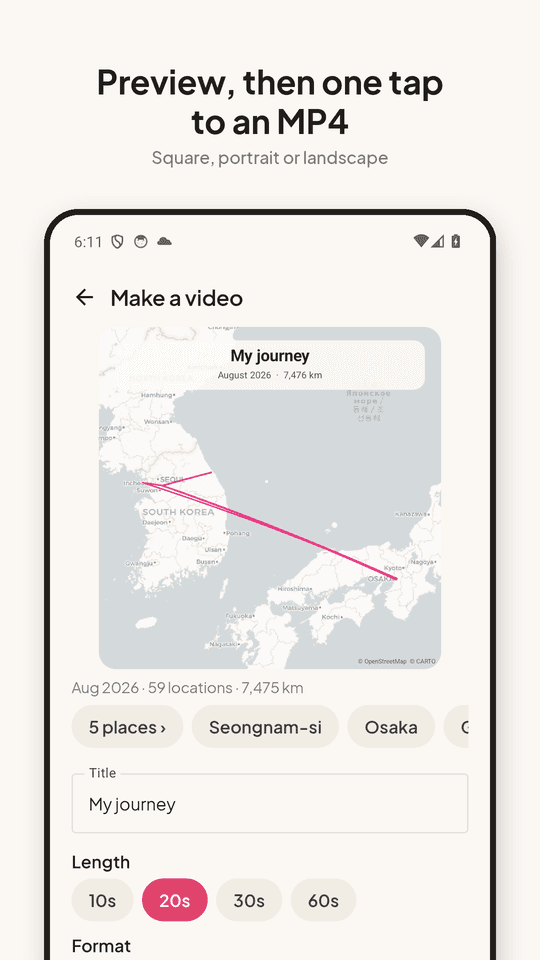
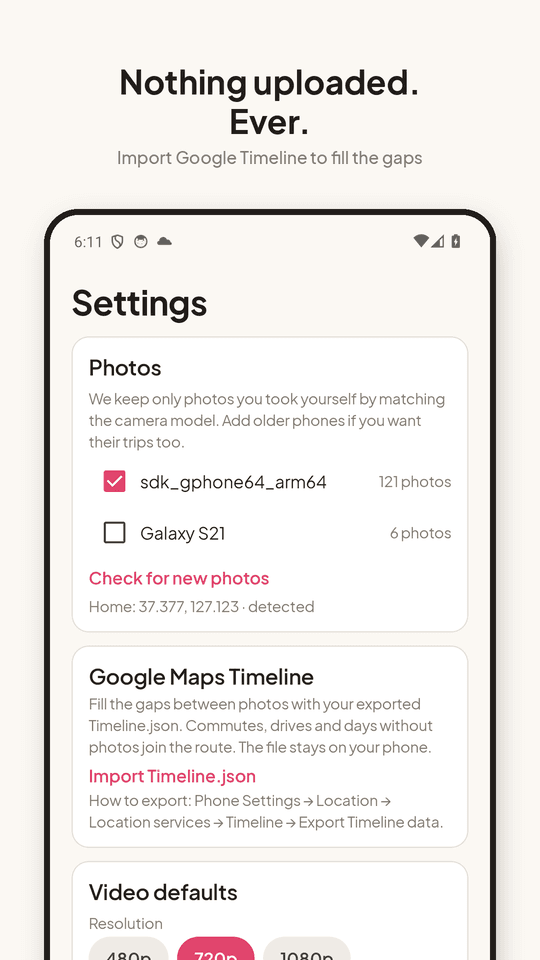
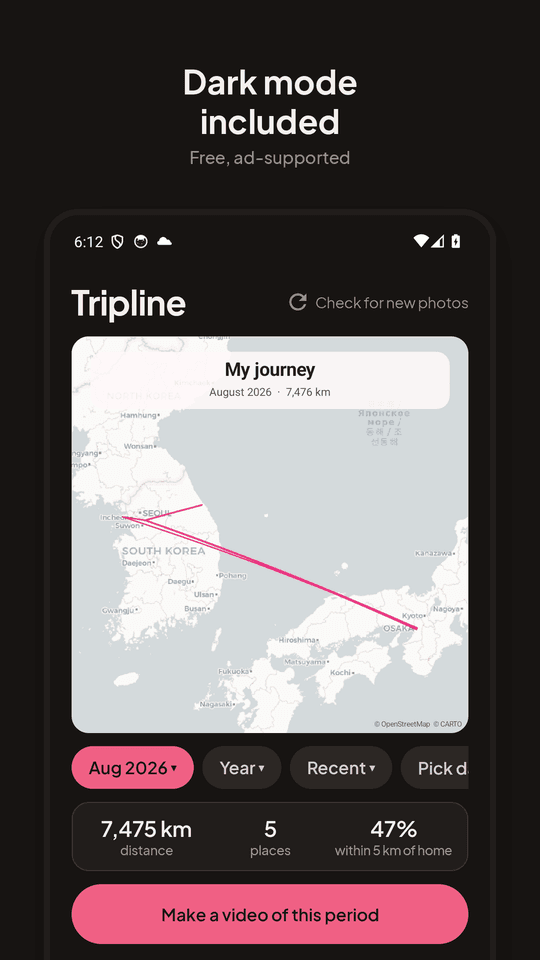
Routes from your own photos
Tripline scans your gallery for photos with a location tag (only the metadata, never the picture), keeps the ones taken with your phone, and draws the route. Shared and downloaded images stay out.
Trips found for you
Days spent far from home become their own video. A quiet month near home works too — that's a video as well, with distance, places and the share of time spent within 5 km of home.
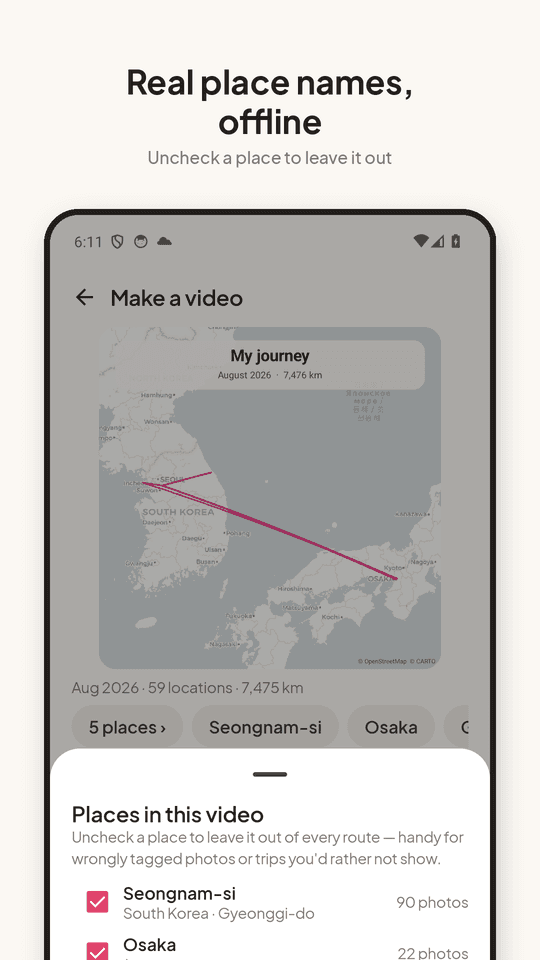
Real place names, offline
Cities and countries come from a built-in offline list of 34,000 places. Uncheck any place to leave it out of every route — handy for wrongly tagged photos.
Fill the gaps with Google Timeline
Export Timeline.json from your phone's location settings and import it. Commutes, drives and days without photos join the route. The file stays on your phone.
MP4 ready for Instagram, TikTok, YouTube
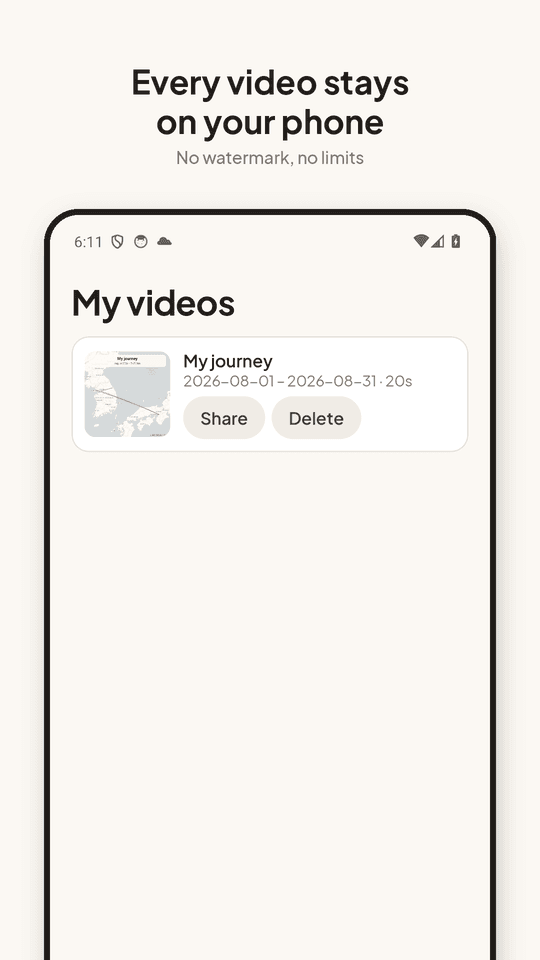
10 to 60 seconds, 480p / 720p / 1080p, square, 9:16 or 16:9. Four camera styles. Videos render on the phone and save to Movies/Tripline.
Private by design
No sign-in, no cloud, no upload. The only network use is downloading map tiles for the areas shown. Free, no watermark, no limit on how many videos you make.
FAQ
- Do my photos get uploaded anywhere?
- No. Tripline reads only the capture time, coordinates and camera model from each photo, on your phone. The image itself is never opened, copied or sent. The only network traffic is map tiles for the area being drawn.
- My photos have no location — what do I do?
- Most camera apps have a 'Location tags' switch that is off by default on some phones. Turn it on in the camera app's settings (Galaxy: Camera → ⚙ → Location tags) and new photos will carry a location. Tripline needs at least two located photos in different places to draw a route.
- Does it work without Google Maps Timeline?
- Yes — photos alone are enough. If you did turn Timeline on, you can export Timeline.json (Settings → Location → Location services → Timeline → Export) and import it in Tripline to fill in the parts of a trip where you didn't take photos.
- How does it know which photos are mine?
- By the camera model saved in each photo, matched to your phone. Photos received in chat apps or downloaded from the web usually have no location or a different camera and are left out. You can add an older phone in Settings to include its trips.
- What formats and lengths can I make?
- Square, portrait (9:16) and landscape (16:9); 10, 20, 30 or 60 seconds; 480p, 720p or 1080p. Fixed, steady, dynamic or close-up camera.
- Is it free? Are there ads?
- Every feature is free with no watermark and no limit. Tripline is supported by ads.
- Can I hide a place from the video?
- Yes. Open the places list on the create screen and uncheck it. It is left out of every route until you check it again.