Vocadeck
A word list that opens on a plane
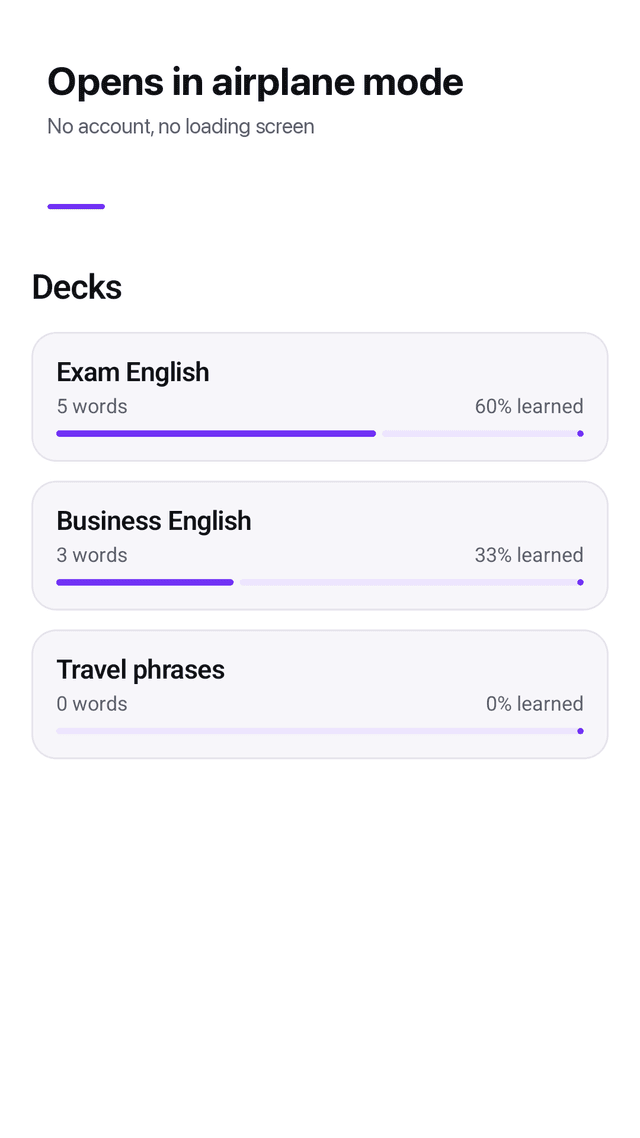
Most vocabulary apps stall on a loading screen the moment the signal drops, or lock the useful half behind a subscription. Vocadeck keeps your words on the phone and every feature free.
Get it on Google PlayScreenshots
Two fields and you are studying
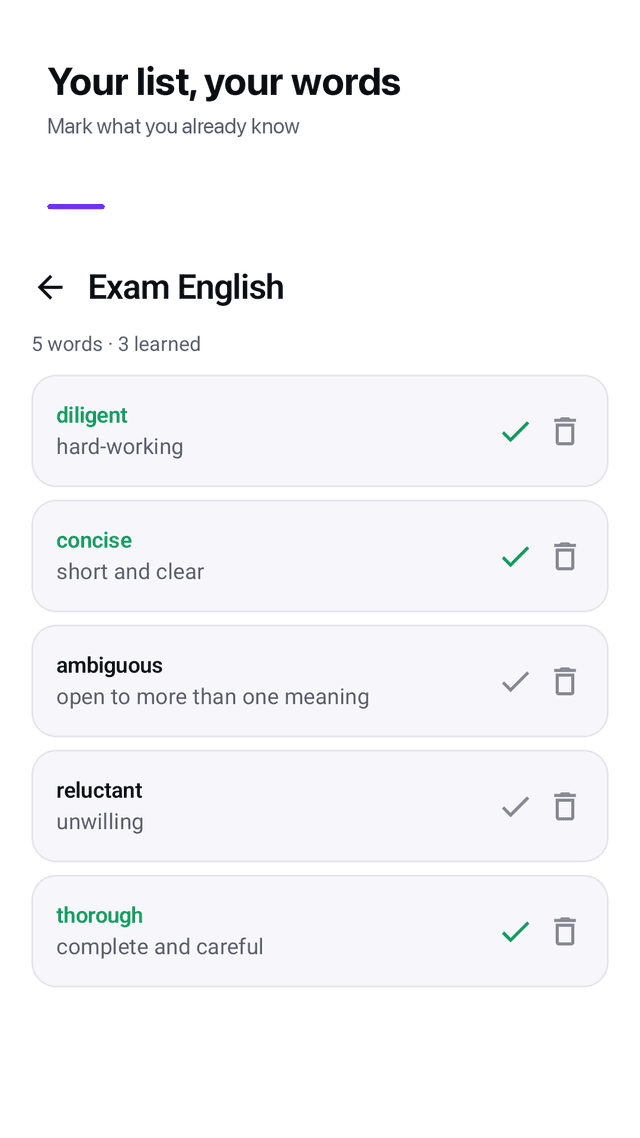
A word, its meaning, save. The cursor is already waiting for the next one, so adding thirty words is thirty pairs of taps and nothing else. No translation lookup to wait for, no server to ask.
Choose the direction before you start
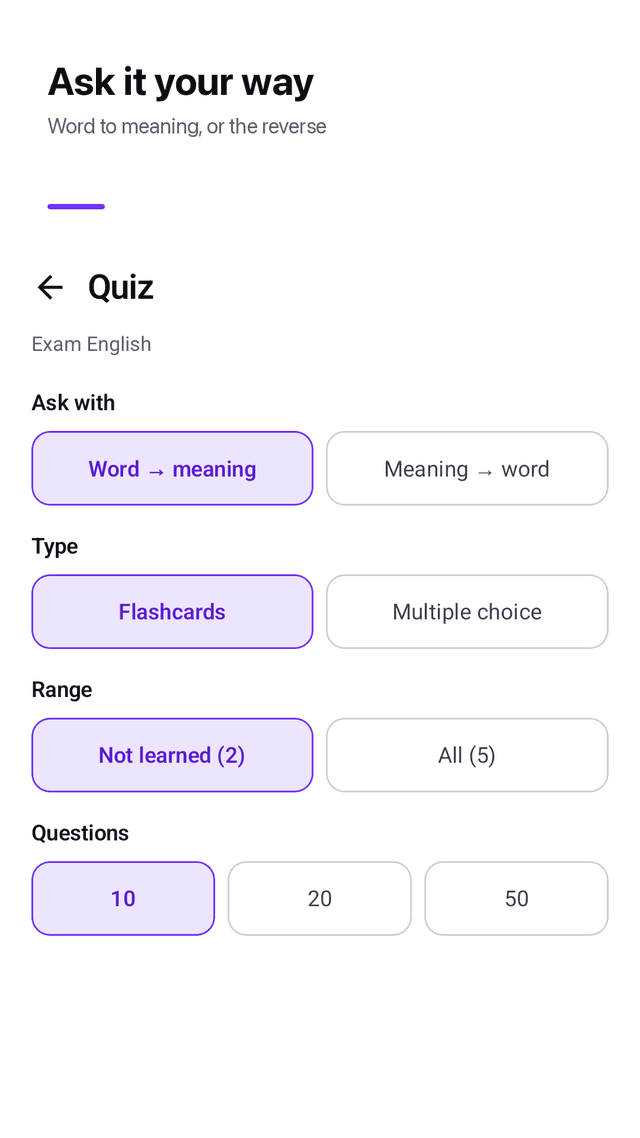
Word to meaning, or meaning to word. It is the first control on the quiz screen, not a setting three levels deep, because which way you are tested is the whole difference between reading practice and recall practice.
Flashcards that wait for you
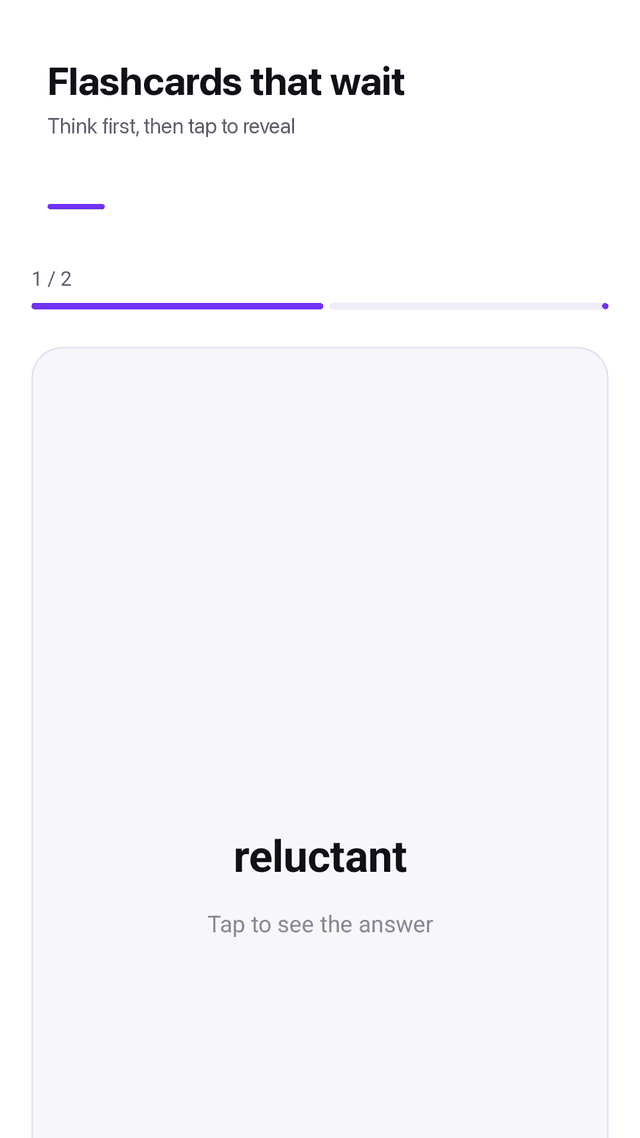
See the word, try to remember, tap to reveal. Mark it as known or not yet. Nothing interrupts the card — no banner, no popup, no rating request while you are mid-session.
Multiple choice without ambiguous answers
Four options, and duplicate meanings are filtered out of the choices. If two words in your deck share a meaning, only one of them can appear as the answer.
Retry only what you missed
The result screen lists the words you got wrong and one tap runs a new round with just those. Words you mark as learned drop out of the default quiz range.
Word of the day on your home screen
The widget shows one word from your decks. Tap it and the meaning appears without opening the app.
Backup is a file, not an account
Export every deck to a CSV file you keep in your own storage, and import it back on a new phone. Nothing to log into, nothing that can silently lose your words during a sync.
Truly offline
Adding words, flashcards, quizzes, the widget and reminders all work with no connection. The only thing that uses the network is the ad.
FAQ
- Does it really work offline?
- Yes. Every study feature — adding words, flashcards, multiple choice, the widget, reminders — runs entirely on the device with no network call. You can use it in airplane mode, on the subway or in a basement classroom. The only component that touches the internet is the advertising SDK.
- Do I need an account?
- No. There is no sign-up, no login and no email to give. Open the app, create a deck and start typing.
- Can I be tested from meaning to word instead?
- Yes, and the switch is at the top of the quiz start screen. Pick word to meaning for reading recall, or meaning to word when you need to produce the word yourself, such as for spelling or speaking practice.
- How do I move my words to a new phone?
- Export a CSV file from Settings, move that file however you like, and import it on the new device. Because the backup is a plain file you hold, there is no account to recover and no sync that can drop data.
- Are there ready-made word lists?
- No, and that is deliberate. Pre-made decks are usually copied content of uncertain quality and licensing. You build your own list, or paste one you already have from a spreadsheet as CSV.
- Is anything behind a paywall?
- No. There is no subscription, no premium tier and no in-app purchase. The app is supported by ads, and no ad appears while you are working through cards or quiz questions.
- What happens to a word I already know?
- Mark it as learned. It stays in the deck and in your history, but the default quiz range skips it so you spend the session on the words that still need work.
- Can it read the words out loud?
- Not in this version. Vocadeck focuses on typing your own pairs and drilling them; pronunciation is one of the features most often reported as inaccurate in other vocabulary apps, so it is better absent than wrong.
Guides
Vocadeck is a plain vocabulary notebook: your own word lists, flashcards and quizzes in both directions, a word-of-the-day widget and CSV backup. No account, no subscription, nothing leaves the phone. Supported by ads.