Wakebell
An alarm that just rings.
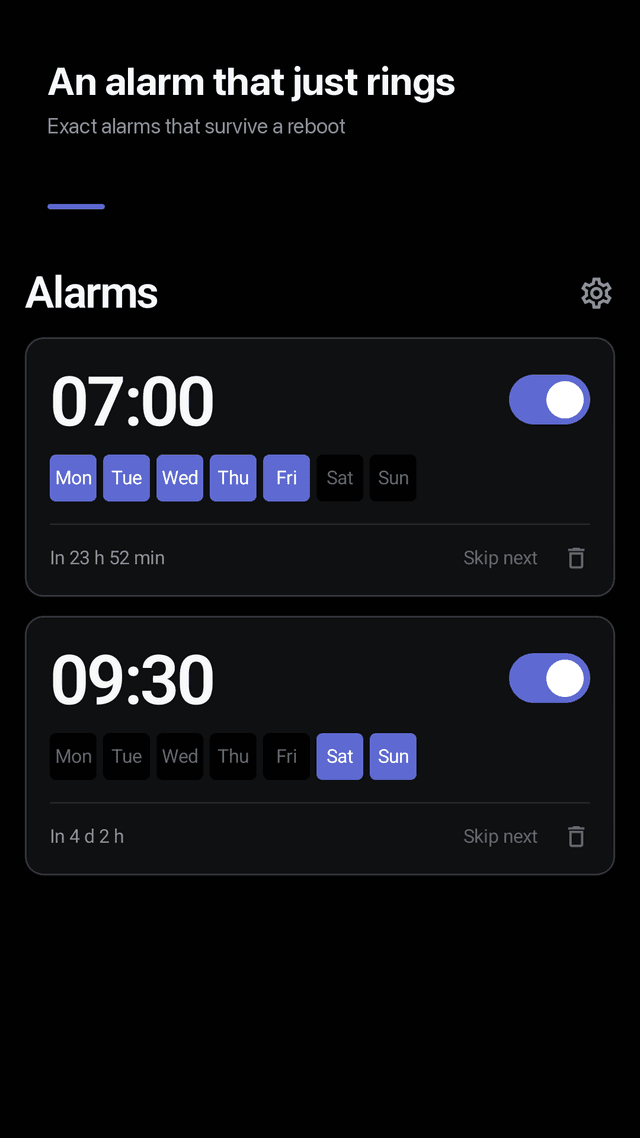
Exact alarms that survive a reboot. Volume other apps cannot turn down. And a history so you never have to wonder whether it went off. No phone permission, no paywall.
Get it on Google PlayScreens
It survives a reboot
Restarting a phone silently cancels every alarm Android holds. Wakebell re-registers all of them the moment your phone starts up, without you opening the app.
Exact, not approximate
A 07:00 alarm rings at 07:00. Wakebell uses Android's alarm-clock scheduling, which cuts through Doze instead of waiting for a convenient moment.
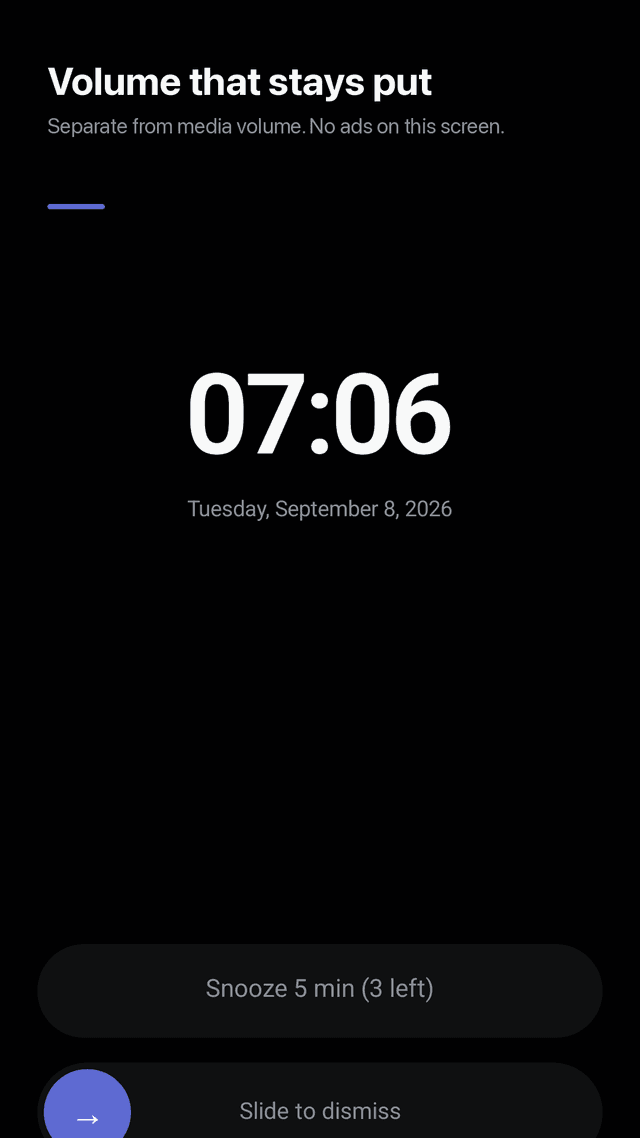
Volume that stays put
Alarm volume is per alarm and separate from media volume, so another app cannot quietly turn your alarm down. Optional fade in starts quiet and rises over 30 seconds.
It plays on the speaker
Even with headphones plugged in, the alarm goes out through the speaker — so it still wakes you if they fall out overnight.
Alarm history
See whether each alarm rang, was dismissed or was snoozed. If registration ever fails, that is recorded too. Nothing is hidden.
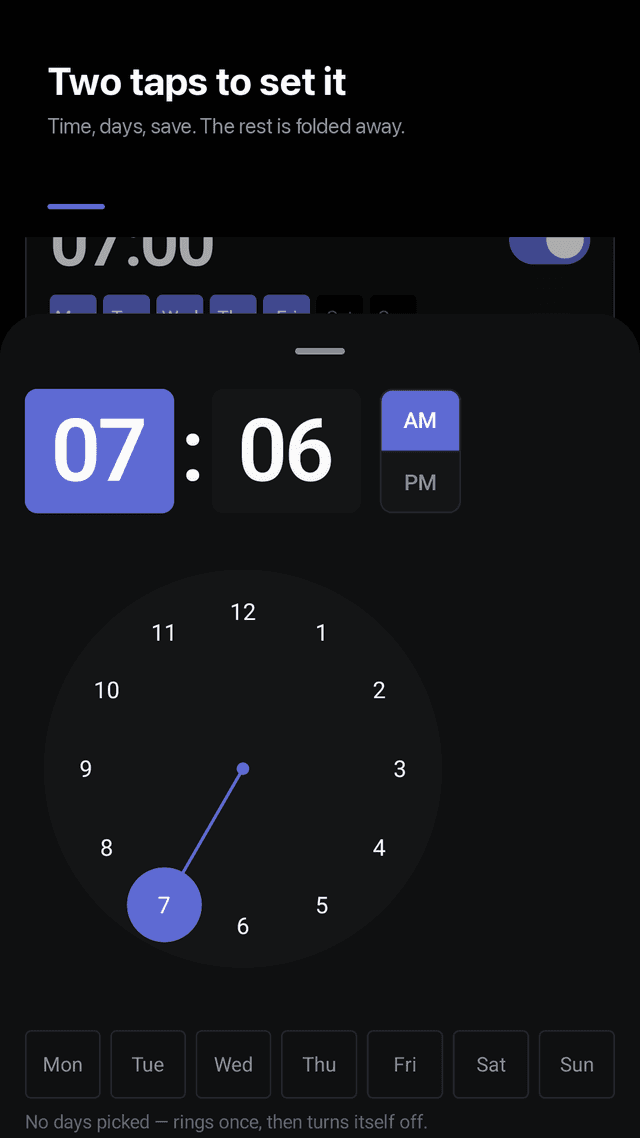
Two taps to set one
Open, pick a time, save. Sound, snooze, vibration and name are folded away until you want them. Skip the next occurrence without deleting the alarm.
Snooze on your terms
Turn snooze off entirely, or cap how many times it repeats. Most alarm apps decide this for you.
One permission, no paywall
Notifications is the only permission, asked once when you save your first alarm. No phone permission, no display-over-other-apps, no battery exemption prompt. No subscription, no in-app purchase.
FAQ
- Why do alarms stop working after I restart my phone?
- Android cancels every scheduled alarm on shutdown. An alarm app has to re-register them when the phone boots. Wakebell does this from a boot receiver, so your alarms are back before you unlock the screen. Apps that skip this step are the reason "my alarm didn't go off after a restart" is such a common complaint.
- Why does my alarm volume keep getting lower?
- On most phones the alarm shares a volume stream that other apps and system routines can change. Wakebell stores a volume per alarm and applies it to its own player, so a music app or a routine cannot turn your alarm down.
- Does the alarm ring if I force-stop the app?
- Once you force-stop an Android app, the system blocks it until you open it again — that is an Android rule, not something an app can override. Wakebell re-registers everything the next time you open it, and records anything it missed in the alarm history.
- Will it ring with headphones in?
- Yes. By default Wakebell plays through the speaker as well, so an alarm still wakes you if the headphones fall out.
- Can I turn snooze off completely?
- Yes. Snooze can be off, or set to a fixed interval with a maximum number of repeats, per alarm.
- What permissions does it ask for?
- Notifications, once, when you save your first alarm — it is needed to show the ringing screen. Wakebell does not ask for phone, contacts, location, storage, display-over-other-apps or a battery-optimisation exemption.
- Is there a subscription?
- No. There is no subscription and no in-app purchase. Ads keep it free, and there are never ads on the ringing screen or the alarm editing screen.
- Does it work offline?
- Yes. Alarms, bedtime and history are stored on your phone. There is no account and no server.
Guides
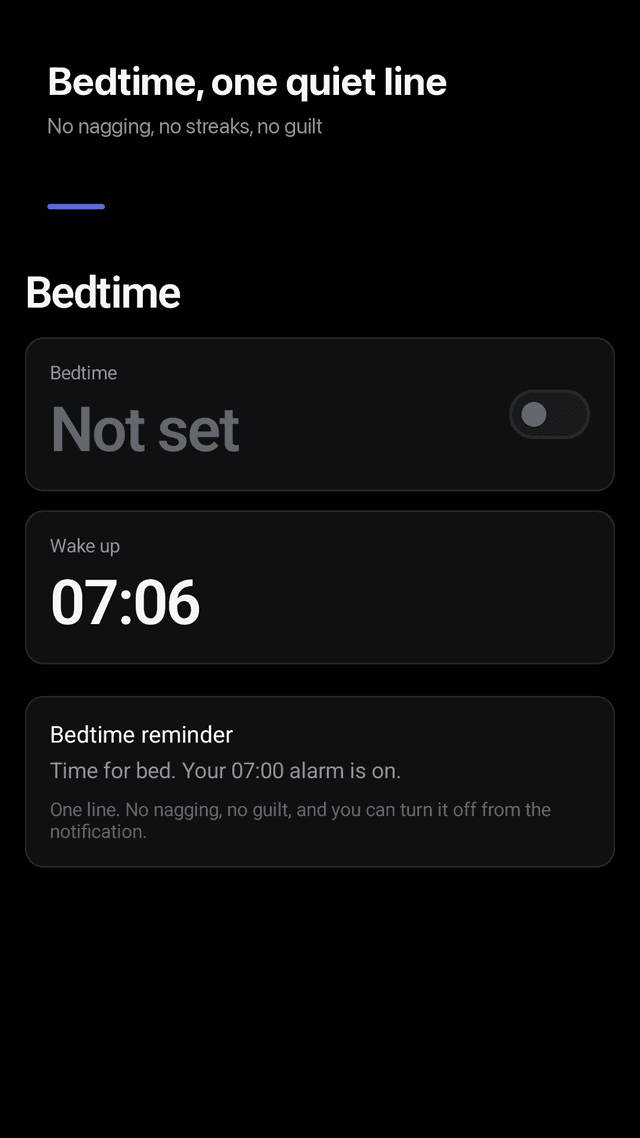
Wakebell is an alarm clock, a bedtime reminder and a home screen widget. It has no timer, no stopwatch, no sleep tracking and no account — on purpose.