Walkmint
A step counter that keeps counting when the screen goes dark
"It shuts down the minute your phone screen goes off" is the most familiar complaint about pedometer apps. Walkmint reads the step sensor your phone already has, which counts on its own. Open the app hours later and the steps are already there.
Coming soon to Google Play
Screenshots
Counts with the screen off
Walkmint does not keep a screen or a tracking loop running. It reads Android's hardware step counter, which keeps counting in the background, and catches up every 15 minutes and whenever you open the app.
Steps left, not just steps taken
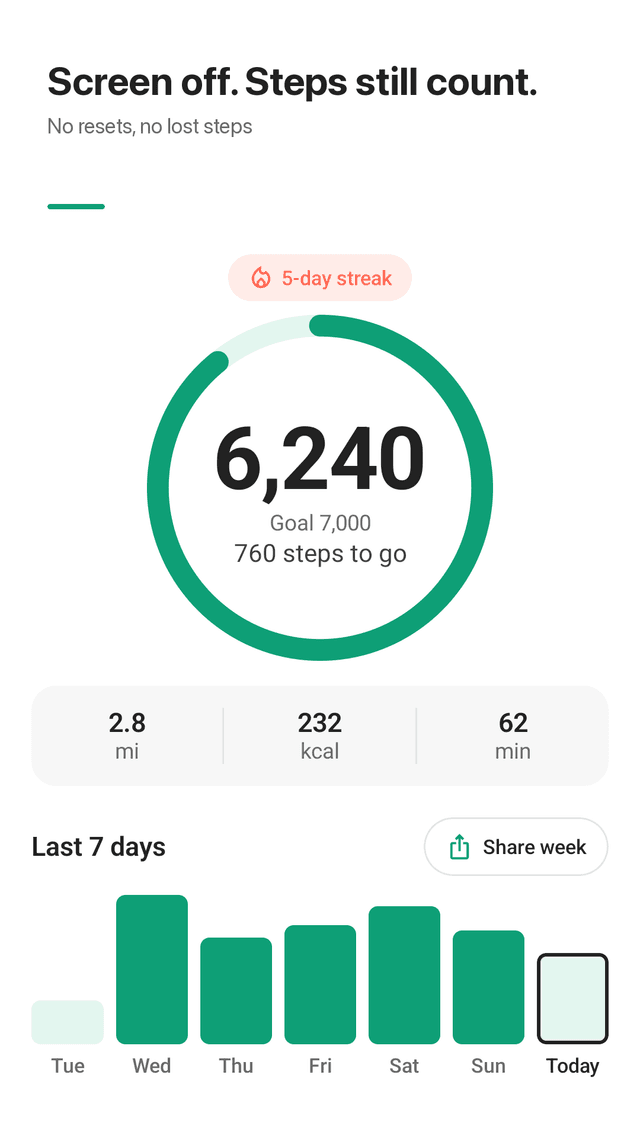
Today's steps sit in one big number inside a ring, with a line under it such as "760 steps to go". You know how far you are from your goal in three seconds.
Light on battery
No GPS, no map and no location permission. The step sensor is a low-power chip built for exactly this, so there is nothing extra running to drain the battery.
Ads never reset your count
Your steps come from the sensor and are saved to the phone's database, so an ad opening or the app closing cannot wipe today's number.
Swipe between days
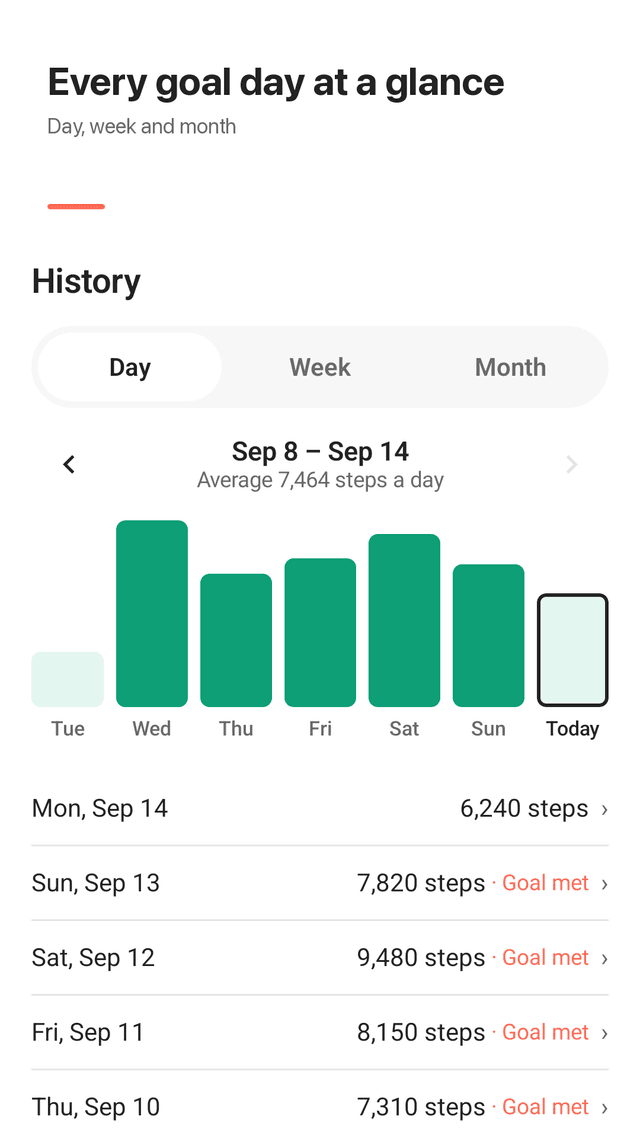
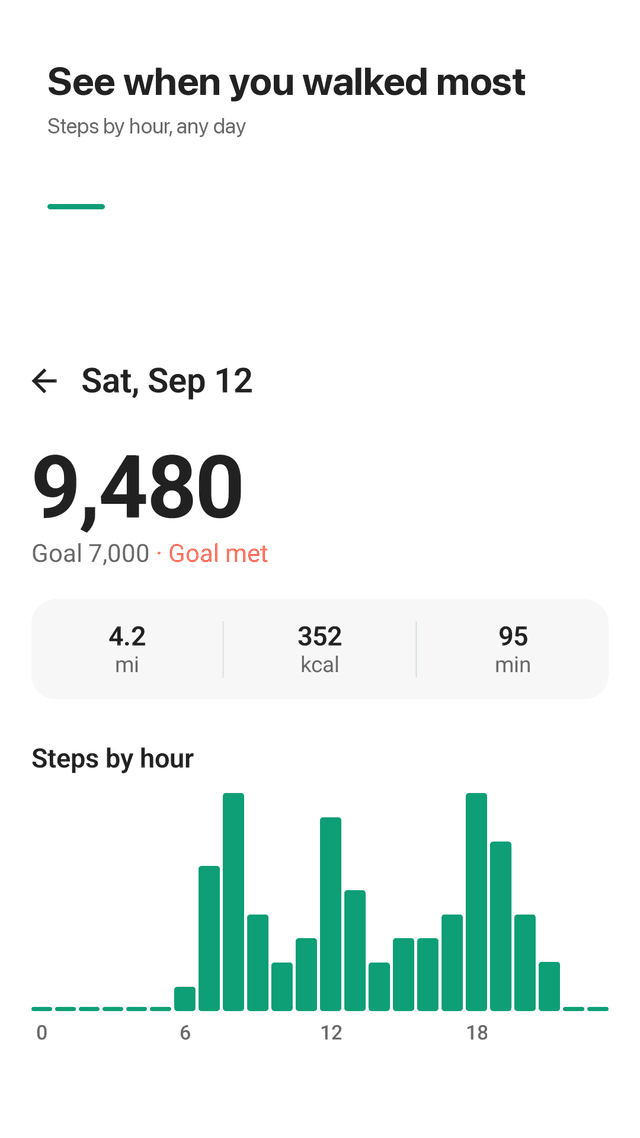
Swipe left and right on the home screen to move through days. History shows day, week and month views with your daily average, and any day opens into steps by hour.
Pick a goal that fits you
5,000, 7,000, 10,000 or any number you like. A streak badge counts the days in a row you reach it, and the last 7 days show as bars with goal days in mint.
Home screen widget
Today's ring and the steps left, visible without opening the app.
No sign-up
No account and no login. Height and weight are optional and only used for distance and calories. Your step history stays on your phone.
FAQ
- Why does my step counter stop counting when the screen is off?
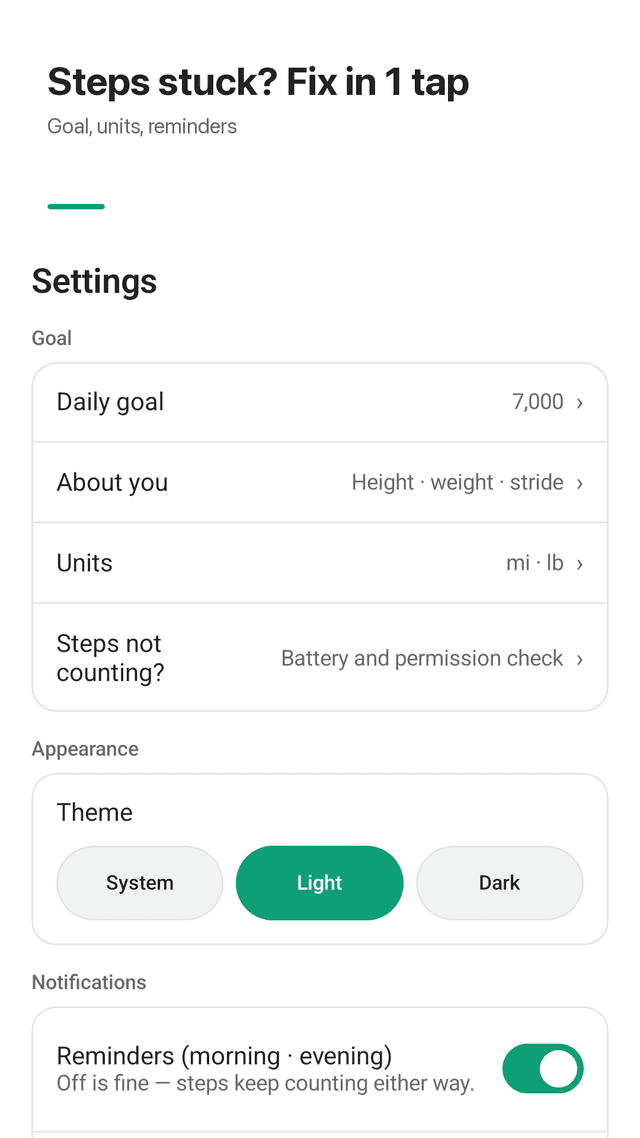
- Many pedometer apps count steps themselves while they are running, so when Android pauses them to save battery, counting stops. Walkmint reads the phone's hardware step counter instead, which keeps counting on its own. If a phone still delays updates, Settings → "Steps not counting?" opens the battery and permission checks in one place.
- Does Walkmint count steps if the app is closed?
- Yes, as long as physical activity access is allowed and your phone has a step sensor. The sensor keeps its own running total, and Walkmint reads it the next time it syncs.
- Does it drain the battery?
- Walkmint uses no GPS and no location. It reads a sensor that phones keep running for step counting anyway, and syncs about every 15 minutes.
- Why are my steps different from another app or my watch?
- Every device estimates steps from motion, and they disagree a little, especially when the phone sits in a bag or a hand that is not swinging. Treat the number as an everyday estimate rather than an exact measurement.
- How many steps a day should I aim for?
- There is no single right number. Walkmint lets you start at 5,000, 7,000 or 10,000 and change it any time. Our guide on 7,000 versus 10,000 steps summarises what published research says.
- Do I need to turn on notifications?
- No. Morning and evening reminders are optional, and your steps keep counting either way.
- Does it need an account or my location?
- No account and no location permission. The only permission is physical activity, which Android requires to read the step sensor.
- Is Walkmint free?
- Yes. Every feature is free and the app is supported by ads.
Coming soon to Google Play
Guides
Walkmint is a step counter (pedometer) for Android. It reads the phone's built-in step sensor so steps count with the screen off, shows steps left to a daily goal, and keeps history on the phone. No account, no GPS. It is not a medical device; steps, distance and calories are estimates. Supported by ads.