
When was the last feed? One glance, even at 3 a.m.
Nightfeed is a newborn tracker for feeds, diapers, sleep and pumping. The home screen shows the time since the last feed, how long each side took and which side comes next, in numbers you can read half asleep. Everything else is one tap, and every entry can be fixed.
Get it on Google Play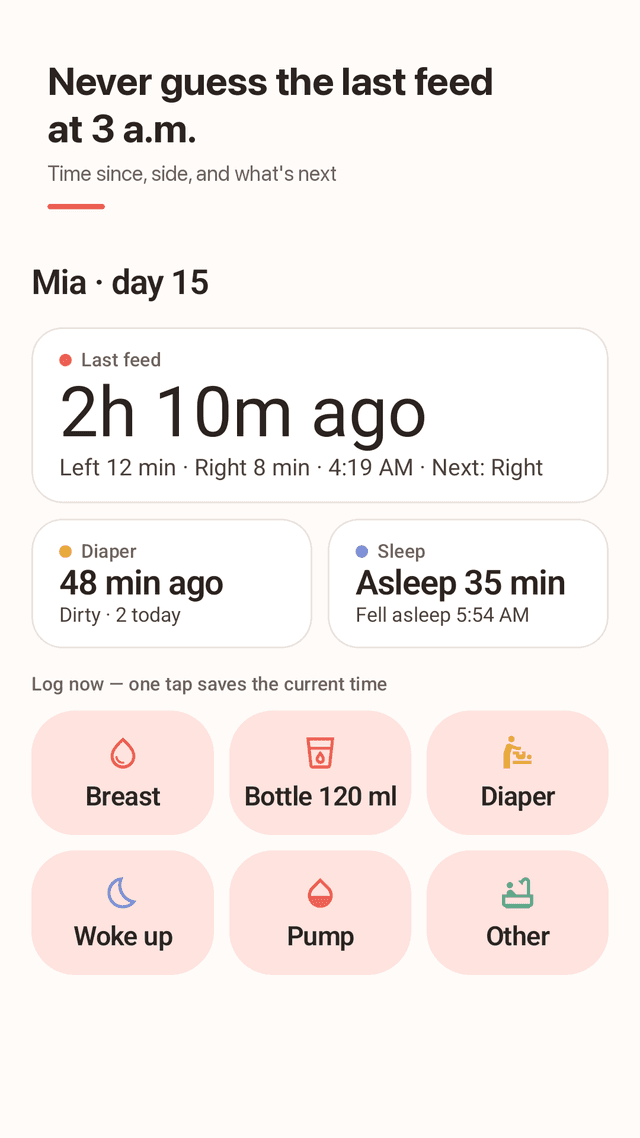
Time since the last feed, in big numbers
The top of the home screen answers the one question you ask all night: how long ago did the baby eat, for how long on each side, and at what time.
Which side is next
Nightfeed remembers the side you ended on and tells you where to start. No more guessing between left and right.
Breastfeeding timer that survives the screen turning off
Tap left or right to start, tap the other side to switch. The running time sits in your notifications while you nurse in the dark.
One-tap bottle, diaper and sleep
A bottle saves your usual amount at the current time. Diapers take one more tap for wet, dirty, mixed or dry. Sleep starts and stops with a single button.
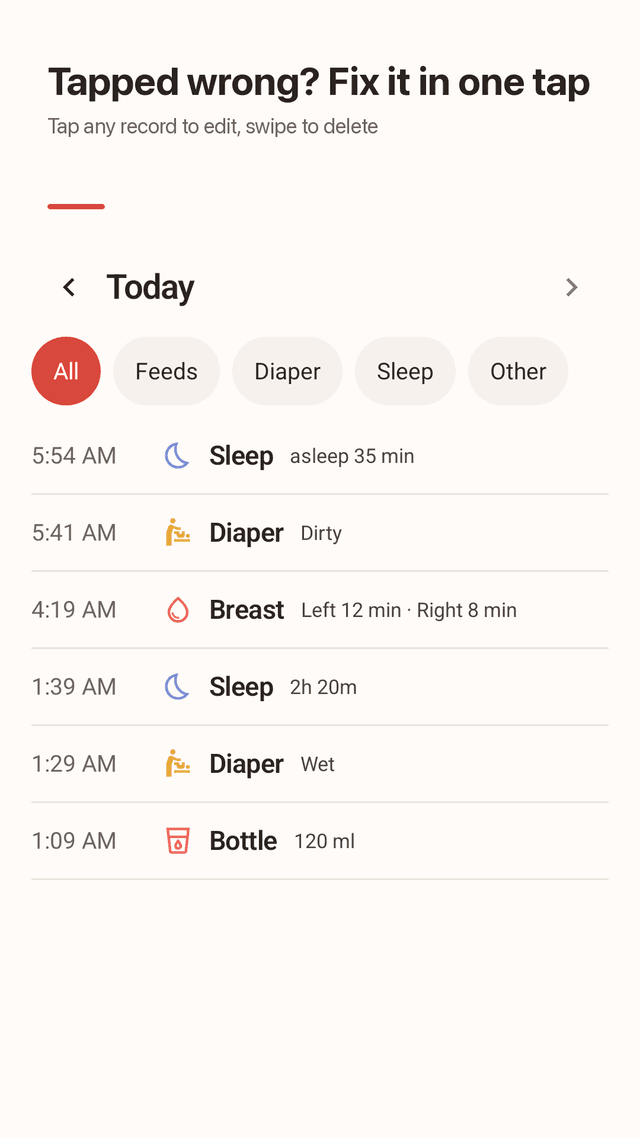
Fix anything, undo anything
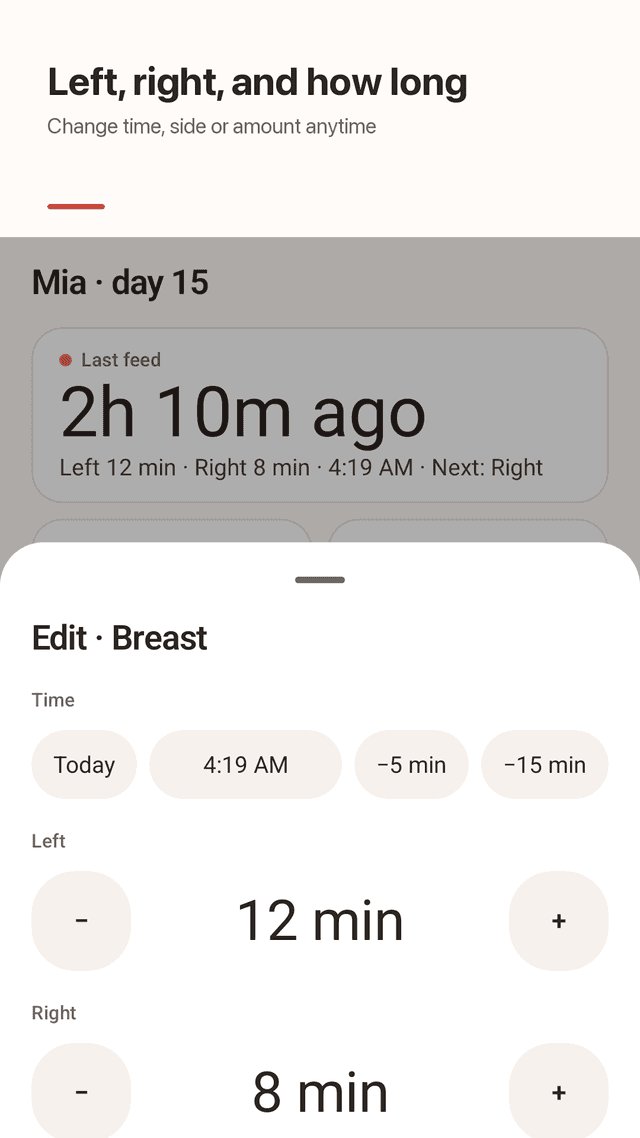
Tapped the wrong button? Undo is right on screen. Tap any record to change time, side or amount, or swipe it away.
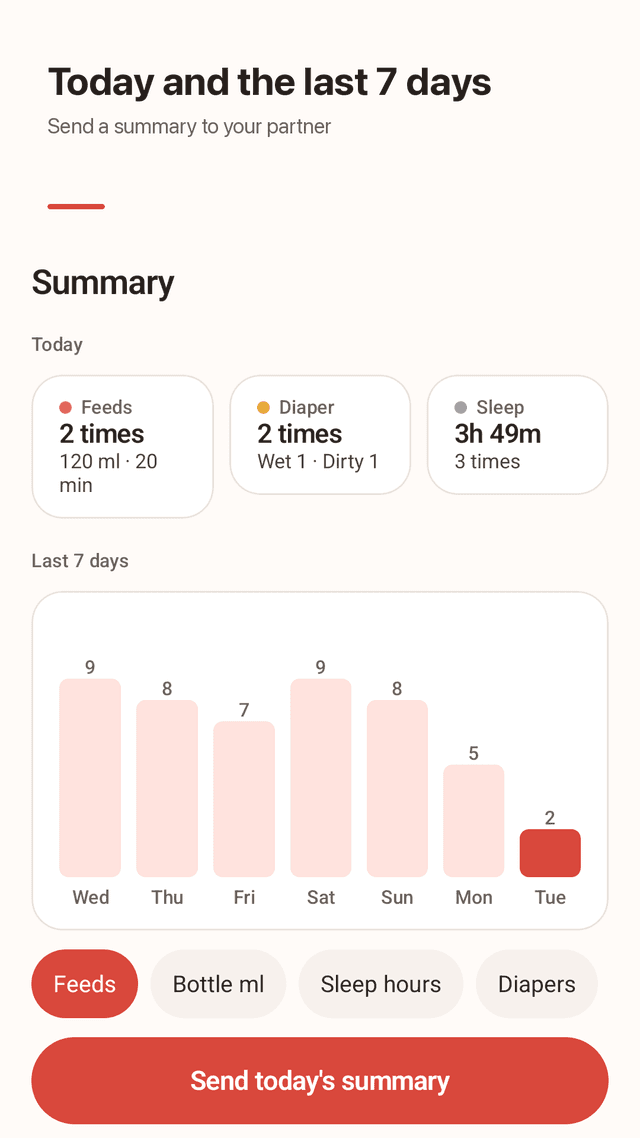
Today and the last 7 days
Totals for feeds, ml or oz, wet and dirty diapers and hours of sleep, plus a 7-day chart. No paywall on charts.
Shift-change summary for your partner
Send one short text: last feed and side, last diaper, whether the baby is asleep, and today's totals.
Stays on your phone
No account and no sign-up. Back up to one file for a new phone, or export a CSV for the pediatrician.
FAQ
- How do I remember which side I breastfed on last?
- Use the breastfeeding timer. Nightfeed stores the side you finished on and shows "Next: Right" (or Left) on the home screen and the widget.
- I forgot to log a feed. Can I add it later?
- Yes. Open Timeline, tap +, pick the type and set the time, including a past day. You can also start a timer and tap "Started 5 min earlier".
- How do I edit or delete a wrong entry?
- Tap the entry to open it, change the time, side or amount, and save. To delete, swipe it left on the Timeline or tap Delete; Undo appears for a few seconds.
- Does the nursing timer keep running with the screen off?
- Yes. The time is calculated from when you started, so it stays correct even if the phone sleeps. It also shows in your notifications.
- Can my partner and I share the log?
- Nightfeed keeps records on one phone and doesn't sync. At shift change, send today's summary from the Summary tab as a text message.
- What happens to my records if I change phones?
- Settings → Back up to a file, move the file to the new phone, then Restore from a backup. Nothing is uploaded unless you do this yourself.
- Can I use ounces instead of ml?
- Yes, turn on ounces in Settings. Amounts and charts switch to oz.
- Is Nightfeed medical advice?
- No. It is a record-keeping tool. Share the CSV or summary with your pediatrician if you have questions about feeding or sleep.