The alarm that keeps ringing until you are actually awake.
Wakedrill is a mission alarm clock for Android. To stop the alarm you finish a short mission: math, shake, memory, type or walk. Every mission is included, nothing is locked behind a subscription, and the ringing screen never shows ads or purchase buttons. A few minutes after you dismiss, a re-sleep check makes sure you did not fall back asleep.
Get it on Google Play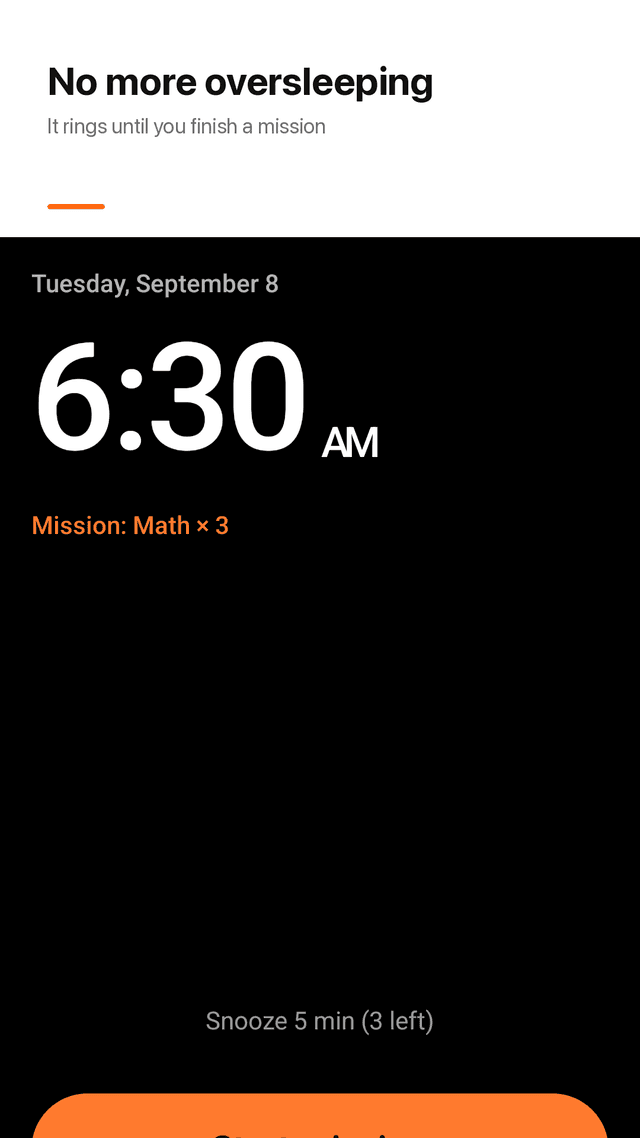
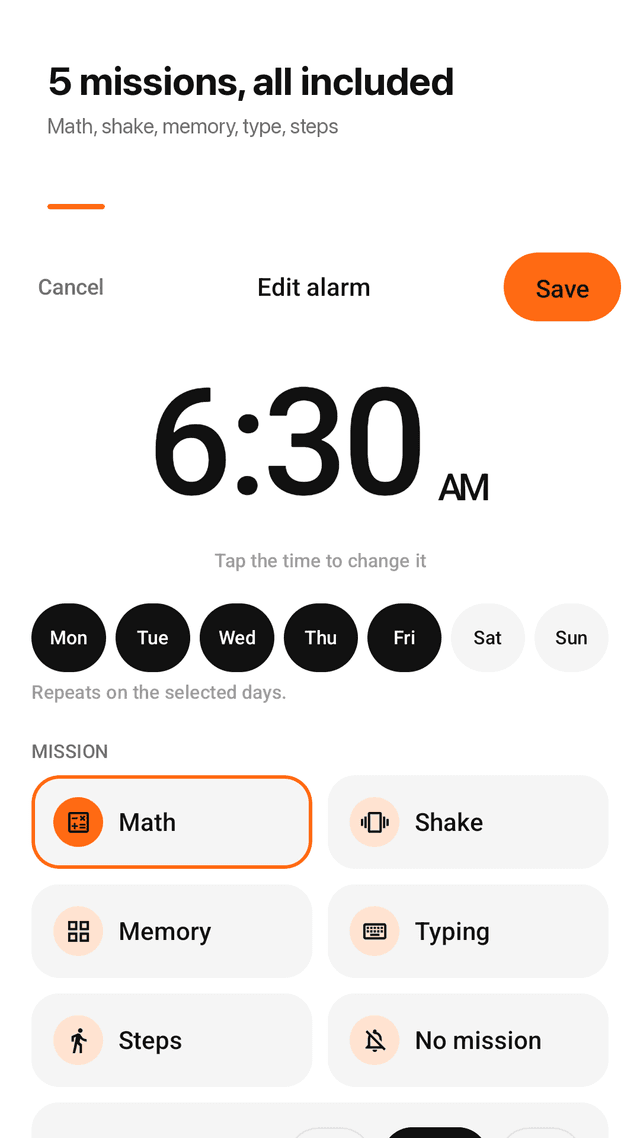
Five missions, all included
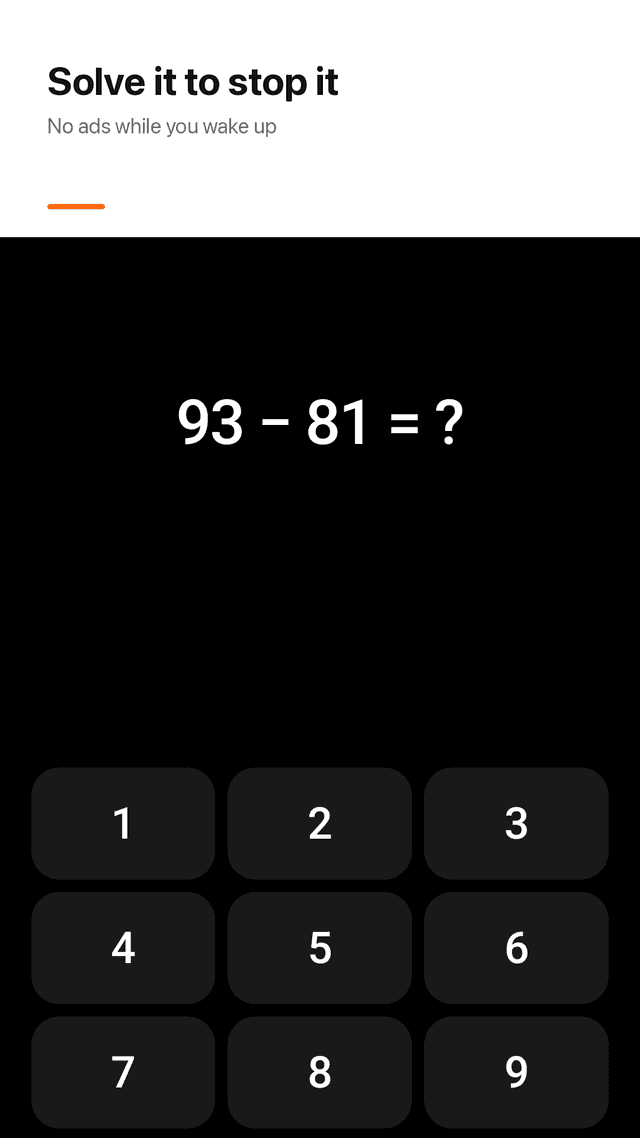
Math (1 to 5 problems), shake (10 to 60 times), memory grid (3×3 or 4×4), type a sentence, or walk a set number of steps. No mission is locked.
Rings on time
Exact alarms that ring over the lock screen and come back after you restart your phone.
Re-sleep check
A few minutes after you dismiss, Wakedrill asks if you are up. No answer, and the alarm rings again.
No ads on the alarm screen
The ringing and mission screens never show ads or purchase buttons, so there is nothing to tap by mistake half asleep.
Gets louder
Volume rises over 30 seconds, and rises again if you stop in the middle of a mission.
Snooze limit and no escape
Choose how many snoozes you get, and turn off the emergency exit if you know you will cheat.
Wake-up log and streaks
See when you got up and how long it took, a streak count and a monthly calendar. Share your streak as an image card.
Widget and test alarm
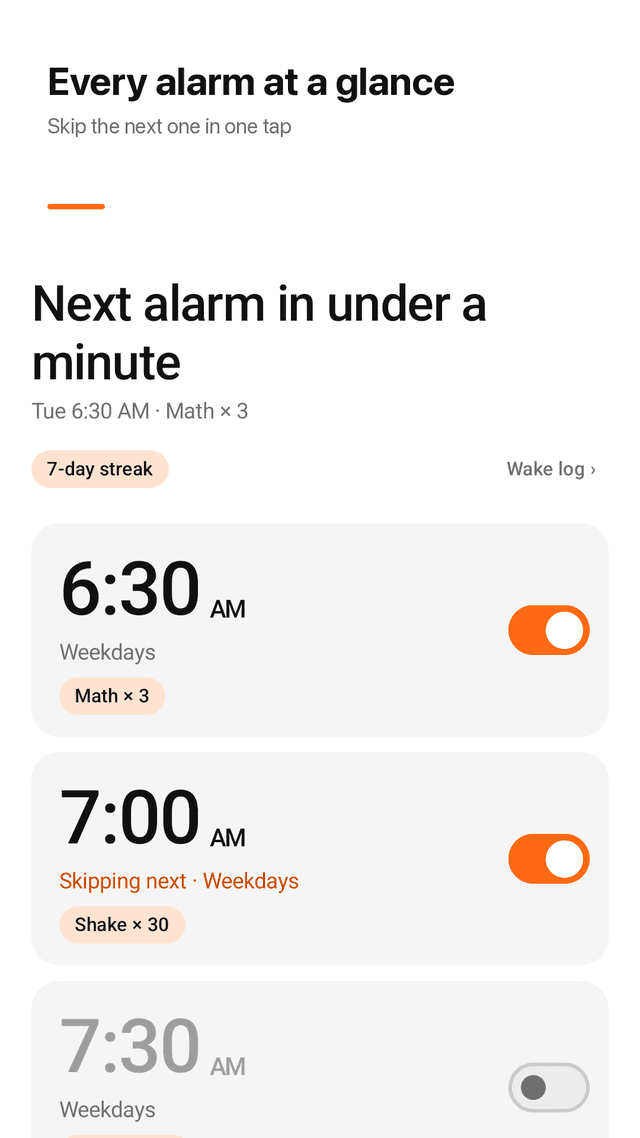
Skip the next alarm once from the home screen widget, and try a test alarm that rings 10 seconds later.
FAQ
- I'm a heavy sleeper. Will this actually wake me up?
- The alarm keeps ringing until you finish a mission, and the sound gets louder over 30 seconds. After you dismiss, a re-sleep check rings again if you do not confirm you are up.
- What if the alarm doesn't even ring?
- Wakedrill uses exact alarms that ring over the lock screen and are restored after a reboot. Use the test alarm (rings in 10 seconds) to check your settings before you rely on it.
- Is the free tier limited to math?
- No. Math, shake, memory, type and walk missions are all included. Nothing is locked behind a subscription.
- Will I tap an ad or a purchase button half asleep?
- No. The ringing screen and mission screens show no ads and no purchase buttons.
- I turn off the alarm and go back to sleep. Can it stop that?
- Yes. Turn on the re-sleep check: a few minutes after you dismiss, Wakedrill asks if you are awake and rings again if you don't answer. You can also turn off the emergency exit and limit snoozes.
- Do I need 50 pages of setup or an account?
- No. There is no account or login. Set a time, pick a mission, done. Your alarms stay on your phone.
- Can I skip tomorrow's alarm just once?
- Yes. Skip the next alarm once from the app, the notification or the home screen widget.
- Can I see how I've been waking up?
- Yes. The wake-up log shows when you got up and how long the mission took, with a streak and a monthly calendar.