
Reminders that actually ring
Write what you don't want to forget, tap a time, done. Pingday alerts you with sound and vibration using on-time alarms, and you can mark it done or snooze it straight from the notification. Repeats are free, there is no account, and your reminders stay on your phone.
Get it on Google Play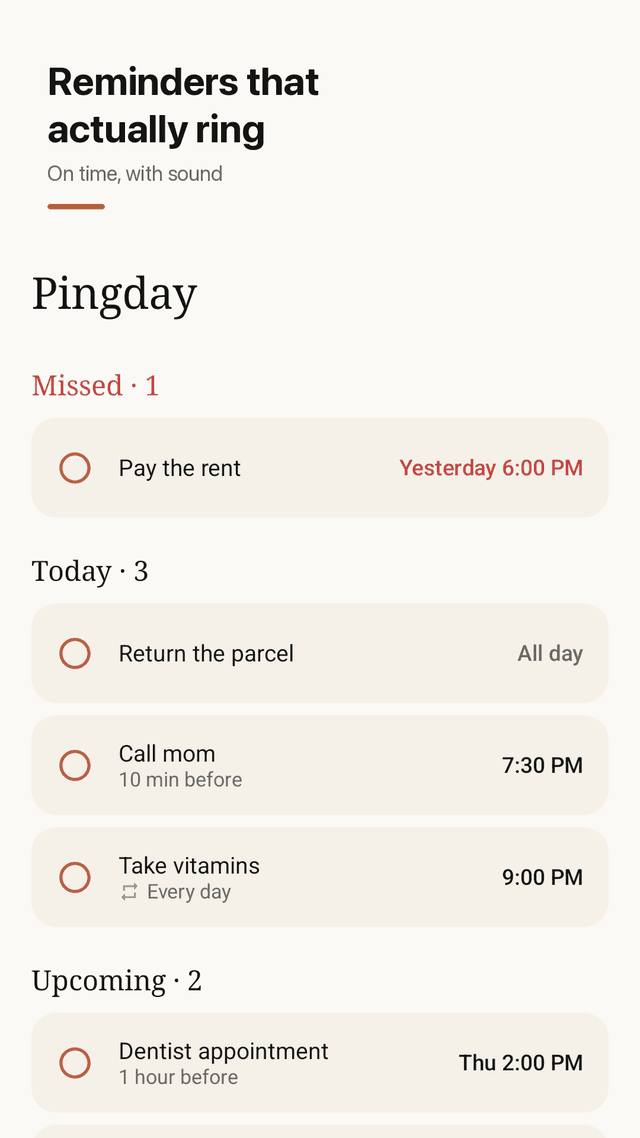
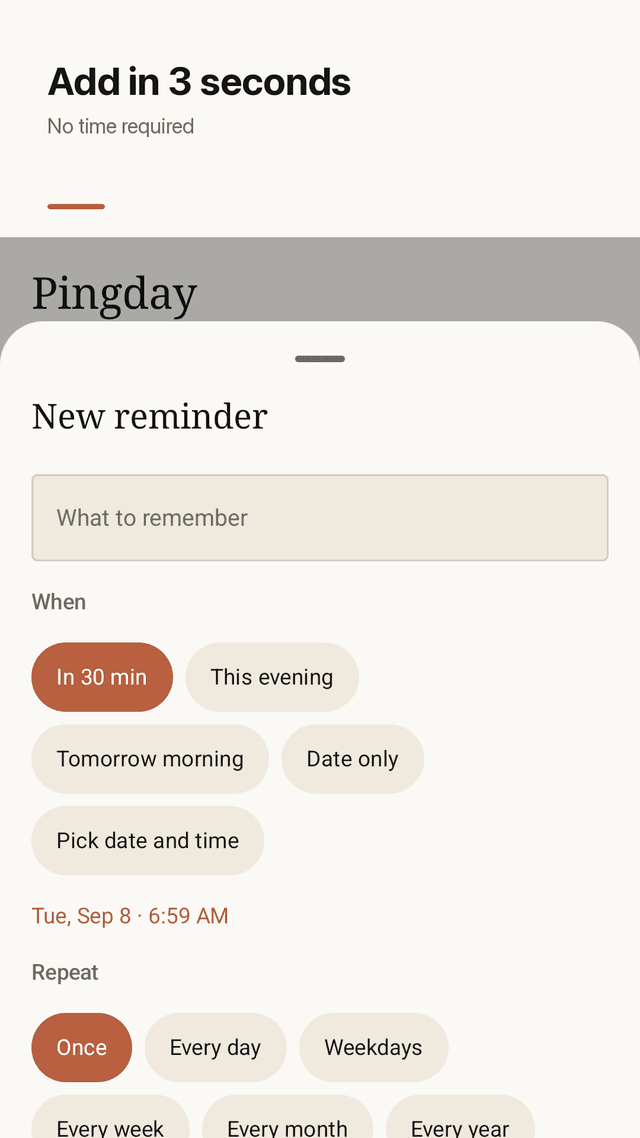
Add in 3 seconds
Quick chips: in 30 minutes, this evening, tomorrow morning. Or pick any date and time.
No time required
Some things just need a day. Choose “Date only” for an all-day reminder.
On-time alarms
Exact alarms fire at the minute you chose, with sound and vibration on by default.
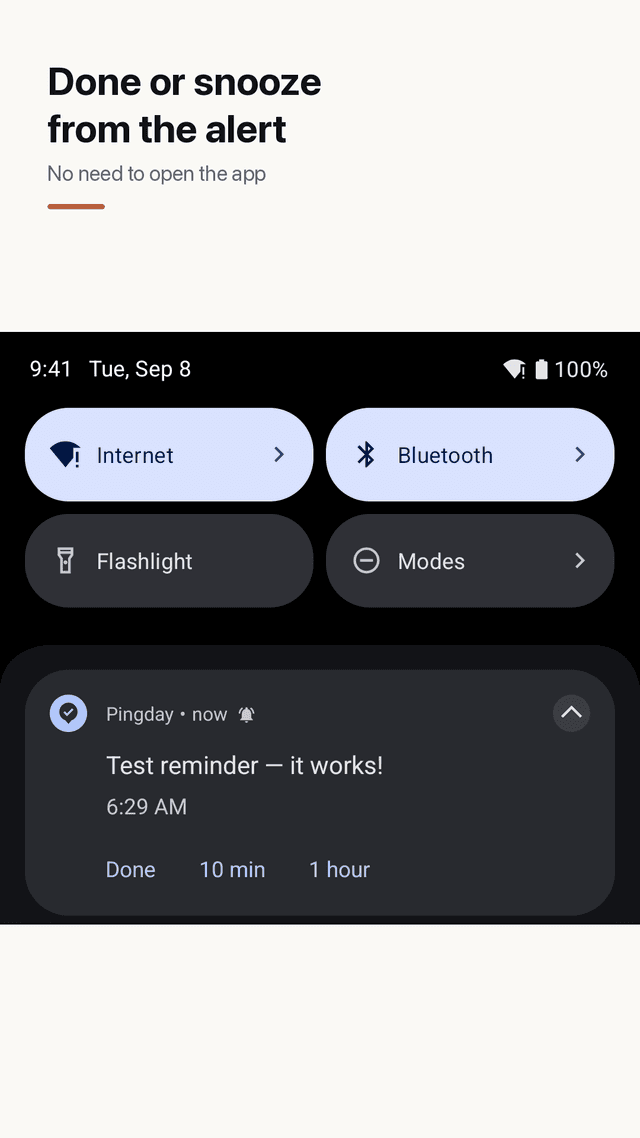
Done or snooze from the alert
Done, 10 minutes or 1 hour right in the notification. No need to open the app.
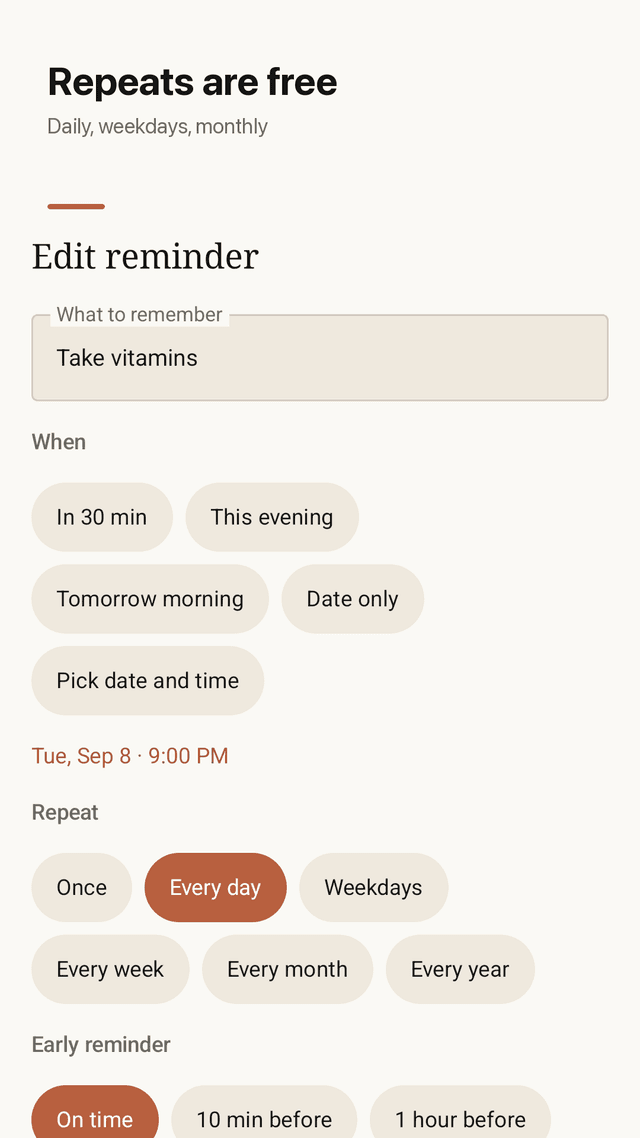
Free repeats
Every day, weekdays, every week, every month, every year. Nothing behind a paywall.
Early reminders
Get a heads-up 10 minutes, 1 hour or 1 day before.
Missed, Today, Upcoming
See your day at a glance and move a missed reminder to tomorrow in one tap.
Home screen widget
Today's reminders on your home screen. Tick one off without opening the app.
FAQ
- My reminder app doesn't make a sound. Does Pingday ring?
- Yes. Reminders use a high-priority channel with sound and vibration, and there is a “Send a test reminder” button in Settings to check.
- Why do reminders arrive late on some phones?
- Android can delay alarms to save battery. Pingday uses exact alarms; if your phone asks, allow “Alarms & reminders” for Pingday and reminders fire on time.
- Are weekly and monthly repeats free?
- Yes. Every repeat option is free: daily, weekdays, weekly, monthly and yearly.
- Do I have to enter a time?
- No. Choose “Date only” and the reminder is all-day; you get a notification in the morning.
- What happens if I miss a daily reminder?
- You choose per reminder: keep it in Missed until you do it, or skip to the next day automatically.
- Can I tick reminders off from the widget?
- Yes. Tap the circle next to a reminder on the widget and it is marked done without opening the app.
- Will my reminders come back after I restart my phone?
- Yes. Pingday re-schedules reminders after a restart or a time zone change.
- Do I need an account?
- No. There is no sign-up. Reminders stay on your phone, and completed ones are kept until you clear them.